QR Codes: Print vs Digital Applications and Best Practices
Understand the differences between QR codes for print and digital media. Learn format requirements, use cases, and optimization strategies for each.

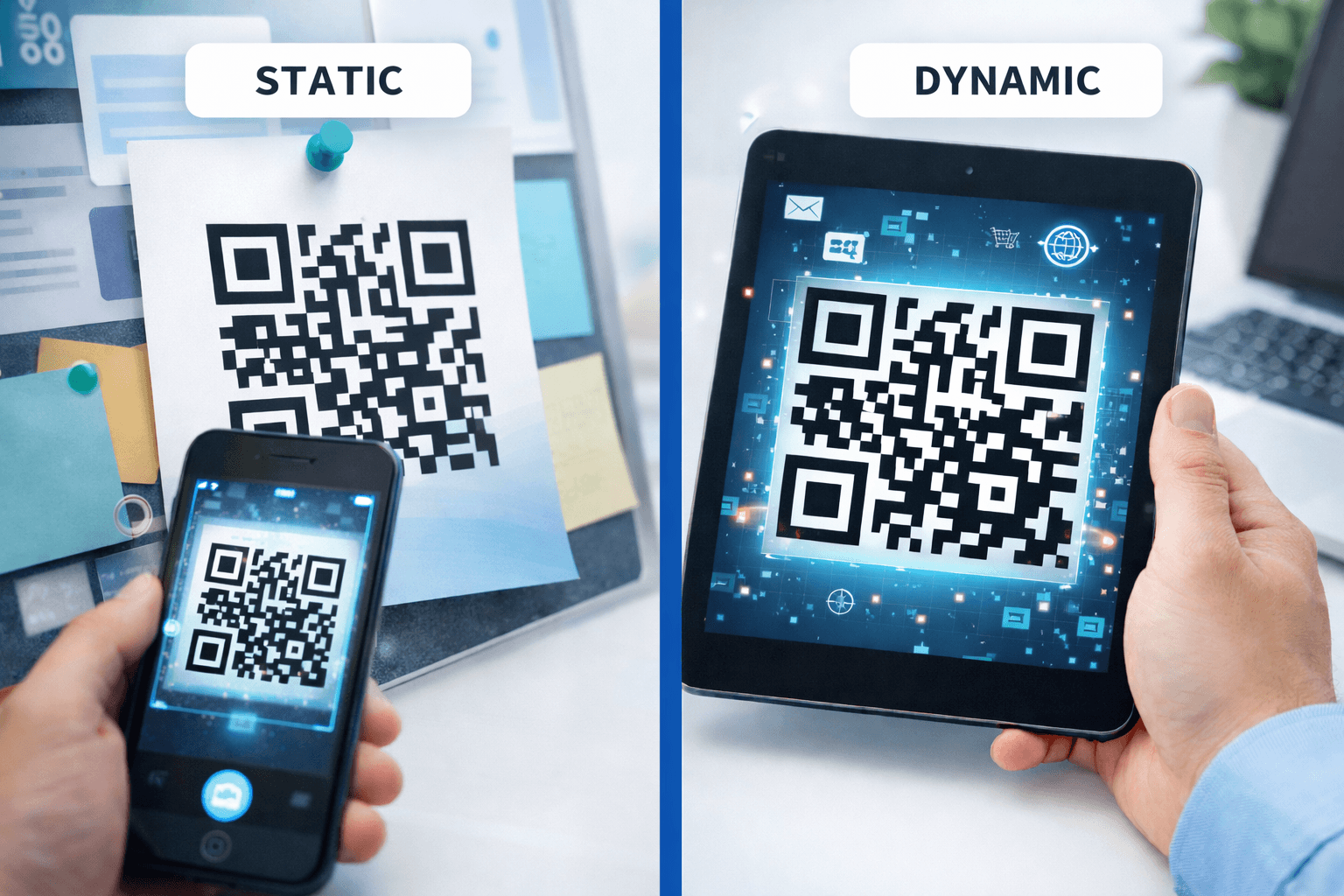
QR codes appear in both print and digital contexts, but the requirements for each are different. A code that works perfectly on screen might fail when printed, and digital-specific features don't apply to physical media.
This guide covers the technical and strategic differences between print and digital QR code applications.
Fundamental Differences
Print and digital have distinct characteristics:
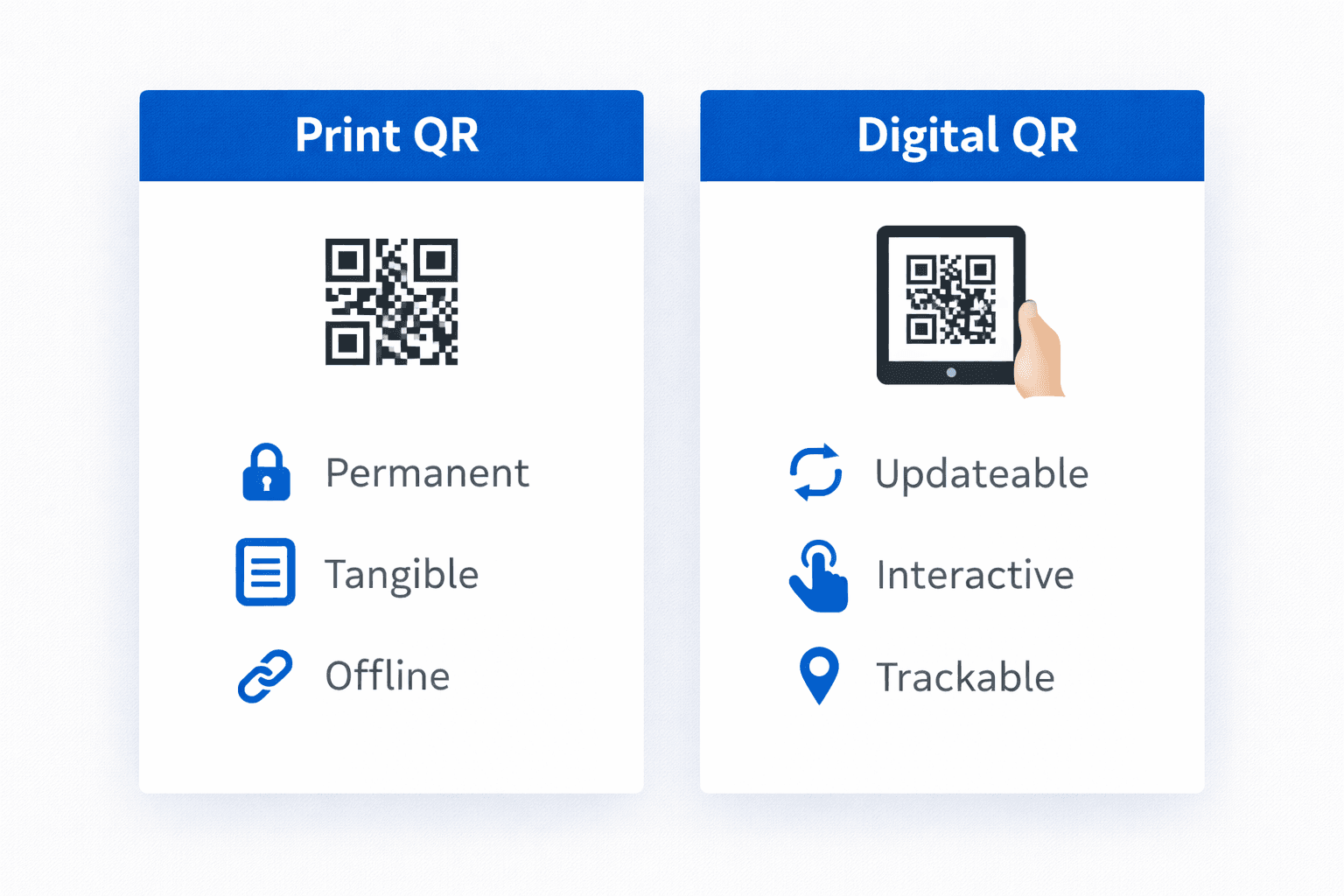
Print QR codes: - Fixed once produced - Size determined at creation - Must account for print quality/degradation - No hover states or interactivity - Physical environment affects scanning - Higher commitment once distributed
Digital QR codes: - Can be updated anytime - Responsive sizing possible - Perfect reproduction every time - Can include interactive elements - Controlled viewing environment - Easy to test and modify
Overlapping considerations: - Both need sufficient contrast - Both must link to mobile-optimized content - Both benefit from clear calls-to-action - Both should use dynamic codes when flexibility is needed
Print-Specific Requirements
Get print QR codes right:
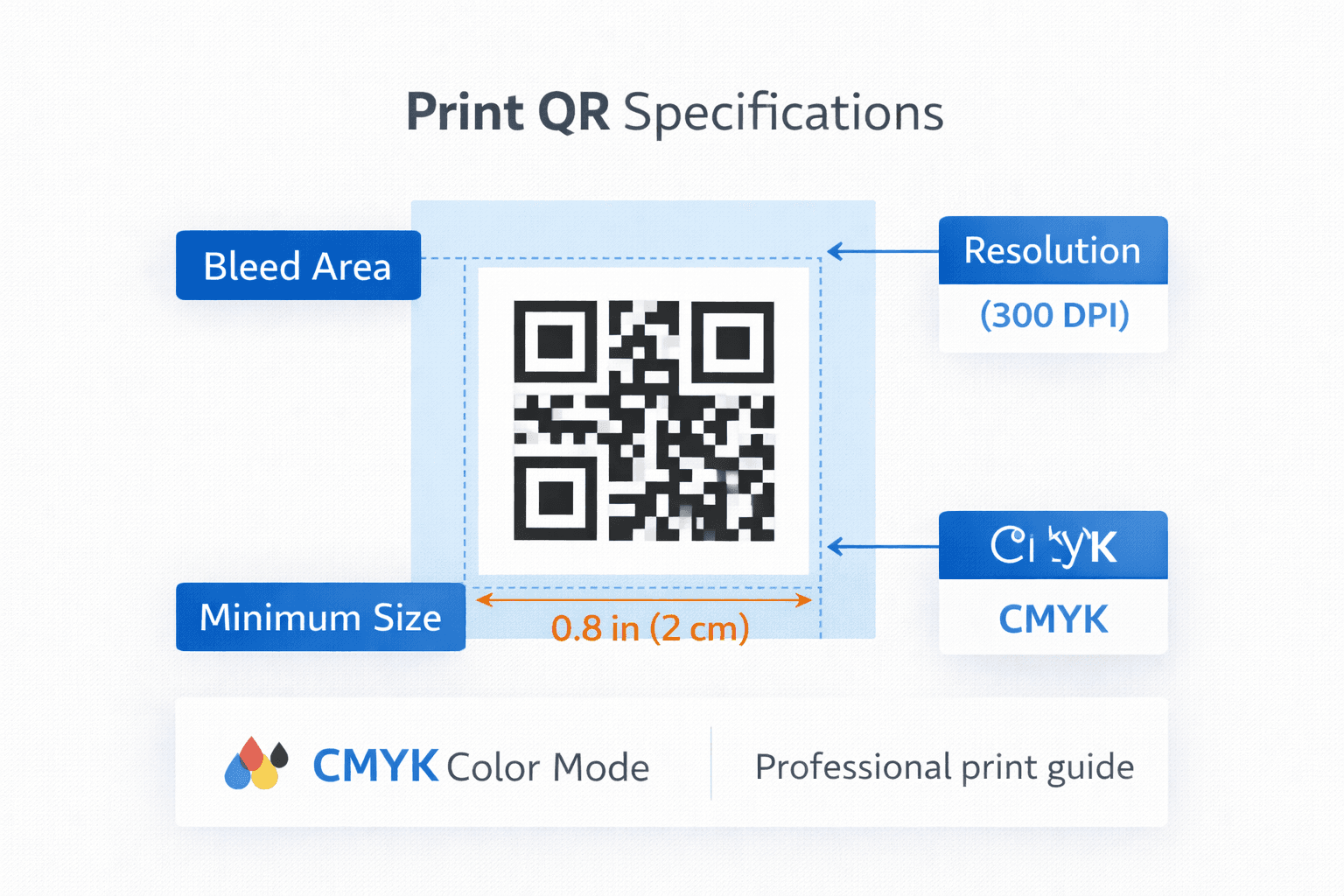
File formats: - Vector preferred: SVG, PDF, EPS - If raster required: PNG at 300+ DPI - Never: Compressed JPG
Size calculations: Apply the 10:1 distance rule: - Business cards: 2cm minimum (10-20cm scanning distance) - Flyers: 2.5-3cm (arm's length scanning) - Posters: 5cm+ (depends on viewing distance) - Billboards: Calculate based on typical approach
Print considerations: - CMYK color mode for offset printing - Account for dot gain (colors spread slightly) - Test on actual paper stock - Consider lamination/coating effects on scanning - Verify quiet zone isn't trimmed in cutting
Material-specific notes: - Matte finishes scan more reliably than gloss - Textured papers may require larger codes - Metallic or specialty inks require testing - Outdoor materials need UV-resistant printing
Pro Tip
Always print a proof and test scanning before approving a full print run. Print quality varies by equipment and materials.
Digital-Specific Considerations
Optimize QR codes for screens:
File formats: - SVG for web (scalable, small file size) - PNG for applications requiring raster - Consider responsive sizing
Screen display: - RGB color mode - Ensure code is large enough on smallest target device - Test on actual screens, not just design previews - Consider screen brightness and glare
Email-specific: - Embed as image, not linked (security filters may block) - Include alt text for accessibility - Size for mobile email clients - Test in multiple email clients
Social media: - Ensure code isn't cropped by platform - Account for compression effects - Use high contrast (compression amplifies low contrast issues) - Test actual posted version, not source file
Presentations and video: - Display long enough for scanning (5+ seconds) - Account for projection quality - Consider viewing distance in meeting room - Test with audience-representative devices
Use Cases: Print
Common print applications and their requirements:
Business cards: - Size: 2 x 2 cm (minimum) - Purpose: vCard, LinkedIn, portfolio - Format: Vector for professional printing - Tip: Place on back to maximize front design space
Product packaging: - Size: 1.5-3 cm depending on package - Purpose: Product info, registration, recipes - Format: Vector at print resolution - Tip: Test on actual packaging material
Marketing collateral: - Size: 2.5-5 cm depending on piece - Purpose: Landing pages, offers, content - Format: Vector, embedded in design file - Tip: Unique codes per distribution channel
Outdoor/signage: - Size: Calculated by viewing distance - Purpose: Information, promotions, wayfinding - Format: Vector at any scale - Tip: Weather-resistant printing essential
- Always use vector formats for print
- Test on actual materials before full production
- Account for viewing distance in size calculations
- Consider environmental factors (weather, lighting)
- Include clear call-to-action near code
- Use dynamic codes to enable updates
Use Cases: Digital
Common digital applications and their requirements:
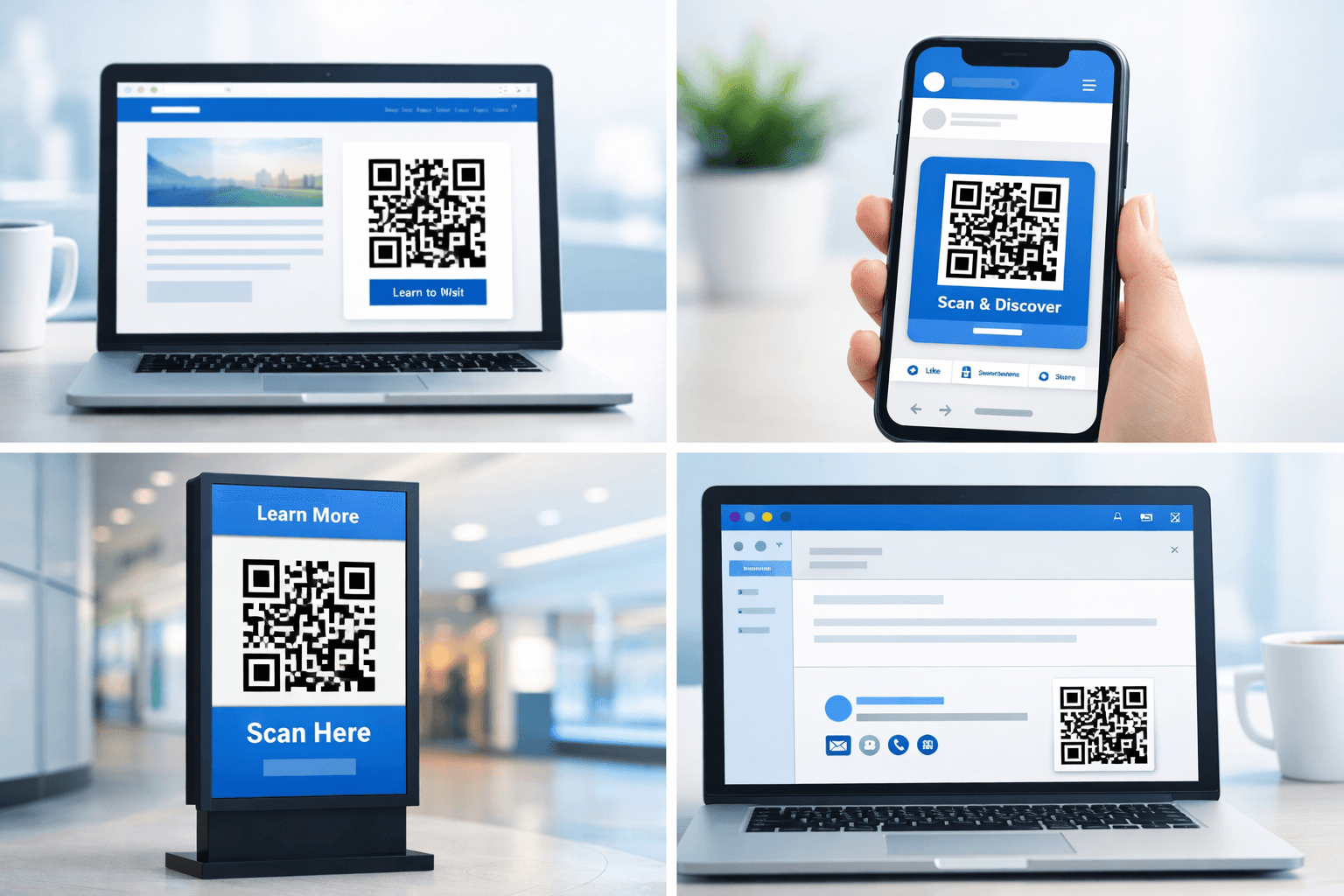
Websites: - Size: Responsive, minimum 150px on mobile - Purpose: App downloads, form fills, payments - Format: SVG preferred for scalability - Tip: Include scanning instructions for desktop viewers
Email marketing: - Size: Fixed 200-250px typically - Purpose: Offers, event details, feedback - Format: PNG for broad compatibility - Tip: Provide clickable link alternative
Social media: - Size: Large enough to survive compression - Purpose: Profile links, promotions, contests - Format: High-quality PNG - Tip: Test after platform processes image
Digital signage: - Size: Calculate by typical viewing distance - Purpose: Information, offers, wayfinding - Format: Based on display system requirements - Tip: Dynamic QR codes enable scheduled content changes

Hybrid Approaches
When print and digital work together:
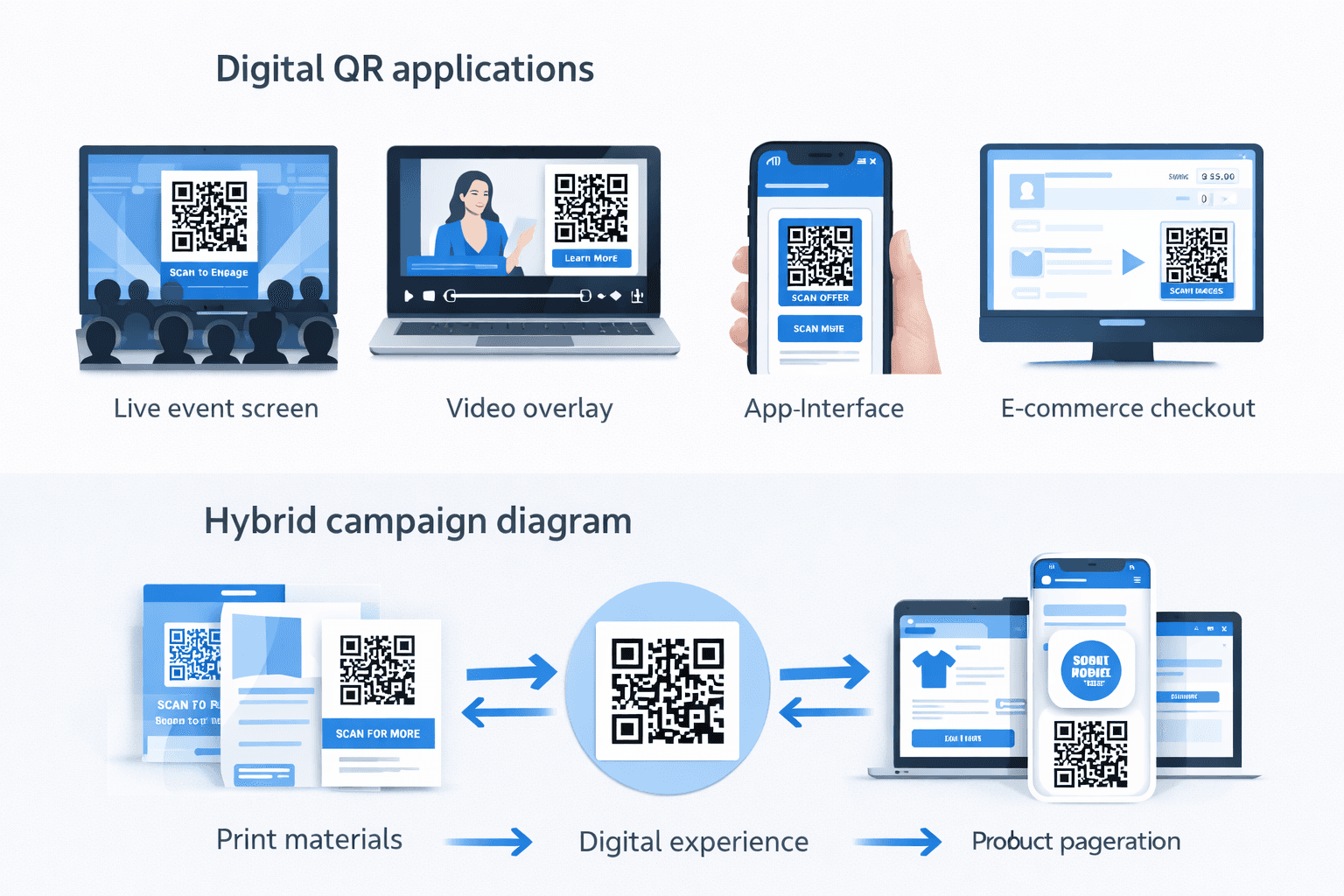
Print driving digital engagement: - Magazine ad → landing page → email capture - Product packaging → registration → digital receipt - Direct mail → personalized offer → online purchase
Digital driving physical action: - Email ticket → QR code → event entry - App loyalty → QR display → in-store redemption - Website purchase → email QR → pickup confirmation
Consistent branding: - Same QR design across print and digital - Unified color scheme - Consistent call-to-action language - Coordinated campaign tracking
Cross-channel measurement: - Unique codes for print vs. digital instances - Centralized analytics dashboard - Attribution modeling across channels - Combined ROI calculation
Common Cross-Platform Mistakes
Errors that occur when moving between print and digital:
Mistake: RGB for print *Problem:* Colors shift when converted to CMYK *Solution:* Design in CMYK for print, RGB for digital
Mistake: Low resolution for print *Problem:* Blurry, unscannable codes *Solution:* Use vector or 300+ DPI raster for print
Mistake: Print sizes for screens *Problem:* Codes appear tiny on mobile devices *Solution:* Calculate screen sizes separately from print
Mistake: Same code, no tracking differentiation *Problem:* Can't tell which channel drives results *Solution:* Unique dynamic codes per channel/placement
Mistake: Not testing in actual context *Problem:* Works in design, fails in reality *Solution:* Test print proofs and actual screen displays
Important
The most common cross-platform mistake is exporting print codes at screen resolution (72 DPI). Always verify resolution before sending to print.
Checklist by Application
Quick reference for common uses:
Print checklist: - [ ] Vector format (SVG, PDF, EPS) - [ ] CMYK color mode - [ ] 300+ DPI if raster required - [ ] Size calculated for viewing distance - [ ] Tested on actual materials - [ ] Quiet zone preserved in layout - [ ] Dynamic code if updates possible
Digital checklist: - [ ] RGB color mode - [ ] SVG or optimized PNG - [ ] Sized for smallest display target - [ ] Tested on actual devices/platforms - [ ] Alternative access provided (text link) - [ ] Analytics tracking configured - [ ] Load tested for traffic
Both: - [ ] Minimum 4:1 contrast ratio - [ ] Mobile-optimized destination - [ ] Clear call-to-action - [ ] Dynamic code for flexibility - [ ] Tested before launch
Conclusion
Print and digital QR codes share core principles but require different implementation approaches. Print demands attention to resolution, size, and physical production factors. Digital offers more flexibility but still requires careful attention to display context and cross-device compatibility.
The key to success in both media: understand the specific requirements of your application, test in realistic conditions, and always ensure the destination content provides a great mobile experience.
Whether print, digital, or both, QR codes work best when treated as bridges—connecting the context where you have attention to the digital experience where you can deliver value.
Ready to Create Your Own QR Codes?
Start creating dynamic QR codes for your business today. Track analytics, update content anytime, and never reprint again.
Related Articles
QR Code Size Guide: What Size Should Your QR Code Be for Printing?
Learn the exact minimum QR code sizes for business cards, posters, billboards, and product packaging. Includes a distance-to-size calculator and real-world examples.

Creating Accessible QR Codes: A Guide to Inclusive Design
Make your QR codes accessible to everyone. Learn about color contrast, sizing, alternative access methods, and designing for users with disabilities.

15 Common QR Code Mistakes and How to Avoid Them
Learn from others' errors. Discover the most common QR code mistakes in design, placement, content, and tracking—and how to prevent them.