15 Common QR Code Mistakes and How to Avoid Them
Learn from others' errors. Discover the most common QR code mistakes in design, placement, content, and tracking—and how to prevent them.


QR codes are simple in concept but easy to implement poorly. A broken QR code wastes marketing spend, frustrates customers, and reflects poorly on your brand. Worse, these mistakes are often discovered only after thousands of materials are printed.
This guide covers the 15 most common QR code mistakes, why they happen, and how to avoid them.
Design Mistakes
Visual decisions that break functionality:
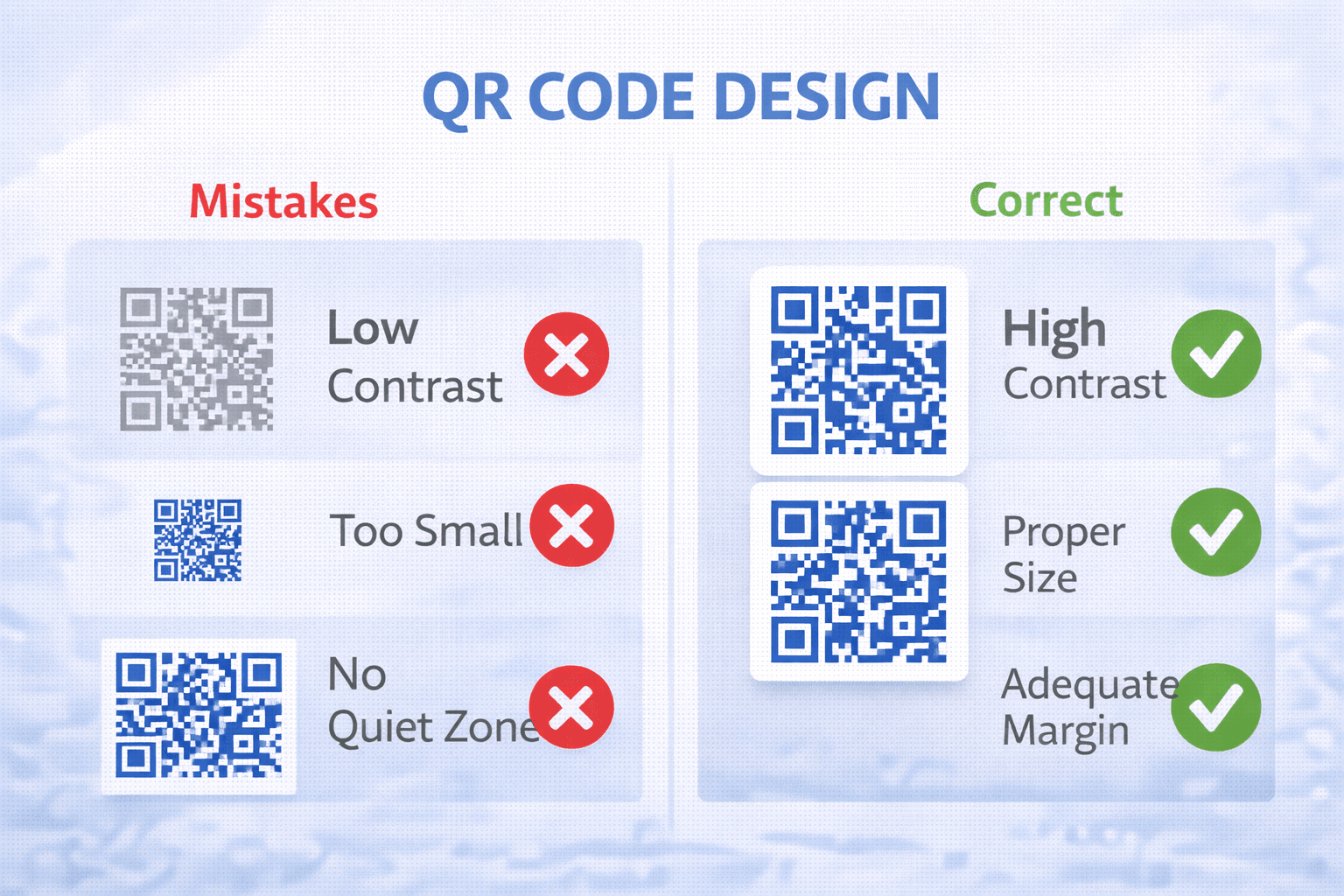
Mistake #1: Insufficient Contrast *What happens:* Scanners can't distinguish modules from background. *The cause:* Using brand colors without checking contrast ratios. *The fix:* Maintain minimum 4:1 contrast. Test with contrast checker tools. When in doubt, use darker colors on lighter backgrounds.
Mistake #2: Customizing Finder Patterns *What happens:* Scanners can't locate the QR code. *The cause:* Designers modify the three corner squares for aesthetic reasons. *The fix:* Never change finder pattern shape or color. Customize data modules only.
Mistake #3: Oversized Logo *What happens:* Too much data is obscured, code fails to scan. *The cause:* Logo covers more than error correction can handle. *The fix:* Use Level H error correction. Keep logos under 25% of code area. Test extensively.
Mistake #4: Low Print Resolution *What happens:* Blurry modules blend together when printed. *The cause:* Exporting in low-resolution raster formats. *The fix:* Use vector formats (SVG, PDF, EPS). If raster required, export at minimum 300 DPI.
Size and Placement Mistakes
Physical implementation errors:
Mistake #5: Too Small *What happens:* Scanners struggle to read modules, especially in poor lighting. *The cause:* Underestimating scanning distance or ignoring size guidelines. *The fix:* Follow the 10:1 ratio (10cm distance : 1cm minimum code size). When uncertain, go larger.
Mistake #6: Inadequate Quiet Zone *What happens:* Scanner can't determine code boundaries. *The cause:* Placing design elements too close to code edge. *The fix:* Maintain 4-module (roughly 4x module width) clear margin on all sides.
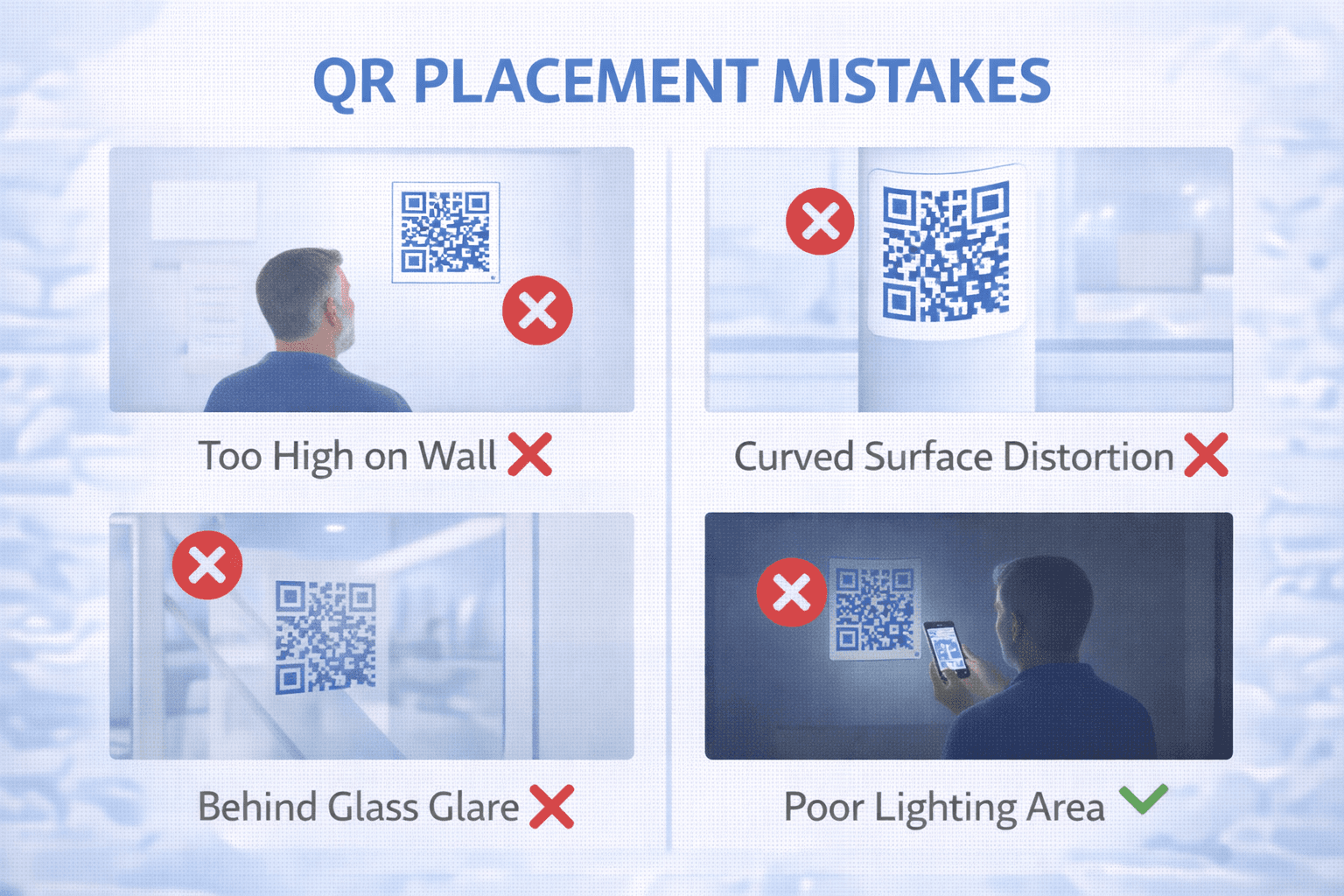
Mistake #7: Poor Placement Location *What happens:* Users can't see or can't reach the QR code. *The cause:* Afterthought placement without considering user experience. *The fix:* Plan placement early. Consider: visibility, lighting, physical accessibility, scanning ergonomics.
Mistake #8: Reflective or Curved Surfaces *What happens:* Glare or distortion prevents successful scanning. *The cause:* Using glossy materials or placing on rounded surfaces without testing. *The fix:* Use matte finishes. Test on actual materials. Consider viewing angles.
Pro Tip
Always do a real-world test: print a sample, place it where you plan to use it, and have multiple people try to scan in realistic conditions.
Content and Destination Mistakes
What happens after the scan matters:
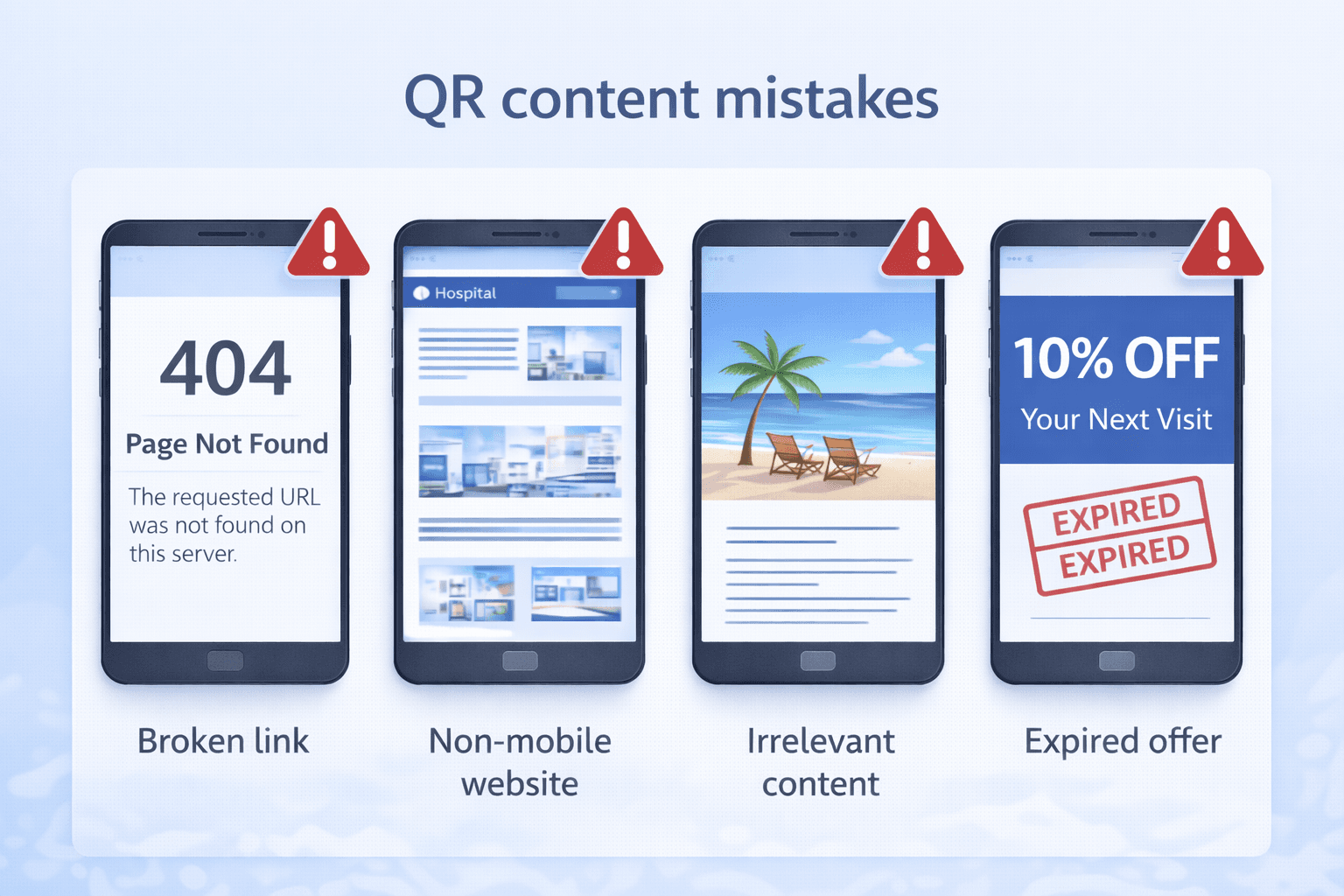
Mistake #9: Broken Links *What happens:* User scans to find 404 error or dead page. *The cause:* URL changed after printing, typos in URL, domain expired. *The fix:* Use dynamic QR codes. Test links before printing. Monitor link health.
Mistake #10: Non-Mobile-Optimized Pages *What happens:* User lands on desktop-formatted page that's unusable on phone. *The cause:* Linking to pages built for desktop viewing. *The fix:* Ensure all QR destinations are mobile-responsive. Test on actual phones.
Mistake #11: Slow Loading Pages *What happens:* User gives up waiting, abandons scan. *The cause:* Heavy pages, poor hosting, unoptimized images. *The fix:* Target sub-3-second load time. Optimize all destination content for mobile.
Mistake #12: Irrelevant Content *What happens:* User scans but gets content that doesn't match expectation. *The cause:* Generic destinations rather than scan-specific content. *The fix:* Create dedicated landing pages. Match content to context and promise.
Strategic Mistakes
Higher-level errors in QR strategy:
Mistake #13: No Call-to-Action *What happens:* Users see code but don't understand why they should scan. *The cause:* Assuming the QR code speaks for itself. *The fix:* Always include CTA text: "Scan for menu," "Scan to save 20%," etc.
Mistake #14: Using Static When Dynamic Is Needed *What happens:* Unable to fix errors, update content, or track performance. *The cause:* Choosing static to save costs or from lack of awareness. *The fix:* Use dynamic codes for anything printed at scale. The flexibility is worth the cost.
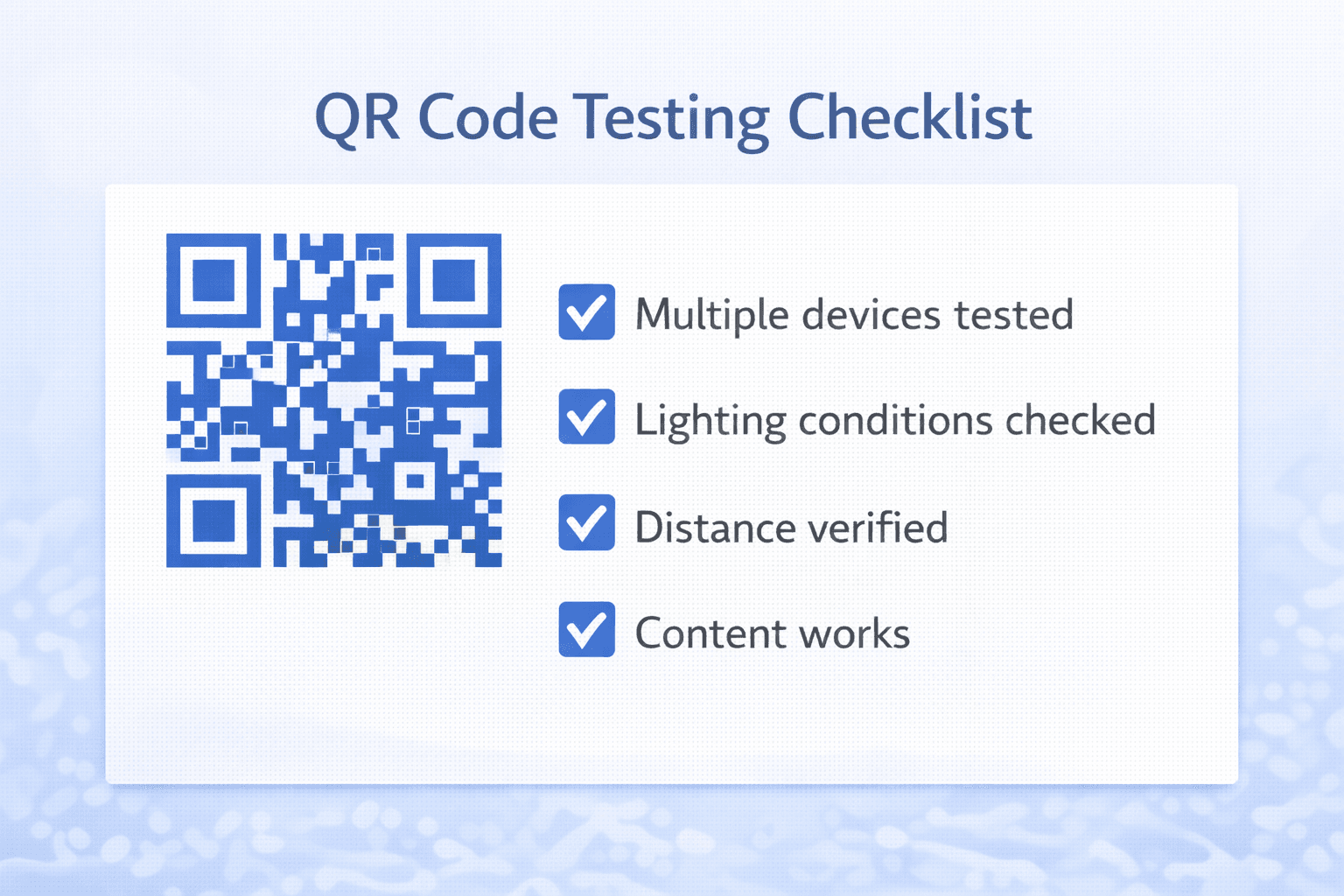
Mistake #15: Not Testing Across Devices *What happens:* Works on your phone, fails on customers' phones. *The cause:* Testing only on one or two devices. *The fix:* Test on multiple iOS and Android devices, various camera apps, different lighting conditions.
Important
The most expensive mistake is printing thousands of materials with a static QR code that has an error. Always use dynamic codes for large print runs.
Testing Checklist
Prevent mistakes with systematic testing:
Before finalizing design: - [ ] Contrast ratio meets minimum (4:1) - [ ] Finder patterns unchanged - [ ] Logo size appropriate (<25% area) - [ ] Error correction level sufficient
Before printing: - [ ] Printed sample at actual size - [ ] Scanned with 3+ different devices - [ ] Tested in expected lighting conditions - [ ] Destination URL correct and working - [ ] Mobile experience optimized
Before distribution: - [ ] Links verified working - [ ] CTA text clear and compelling - [ ] Placement location tested for accessibility - [ ] Backup plan for technical issues - [ ] Monitoring/analytics configured
After launch: - [ ] First scans verified in analytics - [ ] Destination pages monitored - [ ] User feedback mechanism in place - [ ] Schedule for periodic link verification
Recovery Strategies
What to do when mistakes happen:
For broken links (dynamic codes): 1. Fix the destination URL in your dashboard 2. All existing codes now work 3. Crisis averted with no reprinting
For broken links (static codes): 1. If possible, create redirect from broken URL 2. If domain available, point to correct destination 3. Otherwise, reprint is required
For design issues: 1. Evaluate severity (does it scan at all?) 2. If partially functional, consider leaving in place 3. If non-functional, reprint is necessary
For placement issues: 1. Add additional codes in better locations 2. Improve signage directing to codes 3. Relocate if physically possible
Damage control: - Communicate proactively if customers affected - Provide alternative access method - Document lessons learned for future projects
- Assess the severity and scope of the mistake
- Determine if dynamic redirect can solve the problem
- Implement the lowest-cost fix first
- Communicate with affected stakeholders
- Document the issue for future prevention
- Update processes to prevent recurrence
Prevention Processes
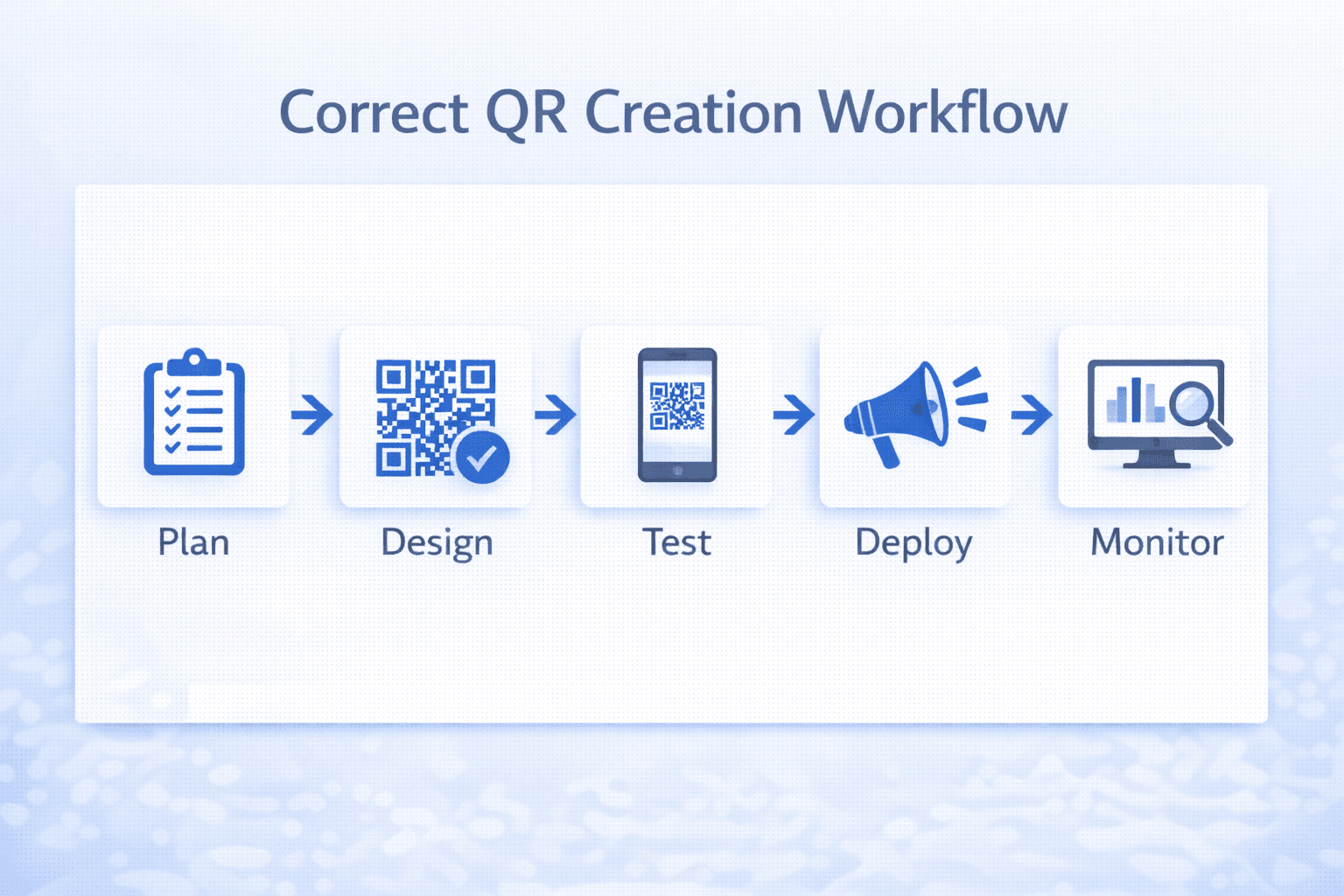
Build mistake prevention into your workflow:
For organizations: - Create QR code standards and guidelines - Establish review and approval process - Require testing certification before printing - Maintain checklist for each project - Post-mortem any issues for continuous improvement
For individuals: - Use templates with correct settings - Build testing into personal workflow - Maintain list of common mistakes to check - Get second-person review before finalizing
Tools and resources: - QR code contrast checkers - Multi-device testing simulators - Link monitoring services - Analytics dashboards - Version control for QR codes
Training: - Ensure designers understand QR code constraints - Train marketing teams on dynamic vs. static - Educate stakeholders on testing requirements - Share case studies of mistakes and lessons
Conclusion
Every mistake on this list has been made countless times by organizations large and small. The difference between success and failure often comes down to testing and attention to detail.
The simplest prevention strategy: use dynamic QR codes and test extensively before printing. Dynamic codes eliminate many mistakes through editability, and thorough testing catches most of the rest.
When mistakes do happen—and they will—have a recovery plan. For dynamic codes, fixes are often instant. For static codes, creative solutions can sometimes salvage the situation without full reprints.
Learn from each mistake, document what happened, and update your processes. The goal isn't perfection—it's continuous improvement.
Ready to Create Your Own QR Codes?
Start creating dynamic QR codes for your business today. Track analytics, update content anytime, and never reprint again.
Related Articles
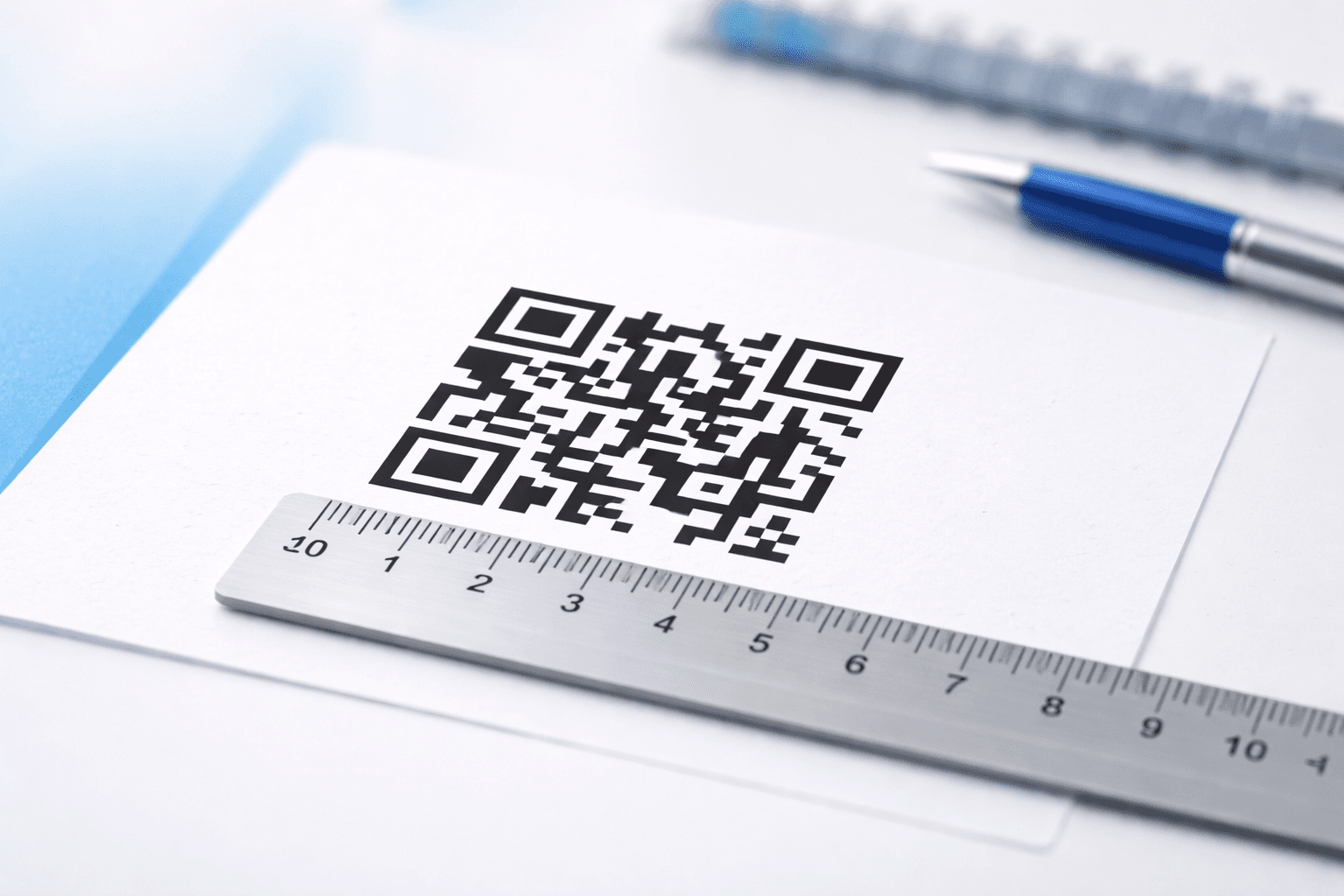
QR Code Size Guide: What Size Should Your QR Code Be for Printing?
Learn the exact minimum QR code sizes for business cards, posters, billboards, and product packaging. Includes a distance-to-size calculator and real-world examples.

Creating Accessible QR Codes: A Guide to Inclusive Design
Make your QR codes accessible to everyone. Learn about color contrast, sizing, alternative access methods, and designing for users with disabilities.
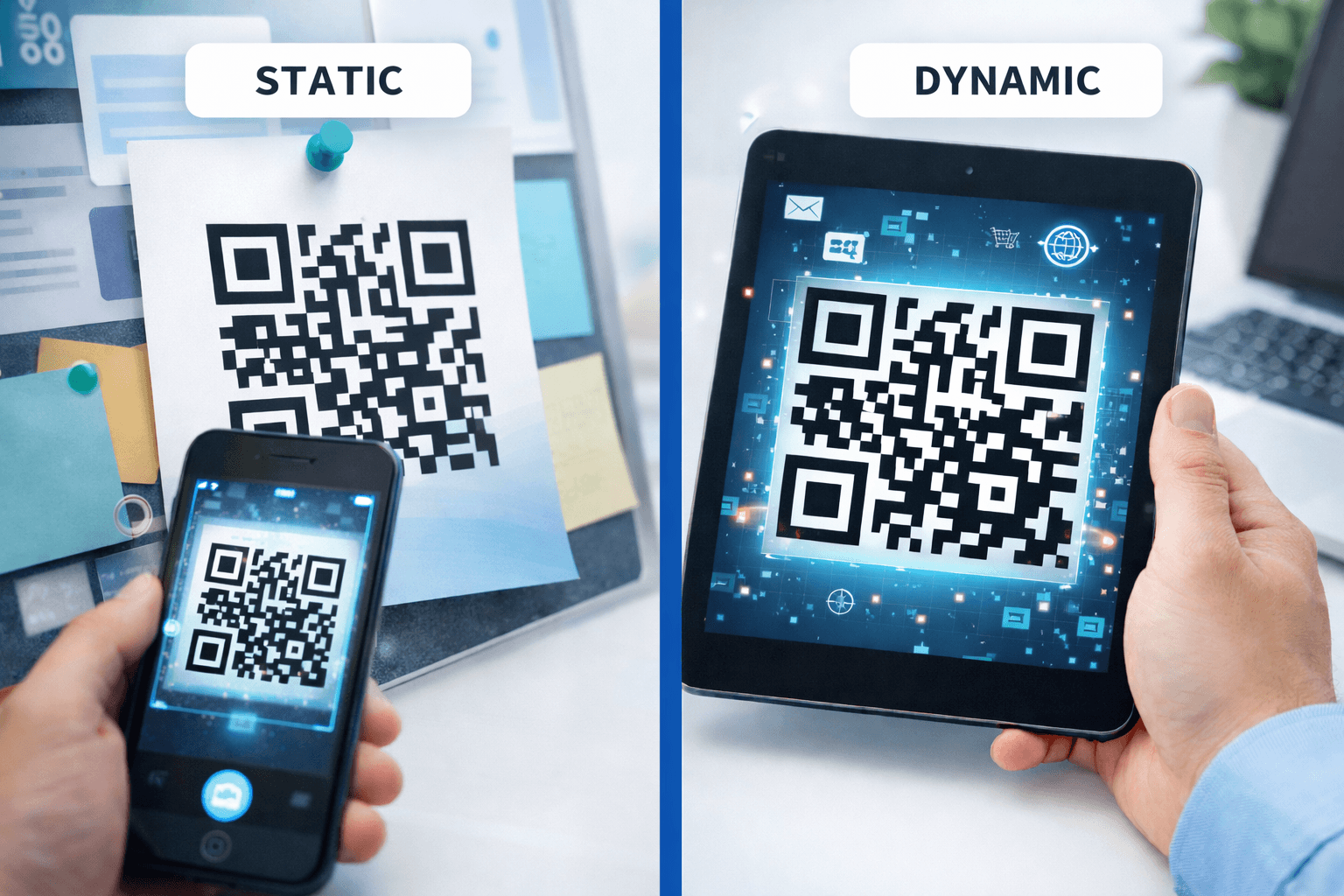
QR Codes: Print vs Digital Applications and Best Practices
Understand the differences between QR codes for print and digital media. Learn format requirements, use cases, and optimization strategies for each.