QR Code Size Guide: What Size Should Your QR Code Be for Printing?
Learn the exact minimum QR code sizes for business cards, posters, billboards, and product packaging. Includes a distance-to-size calculator and real-world examples.

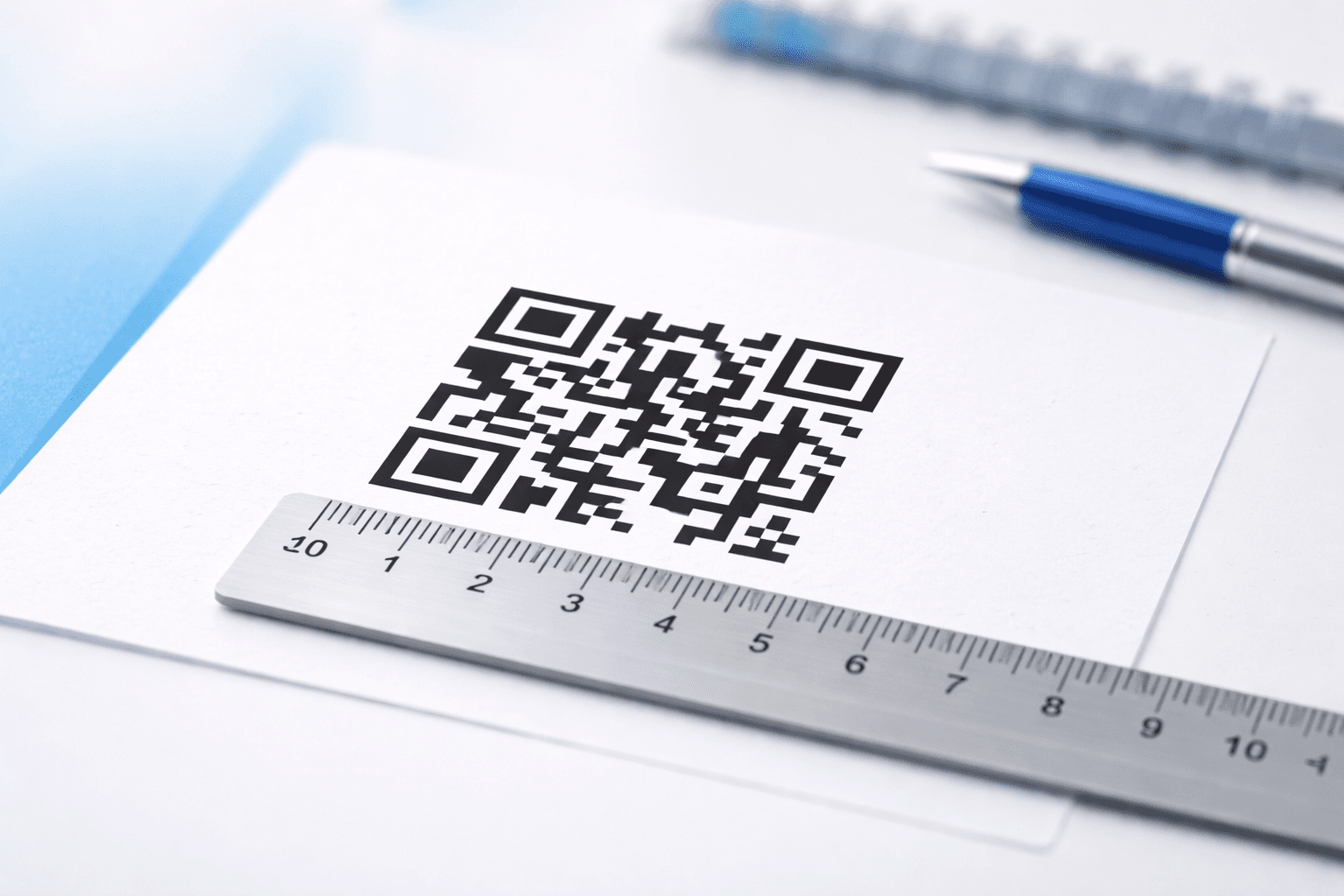
One of the most common questions people ask when creating QR codes is "How big should my QR code be?" The answer depends on several factors: where you're placing it, how far away people will scan it from, and how much data is encoded in the code. Get the size wrong, and your QR code becomes unscannable—a costly mistake for printed materials.
In this comprehensive guide, we'll cover the exact minimum sizes you need for different use cases, explain the science behind QR code scanning, and give you a practical formula to calculate the perfect size every time.
The Golden Rule: The 10:1 Distance Ratio
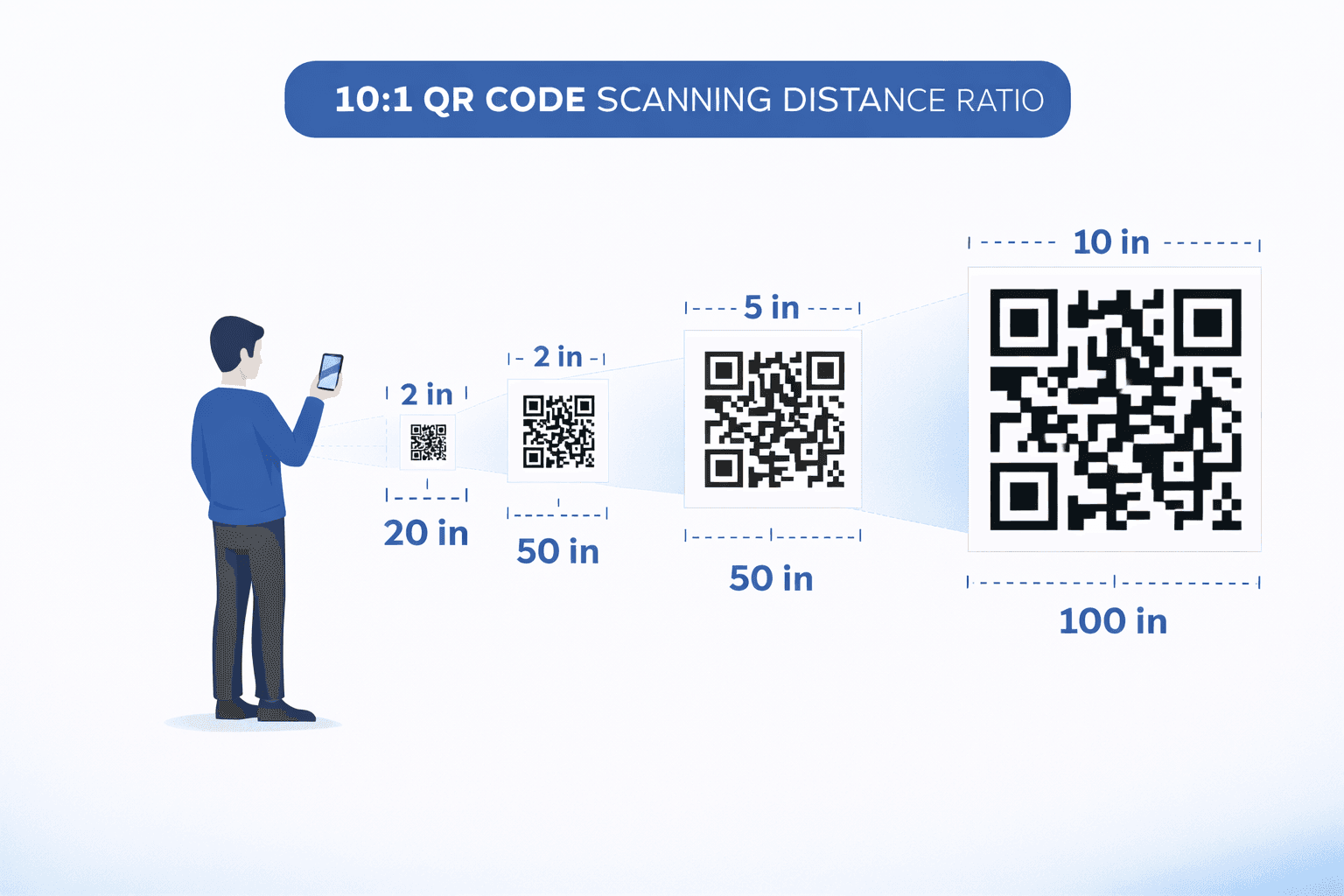
The most important principle in QR code sizing is the 10:1 ratio. For every 10 units of scanning distance, your QR code needs to be at least 1 unit in size.
In practical terms: - If someone scans from 10 cm away → QR code should be at least 1 cm - If someone scans from 1 meter away → QR code should be at least 10 cm - If someone scans from 10 meters away → QR code should be at least 1 meter
This ratio accounts for typical smartphone camera capabilities and ensures reliable scanning in various lighting conditions.
Minimum Sizes by Use Case
Different applications require different minimum sizes. Here's a detailed breakdown:
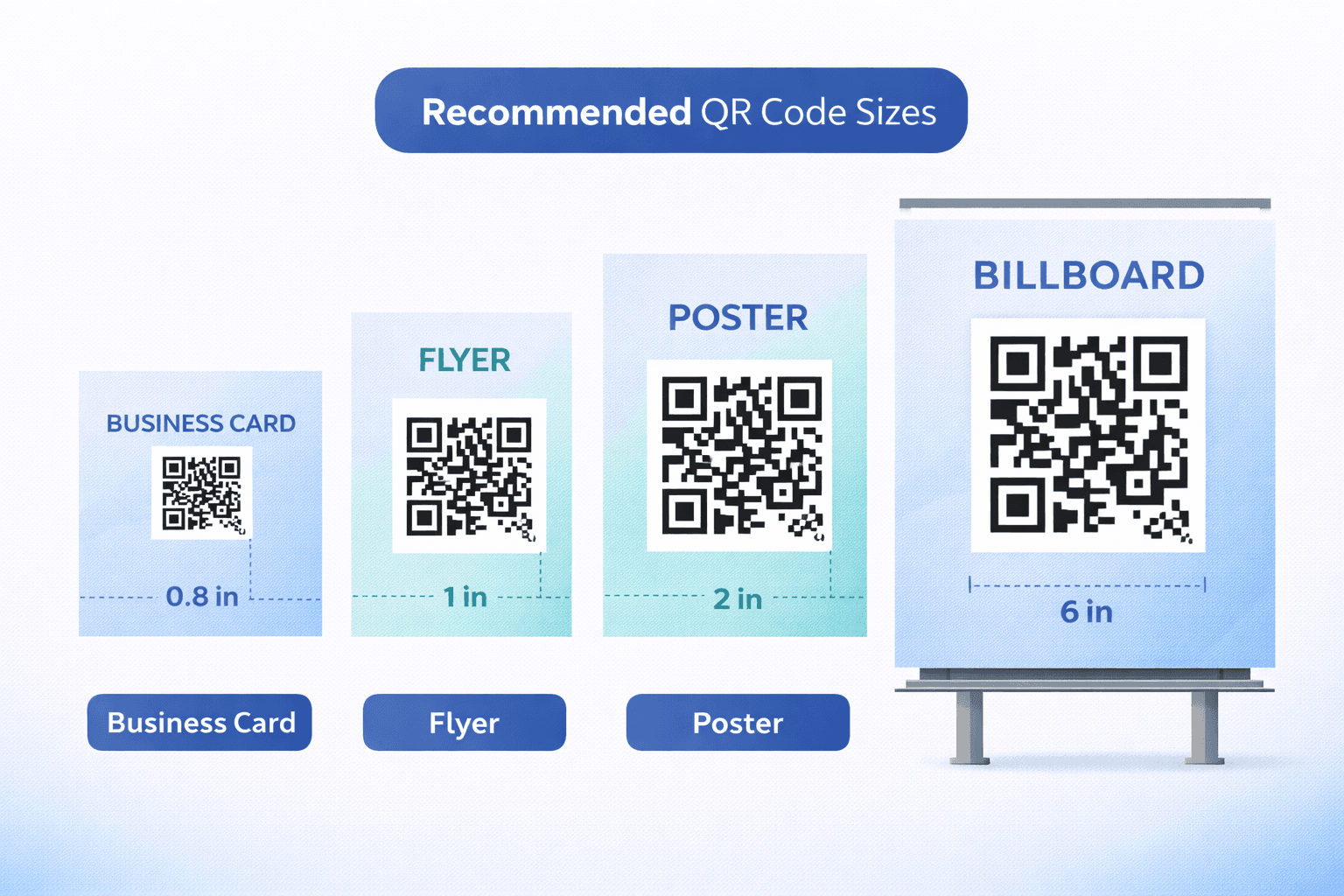
Business Cards (2 x 2 cm / 0.8 x 0.8 inches)
For business cards, the minimum recommended size is 2 x 2 cm (approximately 0.8 x 0.8 inches). This accounts for the close scanning distance (typically 5-15 cm) while leaving room for your other contact information. Place the QR code on the back of the card with adequate white space around it.
Flyers and Brochures (2.5 x 2.5 cm / 1 x 1 inch)
Standard printed materials like flyers work best with QR codes around 2.5 cm square. These are typically scanned from 15-30 cm away. Ensure high contrast between the QR code and background for optimal scanning.
Posters (5 x 5 cm minimum, varies by placement)
Poster QR codes need to account for varying viewing distances. A poster on a wall at arm's reach needs at least 5 cm codes. For posters viewed from across a room (2-3 meters), increase to 20-30 cm.
Product Packaging (varies by package size)
For small products like cosmetics or food packaging, aim for at least 1.5 x 1.5 cm. For larger boxes or bags, 3 x 3 cm provides comfortable scanning. Consider the typical environment where customers will scan—grocery stores often have poor lighting.
Billboards and Large Format (1 meter+ per 10 meters distance)
Billboard QR codes follow the 10:1 rule strictly. A billboard viewed from 20 meters needs a QR code of at least 2 meters. Many billboard QR codes fail because designers underestimate viewing distances—always err on the larger side.
The Quiet Zone: Essential White Space
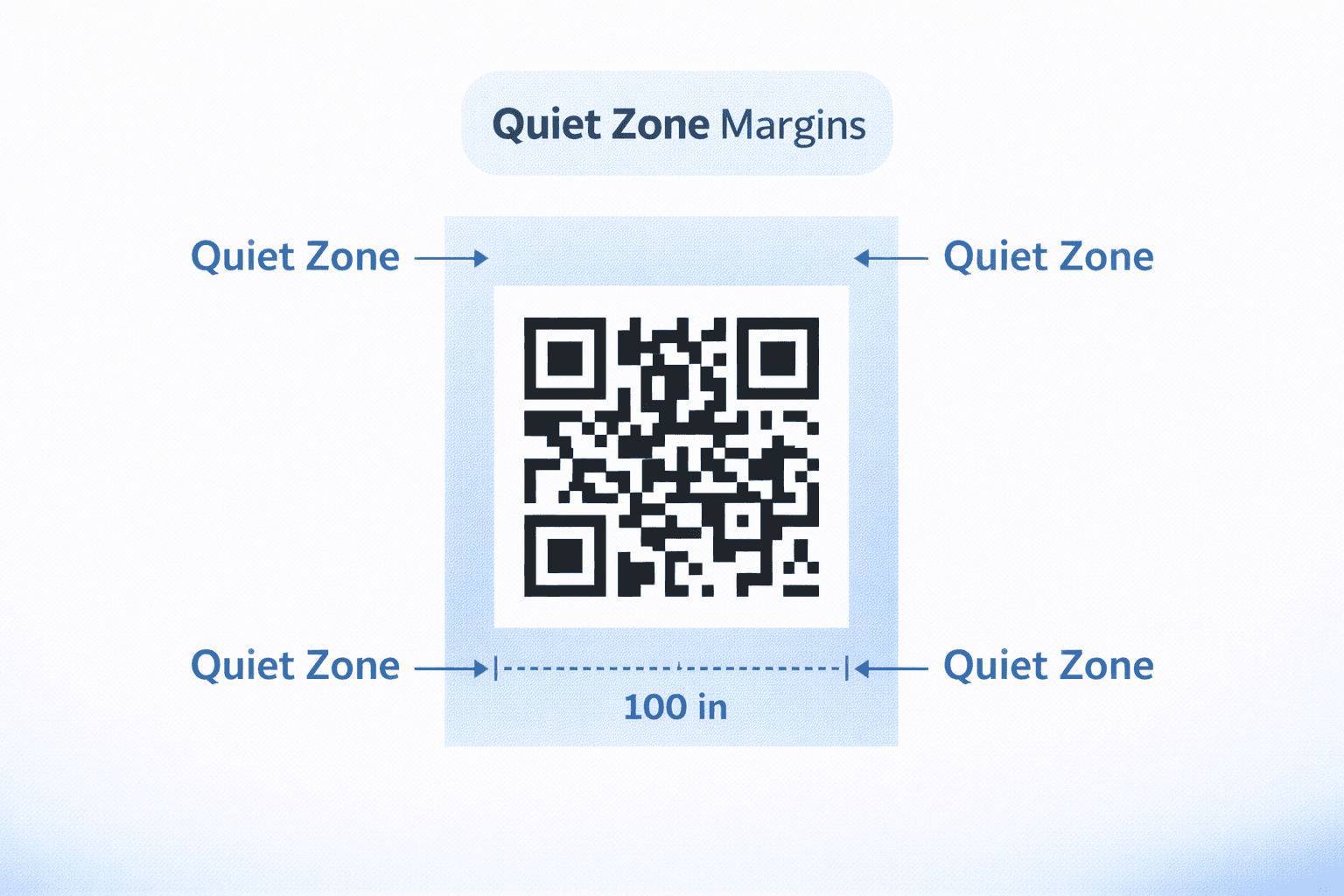
Every QR code needs a "quiet zone"—the blank margin around the code that helps scanners identify where the code begins and ends. The standard quiet zone should be at least 4 modules wide (a module is the smallest square unit in a QR code).
Why it matters: - Without adequate quiet zone, scanners may fail to detect the code - Cluttered backgrounds interfere with recognition - The quiet zone should always be the same color as the QR code's background (typically white)
When measuring your QR code size, include the quiet zone in your calculations. If you need a 2 cm code, the actual printed space (including quiet zone) will be approximately 2.4 cm.
Important
Never let text, images, or design elements intrude into the quiet zone. This is the #1 cause of unscannable QR codes.
Data Density and Size Requirements
The amount of data encoded in your QR code directly affects the minimum scannable size. More data means more modules, which means you need a larger code for the same level of scannability.
Data complexity comparison: - Simple URL (30-50 characters): Can be smaller, higher error tolerance - vCard with full contact details: Requires 20-30% larger size - WiFi credentials: Moderate complexity, standard sizing works - Large text blocks: May require significantly larger codes
This is one reason why URL shorteners and dynamic QR codes are valuable—they keep the encoded data minimal while still linking to extensive content.
Pro Tip
Use dynamic QR codes when possible. They encode a short redirect URL regardless of the final destination content, keeping your QR code compact and scannable.
Error Correction: A Size Trade-off
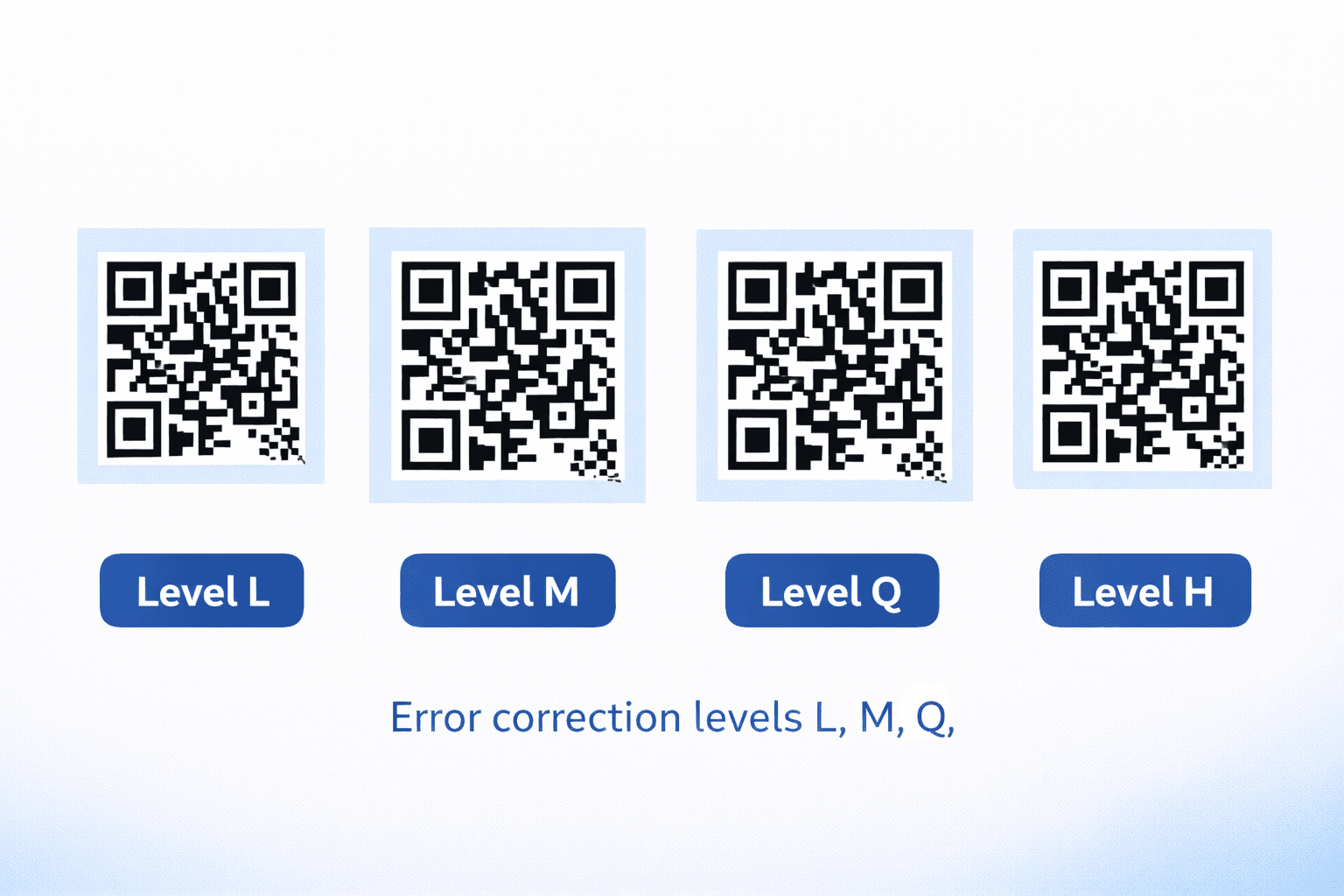
QR codes include built-in error correction that allows them to remain scannable even if partially damaged or obscured. There are four levels:
Error Correction Levels: - Level L (Low): 7% recovery - Smallest size, least redundancy - Level M (Medium): 15% recovery - Good balance for most uses - Level Q (Quartile): 25% recovery - Recommended for harsh environments - Level H (High): 30% recovery - Best for logos/design elements in codes
Higher error correction = larger QR code for the same data. If you're adding a logo to your QR code center, use Level H and increase your size by about 30% compared to a plain code.
Testing Before Printing: A Critical Step
Before sending any QR code to print, especially for large runs, always test:
Testing checklist: 1. Print a sample at actual size on your target material 2. Test with at least 3 different smartphones (mix of iOS and Android) 3. Test in the lighting conditions where it will be scanned 4. Test at the minimum, expected, and maximum scanning distances 5. Have someone unfamiliar with the code try to scan it
Testing prevents costly reprints and ensures your QR codes work for all users, not just those with the latest smartphones.
- Print a proof copy at 100% scale
- Scan with an older iPhone (iPhone 8 or similar)
- Scan with a mid-range Android device
- Test in both bright and dim lighting
- Measure actual scanning distance in your use environment
File Formats for Best Print Quality
The file format you use significantly impacts print quality:
Vector Formats (Recommended): - SVG: Best for web and most design software - PDF: Universal, preserves quality at any size - EPS: Preferred by professional print shops
Raster Formats (Use with caution): - PNG: Acceptable if exported at 300+ DPI - JPG: Not recommended—compression artifacts can affect scanning
Always request or export your QR codes in vector format. This ensures they remain crisp and scannable whether printed on a business card or a billboard.
Pro Tip
When exporting PNG/JPG, use at least 300 DPI resolution. For large format printing, 150 DPI is acceptable due to viewing distance.
Quick Reference: Size Chart
Use this quick reference for common QR code applications:
| Application | Minimum Size | Recommended Size | Typical Distance |
|---|---|---|---|
| Business Card | 1.5 cm | 2 cm | 10-20 cm |
| Product Label | 1.5 cm | 2 cm | 10-30 cm |
| Flyer/Brochure | 2 cm | 2.5-3 cm | 20-40 cm |
| Magazine Ad | 2.5 cm | 3-4 cm | 30-50 cm |
| Poster (A3) | 4 cm | 5-6 cm | 50-100 cm |
| Banner | 10 cm | 15-20 cm | 1-2 m |
| Billboard | 50 cm+ | 100 cm+ | 5-20 m |
| Window Decal | 8 cm | 10-12 cm | 1-3 m |
These are guidelines—always test in your specific environment.
Conclusion
Getting your QR code size right is fundamental to a successful campaign. Remember the 10:1 distance ratio, always include the quiet zone, and test thoroughly before committing to print. When in doubt, go slightly larger—an oversized QR code is always better than an unscannable one.
By following these guidelines, you'll ensure that every person who wants to scan your QR code can do so successfully, maximizing your return on investment and providing a seamless user experience.
Ready to Create Your Own QR Codes?
Start creating dynamic QR codes for your business today. Track analytics, update content anytime, and never reprint again.
Related Articles

Creating Accessible QR Codes: A Guide to Inclusive Design
Make your QR codes accessible to everyone. Learn about color contrast, sizing, alternative access methods, and designing for users with disabilities.

15 Common QR Code Mistakes and How to Avoid Them
Learn from others' errors. Discover the most common QR code mistakes in design, placement, content, and tracking—and how to prevent them.
QR Codes: Print vs Digital Applications and Best Practices
Understand the differences between QR codes for print and digital media. Learn format requirements, use cases, and optimization strategies for each.