QR Codes in Healthcare: Improving Patient Experience
Discover how healthcare providers use QR codes for patient check-in, medical information, appointment scheduling, and more.


Healthcare organizations are increasingly adopting QR codes to streamline operations and improve patient experience. From contactless check-in to medication information access, QR codes bridge the gap between physical healthcare settings and digital information systems.
This guide explores practical applications for healthcare providers while addressing the unique compliance and accessibility requirements of medical environments.
Patient Check-In and Registration
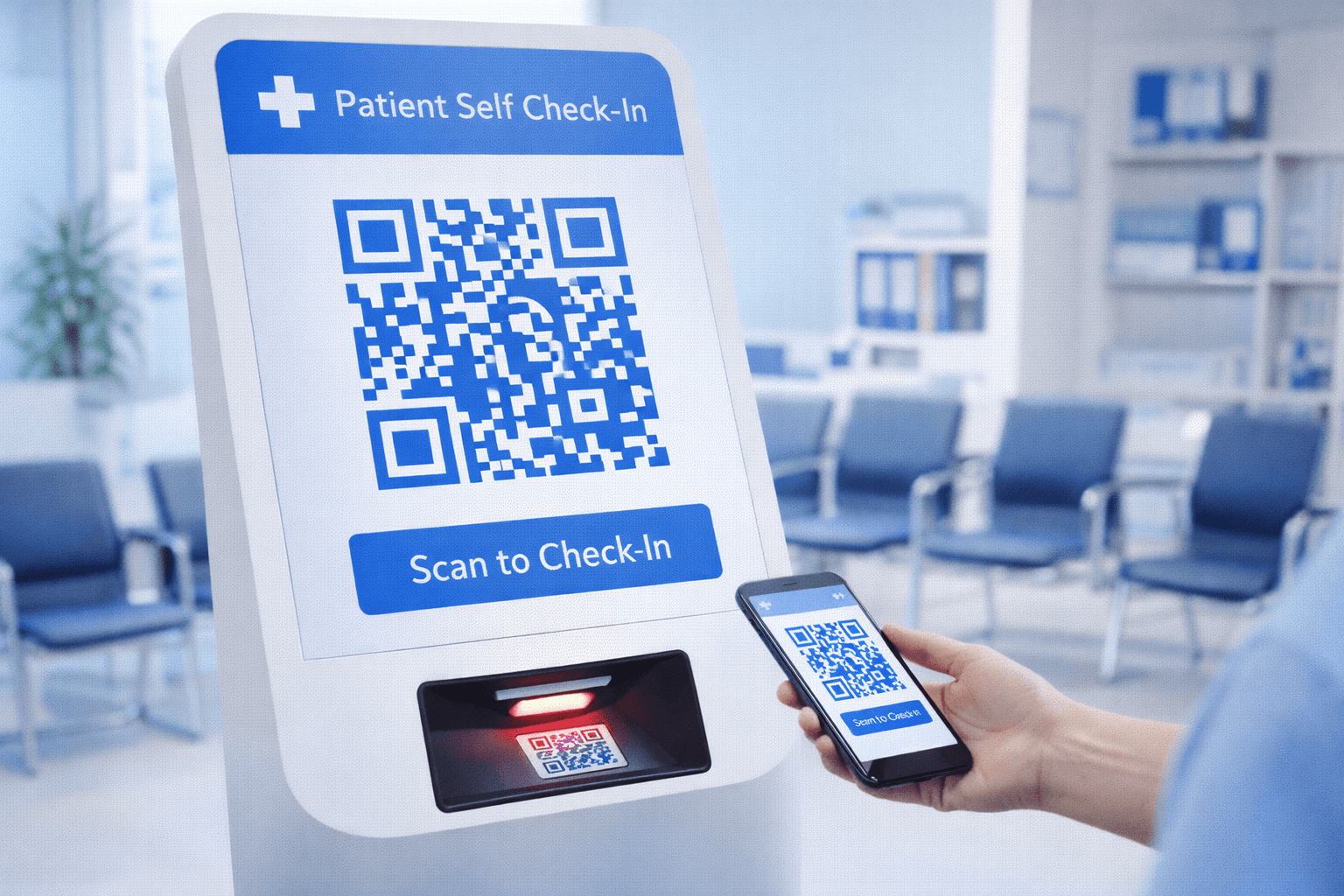
Transform the waiting room experience:
Pre-visit preparation: - Appointment confirmation includes QR code - Patients scan to complete forms before arrival - Insurance and ID upload in advance - Reduces waiting room time significantly
Arrival check-in: - Scan at kiosk or entrance to confirm arrival - Auto-notifies clinical staff - Updates estimated wait time - Enables contactless workflow
Benefits: - Reduced administrative burden on staff - Shorter wait times for patients - More accurate data (digital vs. handwritten) - Better resource planning with real-time data
Implementation considerations: - Accessibility for patients without smartphones - Staff available to assist as needed - Privacy of displayed information - Integration with existing EMR systems
Patient Education and Information
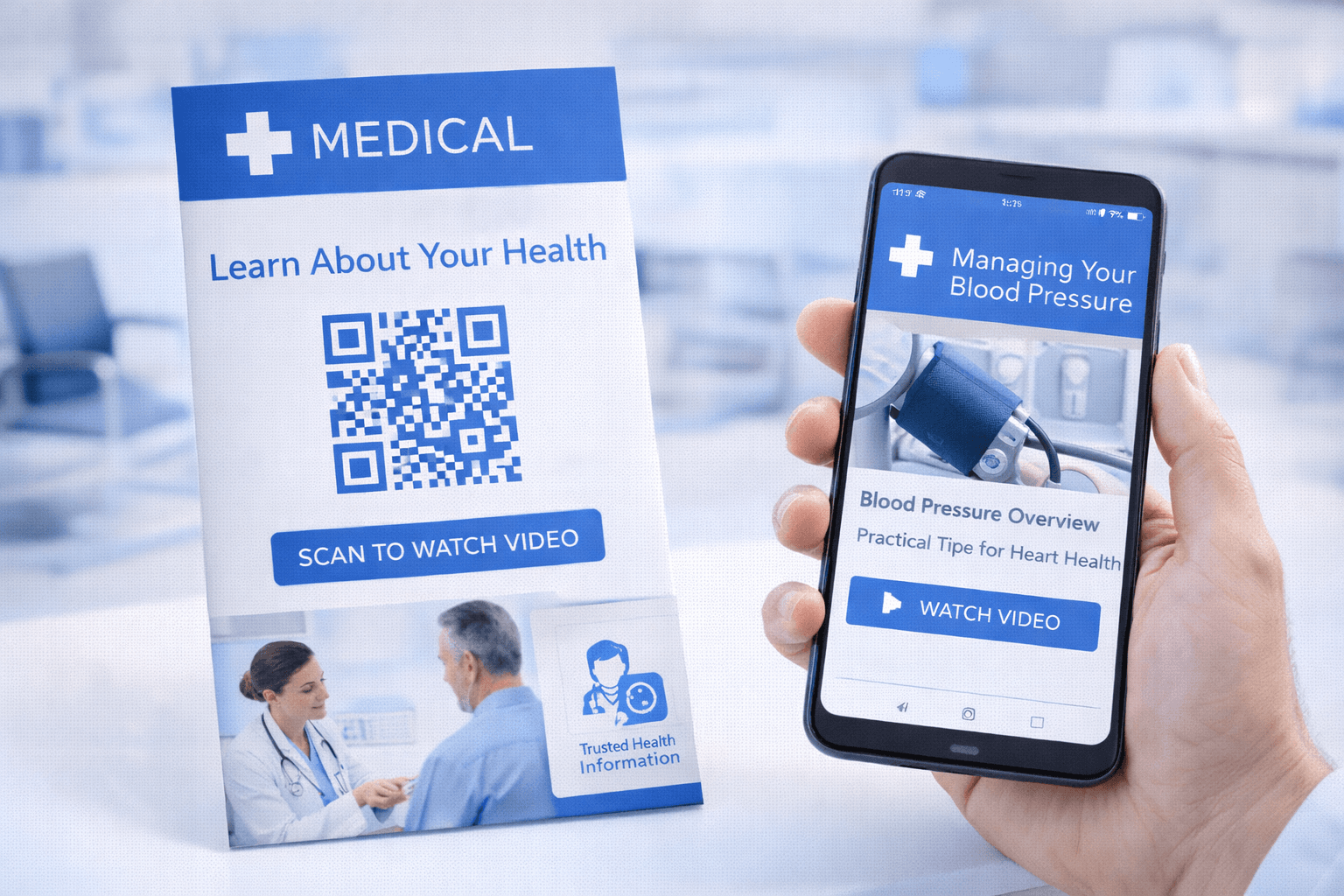
Deliver critical information efficiently:
Procedure and care instructions: - Pre-procedure preparation guides - Post-operative care instructions - Rehabilitation exercise videos - Dietary guidelines
Condition-specific resources: - Disease management information - Support group connections - Specialist referral preparation - Clinical trial information
Medication information: - Detailed drug information sheets - Interaction checking tools - Pharmacy discount programs - Refill procedures
Delivery methods: - QR codes on discharge paperwork - In-exam-room educational posters - Waiting area health promotion materials - Prescription labels and packaging
Pro Tip
Link to video content when possible—patients retain information better through visual demonstration than written instructions.
Appointment and Scheduling
Simplify the scheduling process:
Appointment booking: - QR codes in facility link to scheduling portal - Self-service scheduling reduces call volume - Real-time availability display - Appointment type selection
Reminders and follow-up: - QR code in reminder messages for rescheduling - Add-to-calendar functionality - Pre-visit questionnaire access - Directions and parking information
Referral processing: - Specialists share QR codes for patient self-scheduling - Referring provider includes in referral package - Reduces phone tag between offices - Tracks referral completion
Benefits: - Reduced no-show rates - Lower phone call volume - Better patient preparation - Improved scheduling efficiency
- Include QR codes in all appointment confirmations
- Place scheduling QR codes in waiting areas
- Enable easy rescheduling via QR links
- Provide calendar integration options
- Track completion rates for process improvement
Facility Navigation
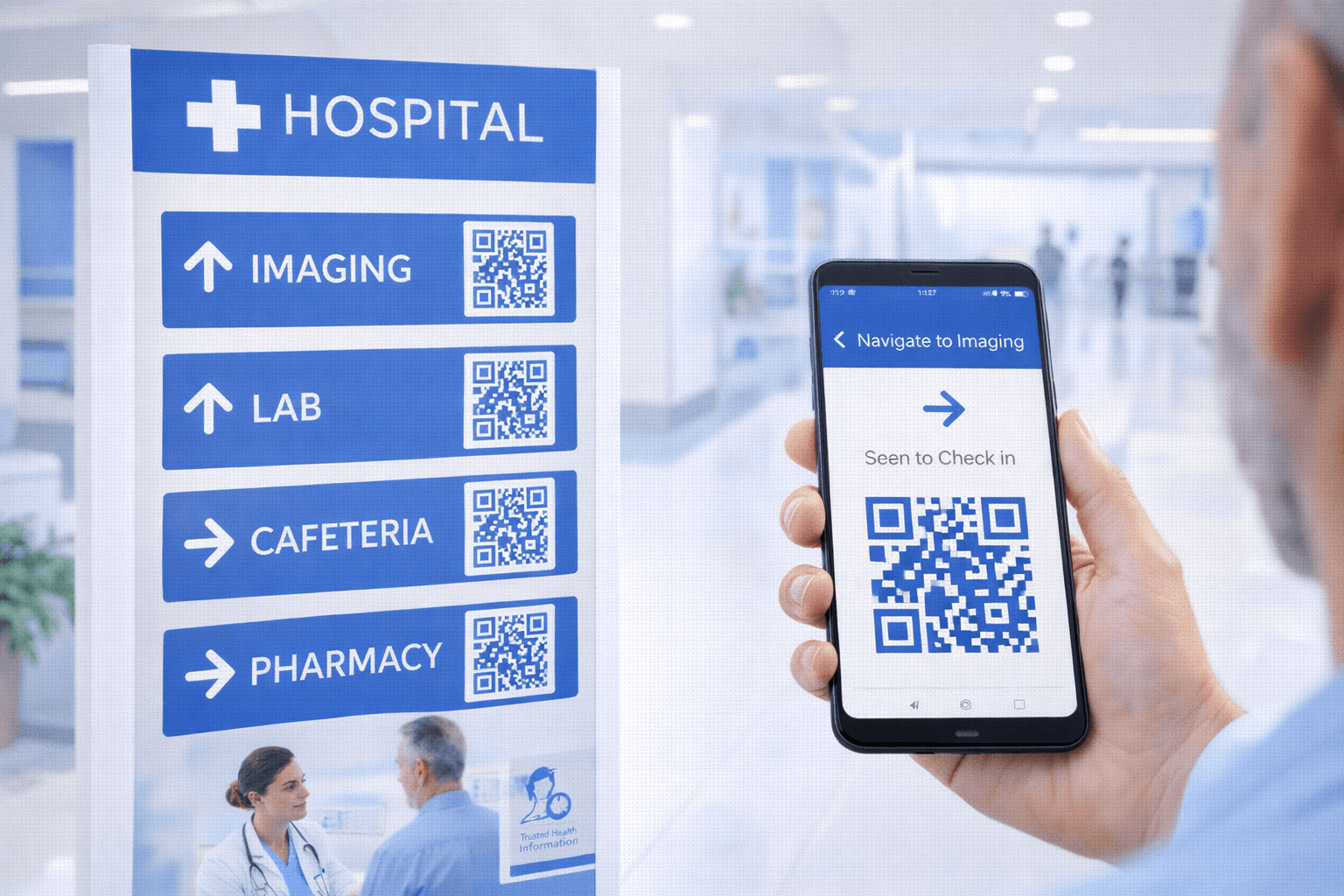
Help patients navigate complex healthcare facilities:
Wayfinding: - Interactive maps accessible via QR - Turn-by-turn directions to departments - Accessibility route options - Parking location reminders
Department information: - Office hours and contact information - Provider directories - Service descriptions - Accepted insurance information
Amenities: - Cafeteria menus and hours - Gift shop information - Chapel and meditation spaces - Visitor policies
Emergency information: - Emergency exit routes - Code procedures for staff - Emergency contact information - Safety protocols
Medical Device and Equipment
Support safe device use:
For patients: - Durable medical equipment instructions - Maintenance and cleaning guides - Troubleshooting assistance - Reorder supply information
For clinical staff: - Equipment operating procedures - Maintenance schedules and logs - Calibration instructions - Manufacturer support contacts
For facilities: - Asset tracking and inventory - Inspection records - Repair history - Warranty information
Implementation: - Durable QR code labels (medical-grade materials) - Integration with equipment management systems - Regular verification of linked content accuracy - Staff training on usage
Important
QR codes on medical devices must be extremely durable and scannable even after repeated cleaning with medical-grade disinfectants. Test thoroughly before deployment.
HIPAA and Compliance Considerations
Healthcare QR codes must meet strict requirements:
Protected Health Information (PHI): - QR codes themselves should not contain PHI - Linked pages must be secured appropriately - Authentication required for patient-specific information - Audit logging for access tracking
Security requirements: - HTTPS encryption for all linked content - Secure authentication for sensitive data - Session timeout policies - Access logging and monitoring
Compliance documentation: - Privacy policy clearly accessible - Terms of use for patient portals - Consent for digital communication - Data retention policies
Best practices: - Link to general information without authentication - Require secure login for patient-specific data - Clear labeling of what information QR code provides - Regular security audits of linked systems
- Never encode PHI directly in QR codes
- Require authentication for patient-specific information
- Use HTTPS for all destination pages
- Implement appropriate access logging
- Conduct regular security assessments
- Document compliance measures
Accessibility in Healthcare Settings
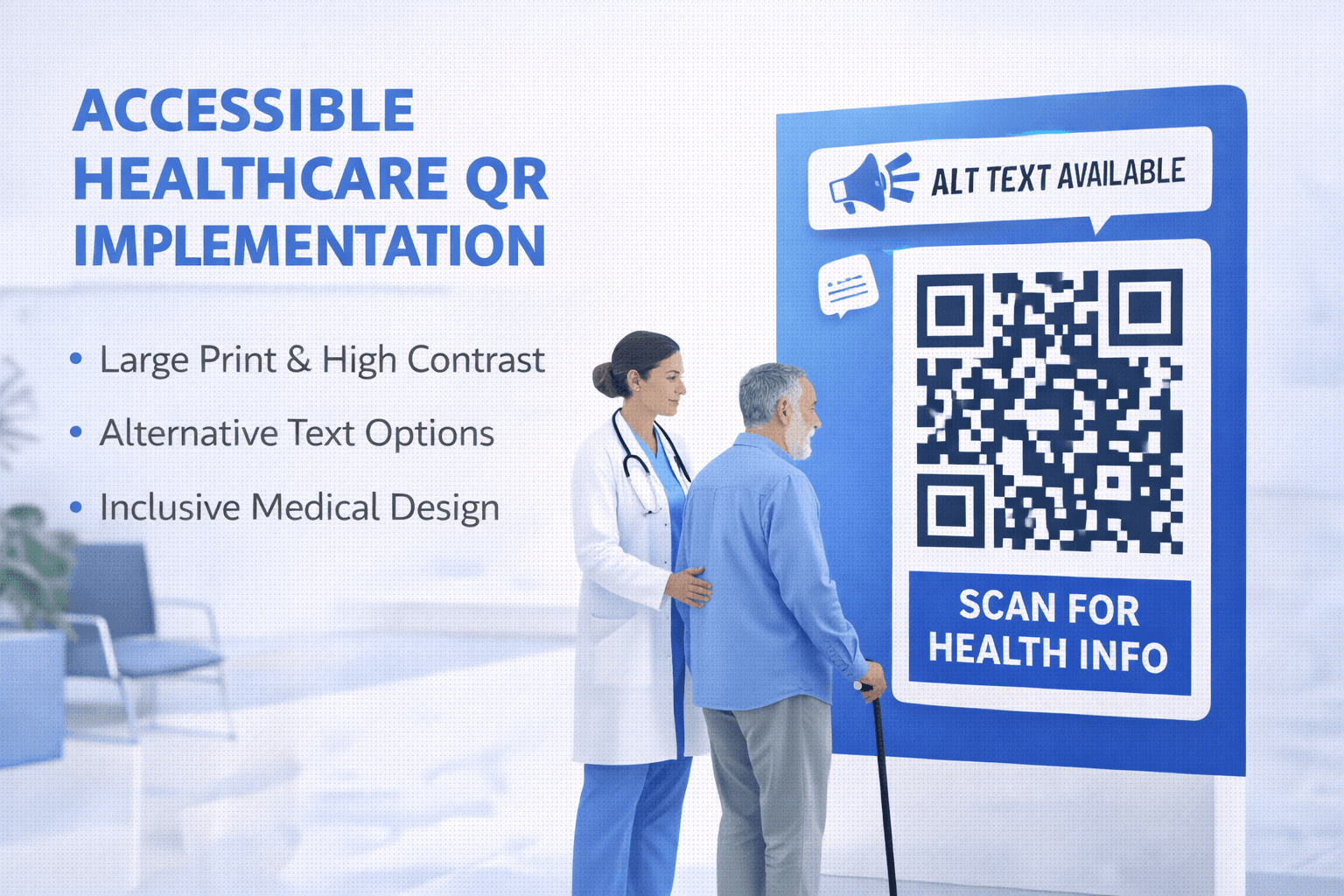
Healthcare has heightened accessibility obligations:
Visual accessibility: - Large QR codes (minimum 4cm) - High contrast designs - Clear text labels and instructions - Adequate lighting at scanning locations
Alternative access: - Staff assistance always available - Phone-based alternatives provided - Large print materials as backup - Screen reader compatible destinations
Physical accessibility: - Placement at wheelchair-accessible heights - Clear approach paths - Multiple locations for convenience - Staff trained to provide assistance
Special considerations: - Elderly patient populations - Patients with acute illness or injury - Visitors under stress - Non-native language speakers
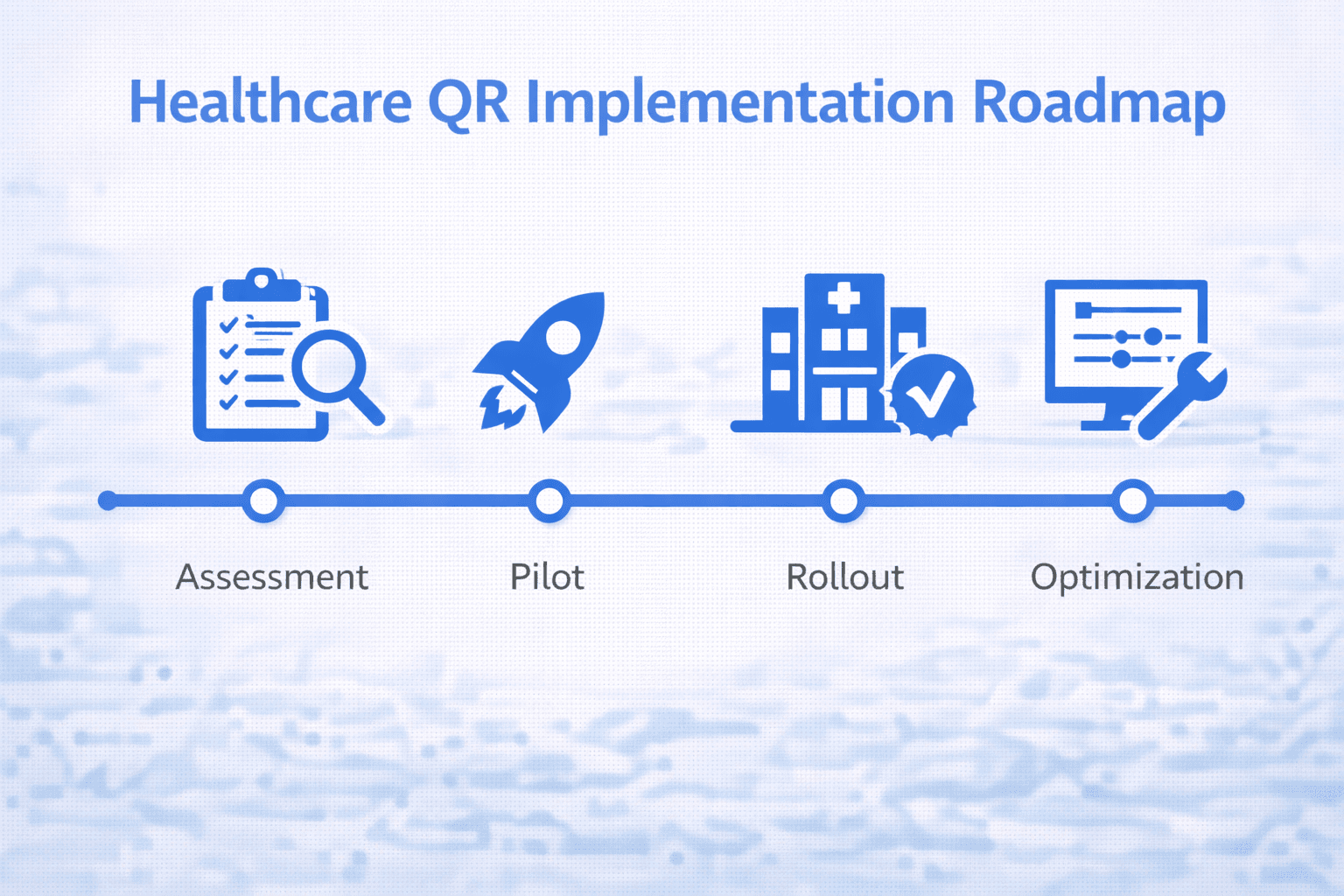
Implementation Roadmap
Strategic rollout for healthcare organizations:
Phase 1: Foundation - Assess current digital infrastructure - Identify highest-impact use cases - Address compliance requirements - Select QR code platform
Phase 2: Pilot - Start with one department or use case - Gather user feedback (patients and staff) - Measure impact metrics - Refine before expansion
Phase 3: Expansion - Roll out to additional departments - Standardize processes and training - Integrate with existing systems - Establish ongoing maintenance procedures
Phase 4: Optimization - Analyze usage analytics - Identify improvement opportunities - Add advanced features - Continuous enhancement
Success metrics: - Patient satisfaction scores - Staff time savings - Check-in/wait time reduction - Information access rates
Conclusion
QR codes in healthcare represent an opportunity to improve both operational efficiency and patient experience. From streamlined check-in to accessible health information, they bridge physical care settings with digital resources.
Success requires careful attention to compliance (HIPAA), accessibility (diverse patient populations), and integration (existing systems). Start with high-impact, lower-complexity applications and expand based on results.
The healthcare organizations that implement QR codes thoughtfully will benefit from more satisfied patients, more efficient staff, and better health outcomes through improved information access.
Ready to Create Your Own QR Codes?
Start creating dynamic QR codes for your business today. Track analytics, update content anytime, and never reprint again.
Related Articles
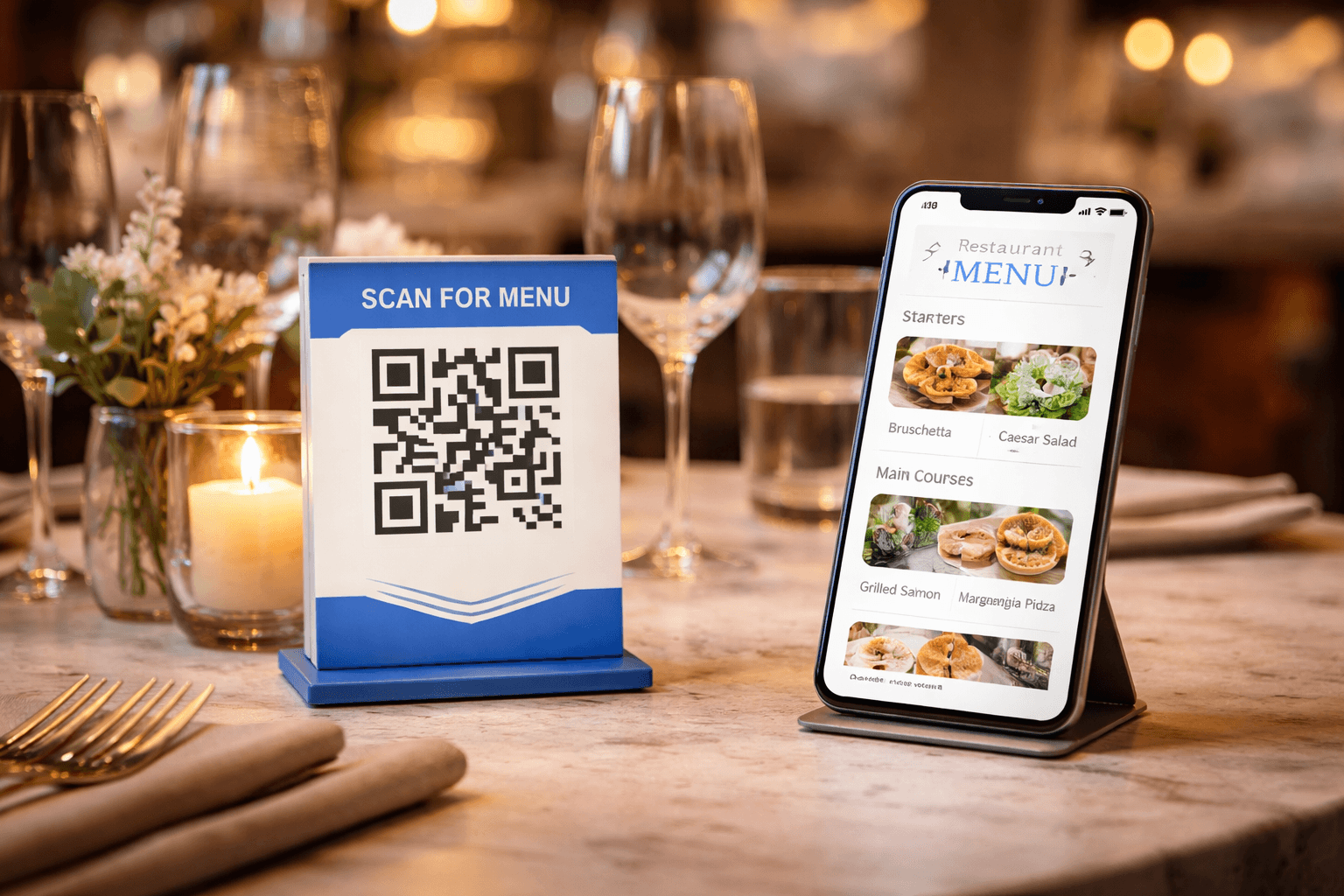
QR Code Menus for Restaurants: The Complete Setup Guide
Step-by-step guide to implementing QR code menus in your restaurant. Covers menu design, placement, customer experience, and common mistakes to avoid.

QR Codes for Events: Conferences, Trade Shows, and Beyond
Comprehensive guide to using QR codes at events. Cover check-in, networking, exhibitor engagement, and post-event follow-up.
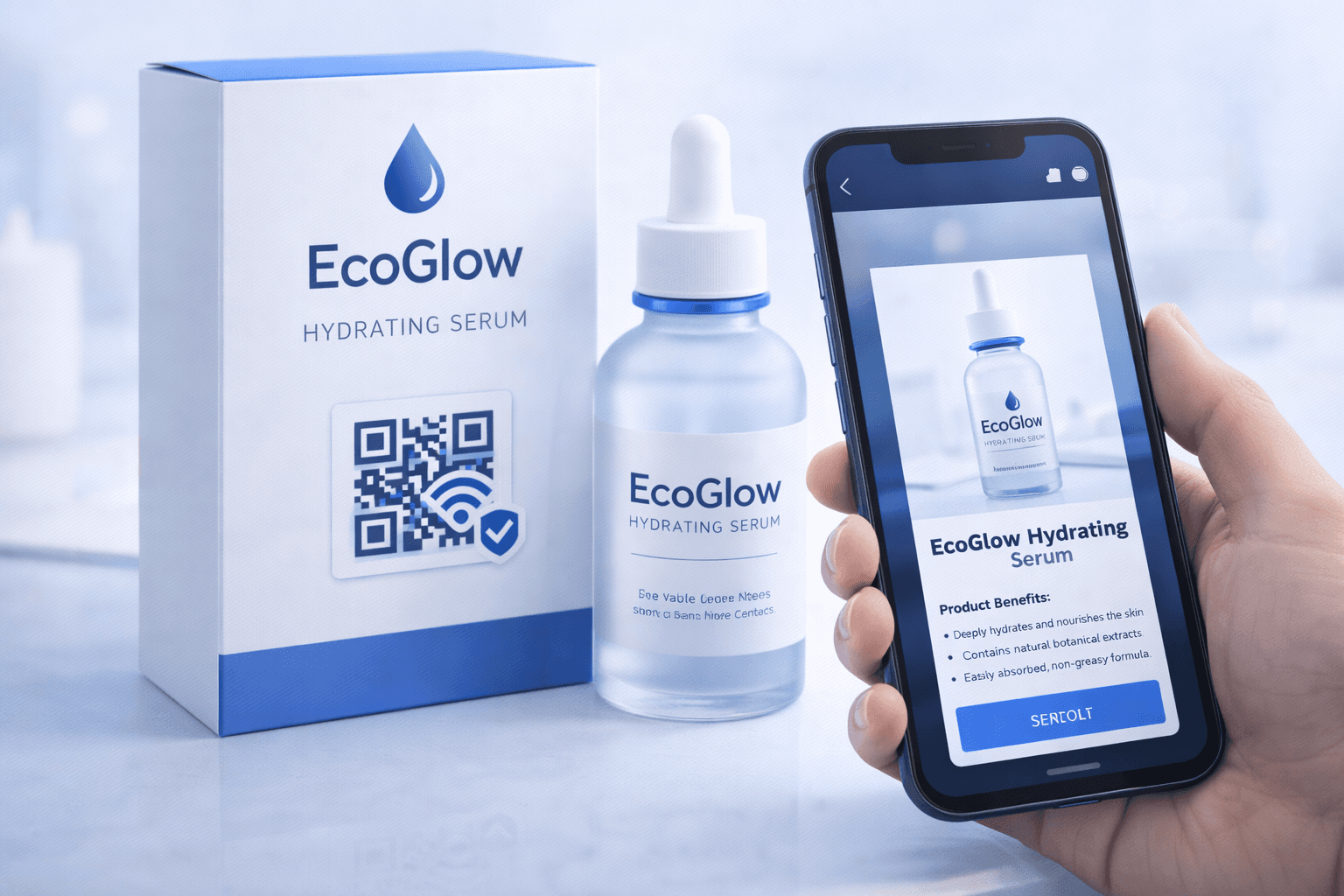
QR Codes on Product Packaging: Engaging Consumers Beyond the Shelf
Transform product packaging into an interactive experience. Learn strategies for using QR codes to provide information, build loyalty, and drive engagement.