QR Codes for Events: Conferences, Trade Shows, and Beyond
Comprehensive guide to using QR codes at events. Cover check-in, networking, exhibitor engagement, and post-event follow-up.

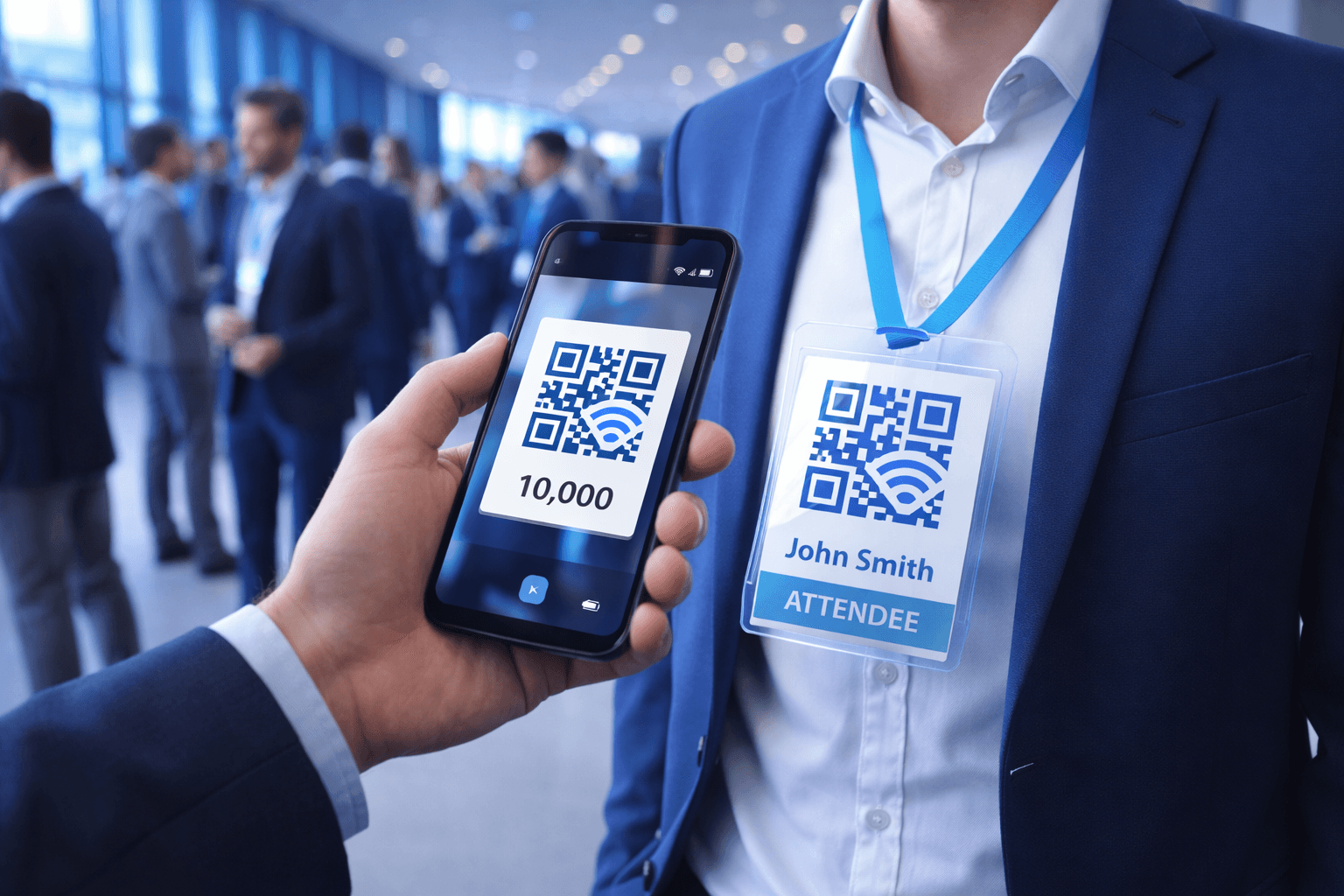
Events are inherently physical, but modern attendees expect digital convenience. QR codes bridge this gap, enabling instant check-in, effortless networking, rich exhibitor interactions, and powerful data collection.
47% of event professionals already use QR codes, and adoption is accelerating. This guide covers everything you need to implement QR codes effectively at your next conference, trade show, or corporate event.
Registration and Check-In
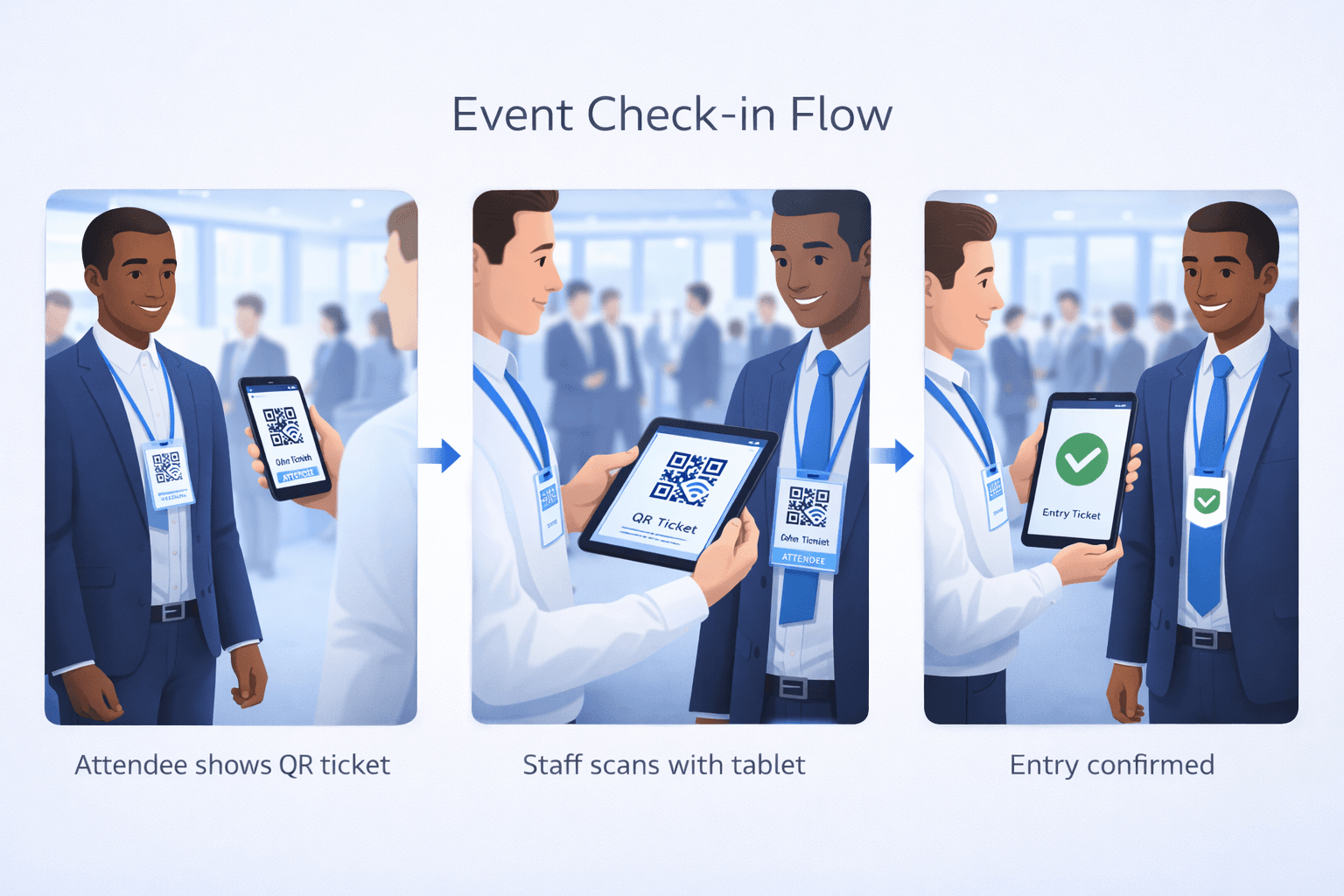
Transform your entrance from bottleneck to breeze:
How it works: 1. Attendees receive QR code via confirmation email 2. Upon arrival, they show code on phone (or printed) 3. Staff or kiosks scan to verify registration 4. Badge prints automatically (if using badge printing) 5. Attendee enters in seconds
Benefits: - Drastically reduce check-in times (from minutes to seconds) - Eliminate manual lookup of names - Real-time attendance tracking - Automatic badge printing reduces pre-event prep - Data accuracy (no handwriting interpretation)
Implementation tips: - Send QR code multiple times (confirmation, reminder, day-of) - Provide printed backup option for those without phones - Have multiple scanning stations to prevent lines - Test scanning under actual lighting conditions - Train staff on troubleshooting common issues
Badges and Networking
Modern badges do more than identify—they connect:
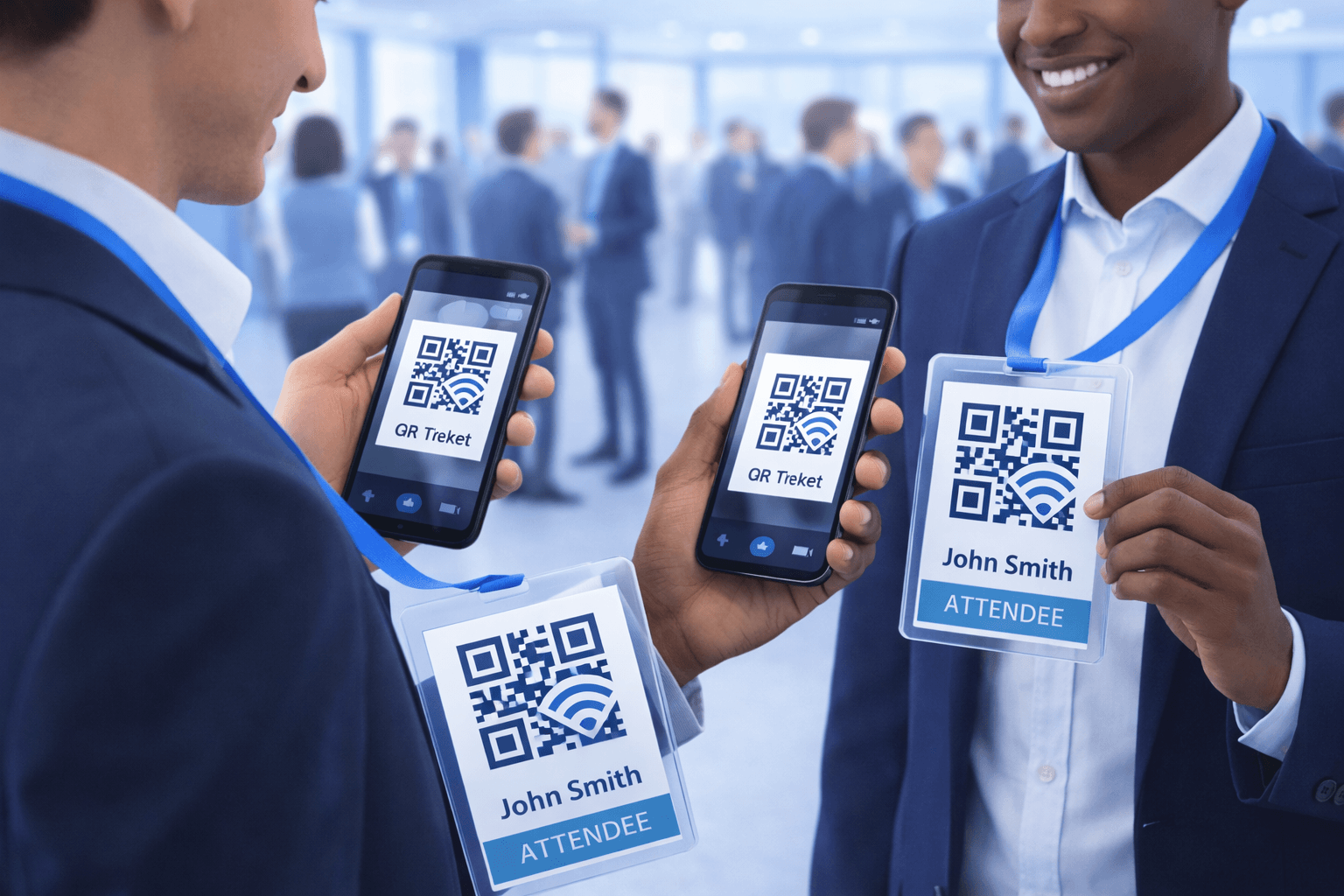
QR codes on badges: Include a QR code that encodes attendee contact information (vCard) or links to a digital profile.
Networking use cases: - Attendees scan each other to exchange contacts instantly - Eliminates business card fumbling - Ensures accuracy (no misread handwriting) - Creates digital record of connections made
Digital profile approach: Instead of encoding contact info directly, QR codes can link to: - LinkedIn profile - Personal website/portfolio - Event-specific networking profile - Digital business card page
Lead retrieval for exhibitors: Exhibitors scan attendee badges to: - Capture lead information - Qualify and tag contacts - Add notes about conversation - Export for CRM integration
Best practices: - Include small photo on badge for security - Make QR code at least 2cm for easy scanning - Test scanning in exhibit hall lighting - Provide networking instructions/prompts
Session and Content Access
Deliver rich content without paper waste:
Session materials: - QR code on session signage links to slides/handouts - Attendees access materials on their own devices - Updates possible even after printing (dynamic codes) - No more running out of printed handouts
Speaker information: - QR codes at each session room link to speaker bio - Connect attendees to speaker's social profiles - Enable post-session questions/feedback
Event schedule: - QR codes around venue link to live schedule - Attendees always have current session times - Push last-minute changes instantly - Searchable and filterable on mobile
Post-session resources: - QR code at session end for recording access - Additional resources and reading materials - Certificate of attendance generation - Session feedback survey

Pro Tip
Display QR codes for session materials throughout the presentation, not just at the end. This allows attendees to follow along and take notes digitally.
Exhibitor and Sponsor Engagement
Maximize booth interactions and sponsor visibility:
For exhibitors:
Product demonstrations: - QR codes on products link to spec sheets/videos - Attendees can explore while reps are busy with others - Technical details available without lengthy explanations
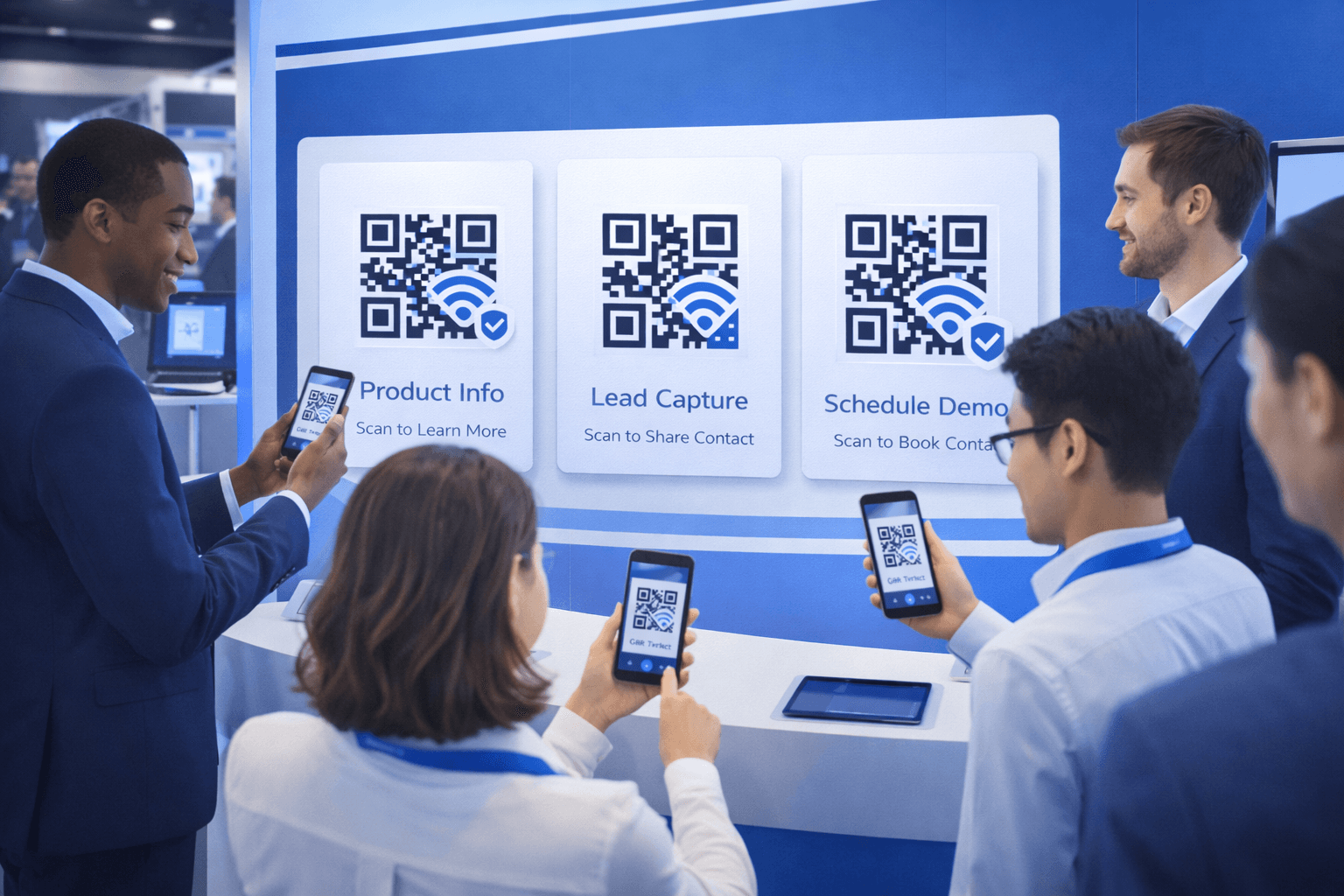
Lead capture: - Scan badges for instant lead collection - Custom landing pages for form completion - Prize drawing entry tied to scan - Track booth traffic with scan analytics
Follow-up automation: - Scans trigger immediate email with promised content - CRM integration for sales team follow-up - Track engagement through the funnel
For sponsors:
Brand visibility: - QR codes on banners link to sponsor content - Exclusive offers for event attendees - App downloads and demos - Contest and giveaway entry
Measurement: - Track impressions via scan counts - Demonstrate ROI to justify sponsorship - Identify which placements perform best
Wayfinding and Information
Help attendees navigate complex venues:
Interactive maps: - QR codes throughout venue link to digital map - "You are here" functionality - Session room finder - Exhibitor directory search
Location-specific information: - Room-specific schedules - Nearby amenities (restrooms, water, food) - Emergency exit routes - WiFi credentials for each area
Exhibitor directory: - QR codes at entrance link to searchable directory - Booth locations and descriptions - Filter by category/industry - Bookmark companies of interest
Practical information: - Restaurant recommendations near venue - Transportation options - Hotel shuttle schedules - Emergency contacts
- Place wayfinding QR codes at every decision point
- Use large codes visible from a distance
- Include simple text indicating what the code provides
- Test in actual venue lighting conditions
- Ensure mobile-optimized destination pages
- Consider accessibility for wheelchair users (placement height)
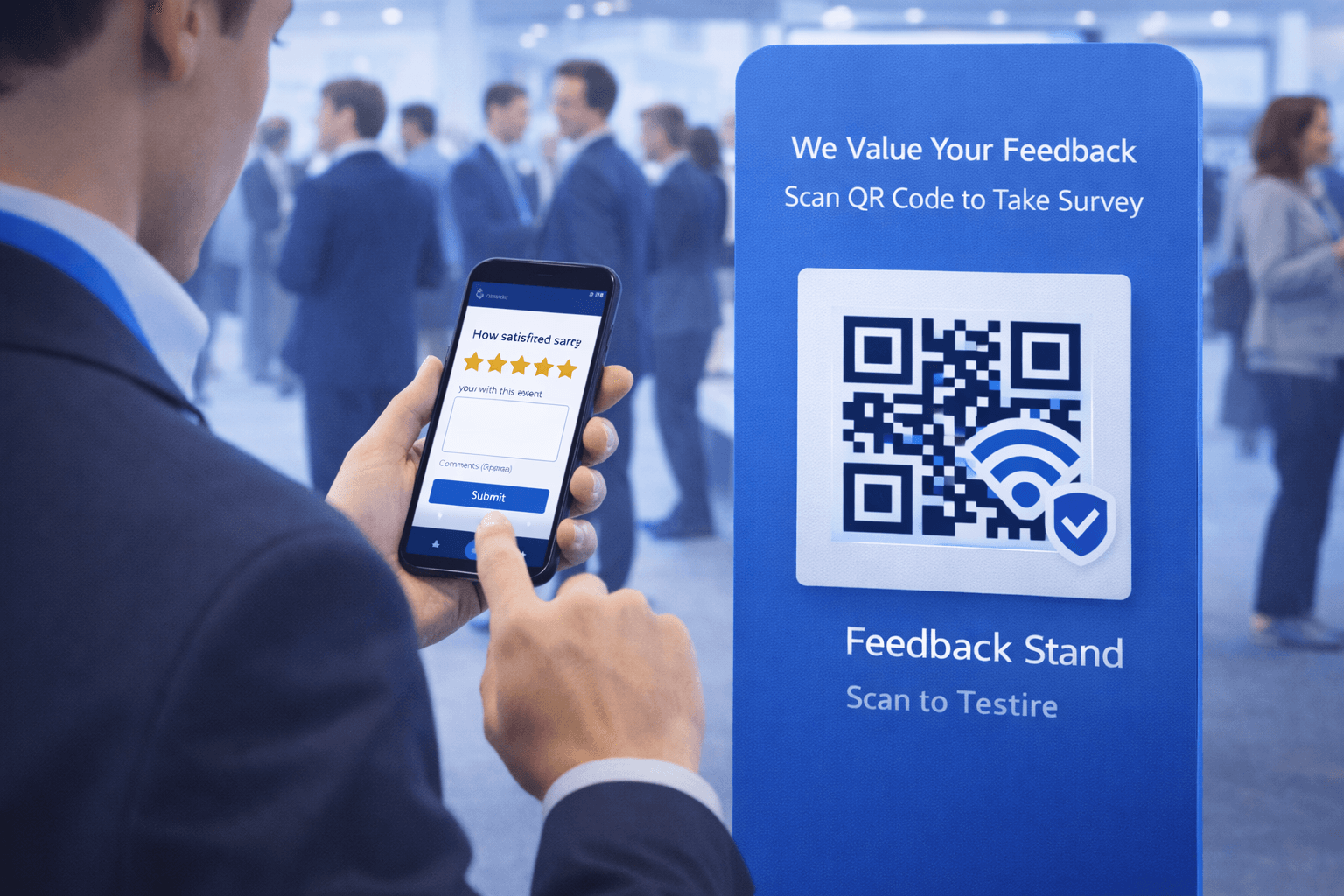
Feedback and Surveys
Capture insights while experience is fresh:
Session feedback: - QR code displayed at session end - Quick 3-5 question survey - Higher completion rates than post-event surveys - Real-time aggregate results for organizers
Exhibitor feedback: - Exhibitors can collect product feedback via QR - Quick polls on purchasing intent - Feature requests and suggestions
Overall event feedback: - QR codes at exits for departing feedback - "How was your experience?" quick ratings - Open-ended comments option - Incentivize completion with prize entry
Best practices: - Keep surveys short (under 2 minutes) - Mobile-optimized survey design - Thank respondents immediately - Share how feedback will be used
Technical Implementation
Ensure smooth technical execution:
Pre-event checklist: - [ ] Create all QR codes well in advance - [ ] Use dynamic codes for anything that might change - [ ] Test every code under realistic conditions - [ ] Prepare backup printed materials - [ ] Set up WiFi to handle attendee load - [ ] Train all staff on QR code troubleshooting
Print specifications: - Minimum 2.5cm x 2.5cm for handheld scanning - Larger for distance scanning (wayfinding) - High contrast (dark on light) - Test print samples before full production
Digital infrastructure: - Ensure landing pages are mobile-optimized - Load test pages for peak attendance - Set up analytics tracking - Monitor real-time for issues
Contingency planning: - Backup check-in process if tech fails - Staff who can manually process registrations - Printed materials as QR code backup - Tech support contact readily available
Important
Always have a non-QR backup plan. Technology can fail, and frustrated attendees remember negative experiences more than positive ones.
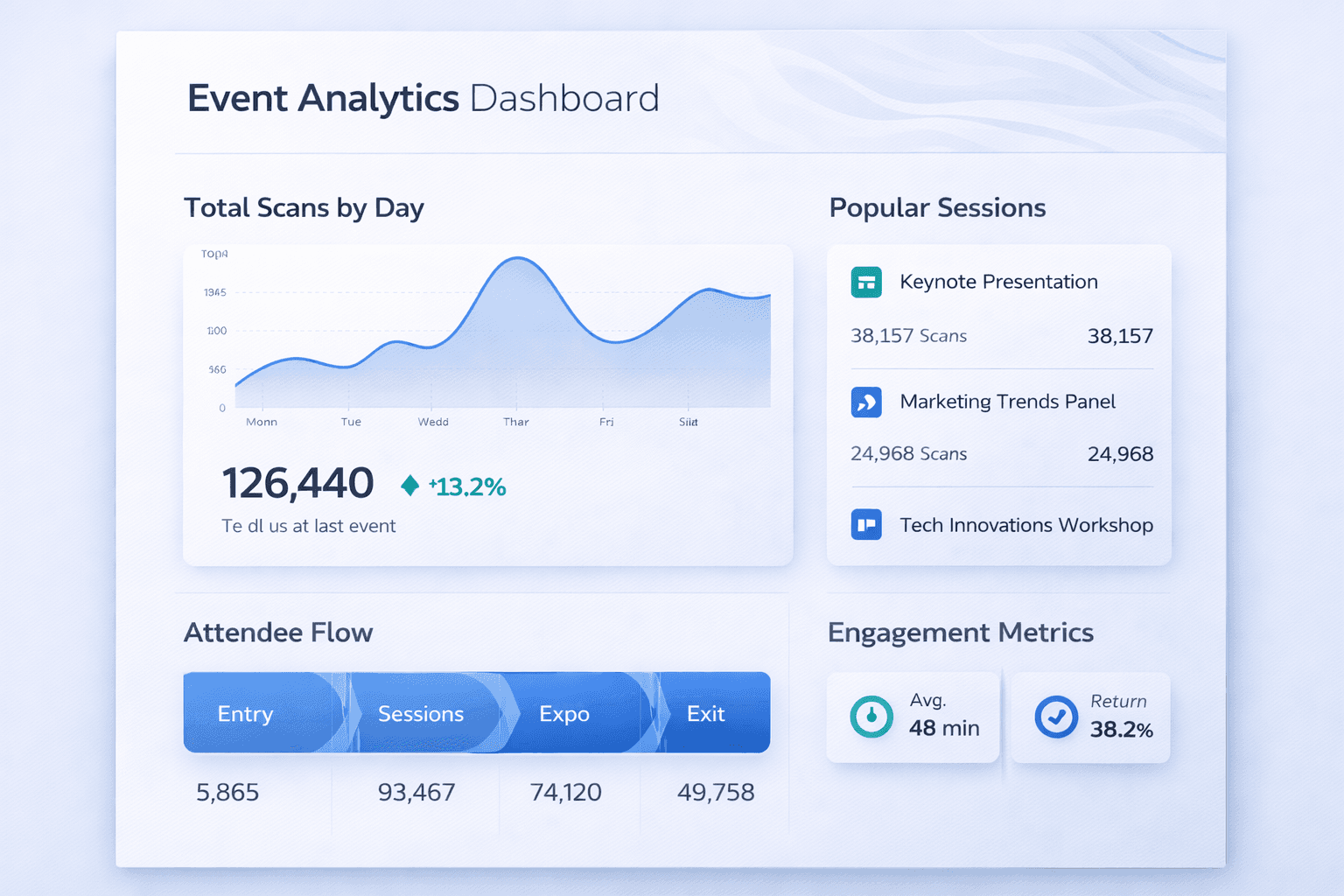
Post-Event Analytics and Follow-Up
Extend value beyond the event itself:
Analytics to review: - Check-in completion rate and timing - Session attendance by scan data - Most scanned exhibitors/sponsors - Peak scanning times throughout event - Geographic distribution of attendees - Device/OS breakdown
Post-event engagement: - Thank you email with personalized content - Session recordings accessible via original QR codes - Post-event resources and materials - Survey for comprehensive feedback - "Save the date" for next event
For exhibitors: - Lead export for CRM import - Scan analytics report - Comparison to event averages - Recommendations for next event
Planning insights: - Which sessions had highest/lowest attendance - Traffic flow patterns through venue - Exhibitor areas with most engagement - Optimal event scheduling based on scan timing
Conclusion
QR codes transform events from logistical challenges to data-rich experiences. They streamline check-in, enable meaningful networking, enhance exhibitor engagement, and provide invaluable analytics.
Start with the basics: QR check-in and badge networking. Then expand to content delivery, feedback collection, and wayfinding. Build infrastructure and expertise over successive events.
The goal is always attendee experience. QR codes succeed when they make events more convenient, more valuable, and more memorable for everyone involved.
Ready to Create Your Own QR Codes?
Start creating dynamic QR codes for your business today. Track analytics, update content anytime, and never reprint again.
Related Articles
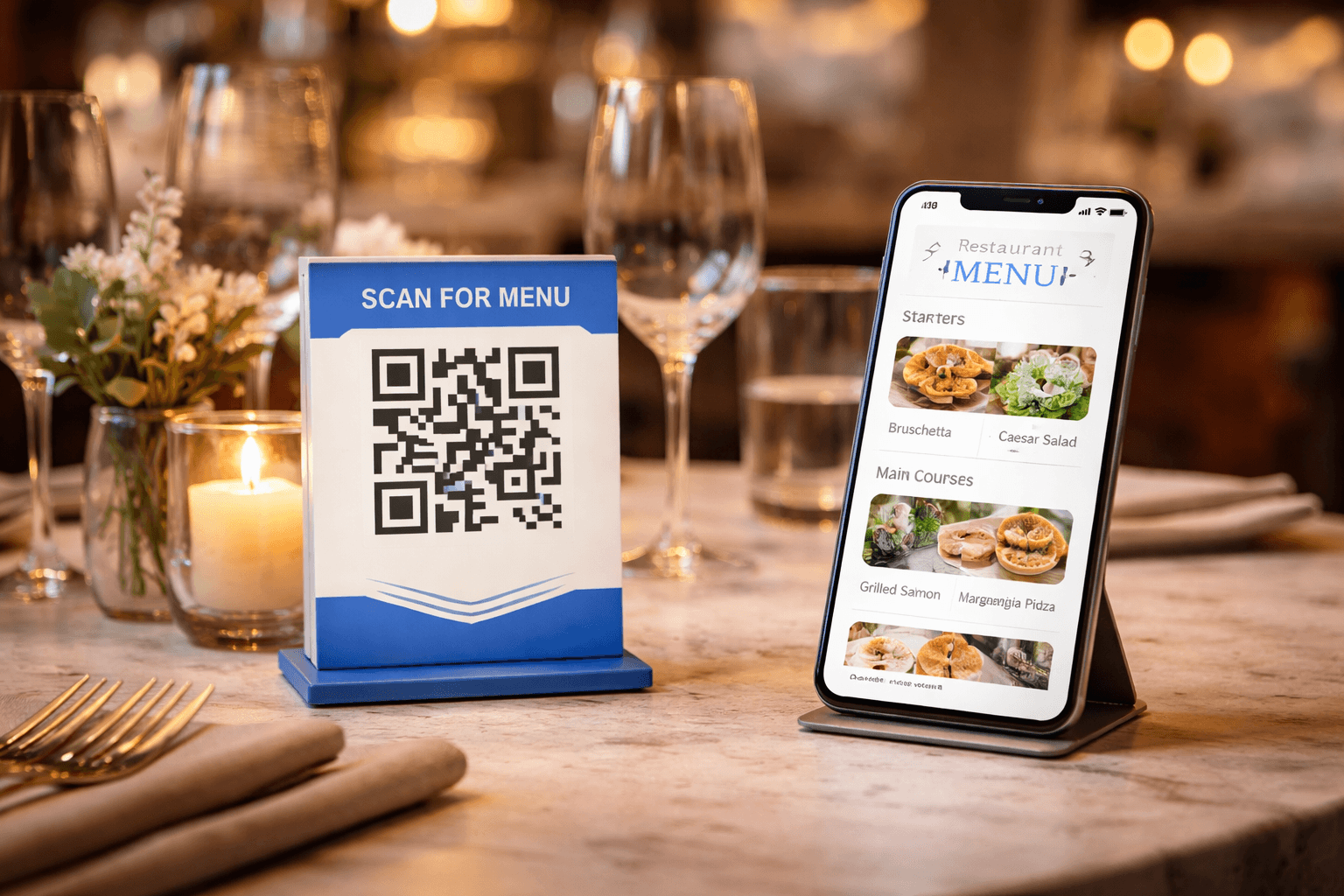
QR Code Menus for Restaurants: The Complete Setup Guide
Step-by-step guide to implementing QR code menus in your restaurant. Covers menu design, placement, customer experience, and common mistakes to avoid.
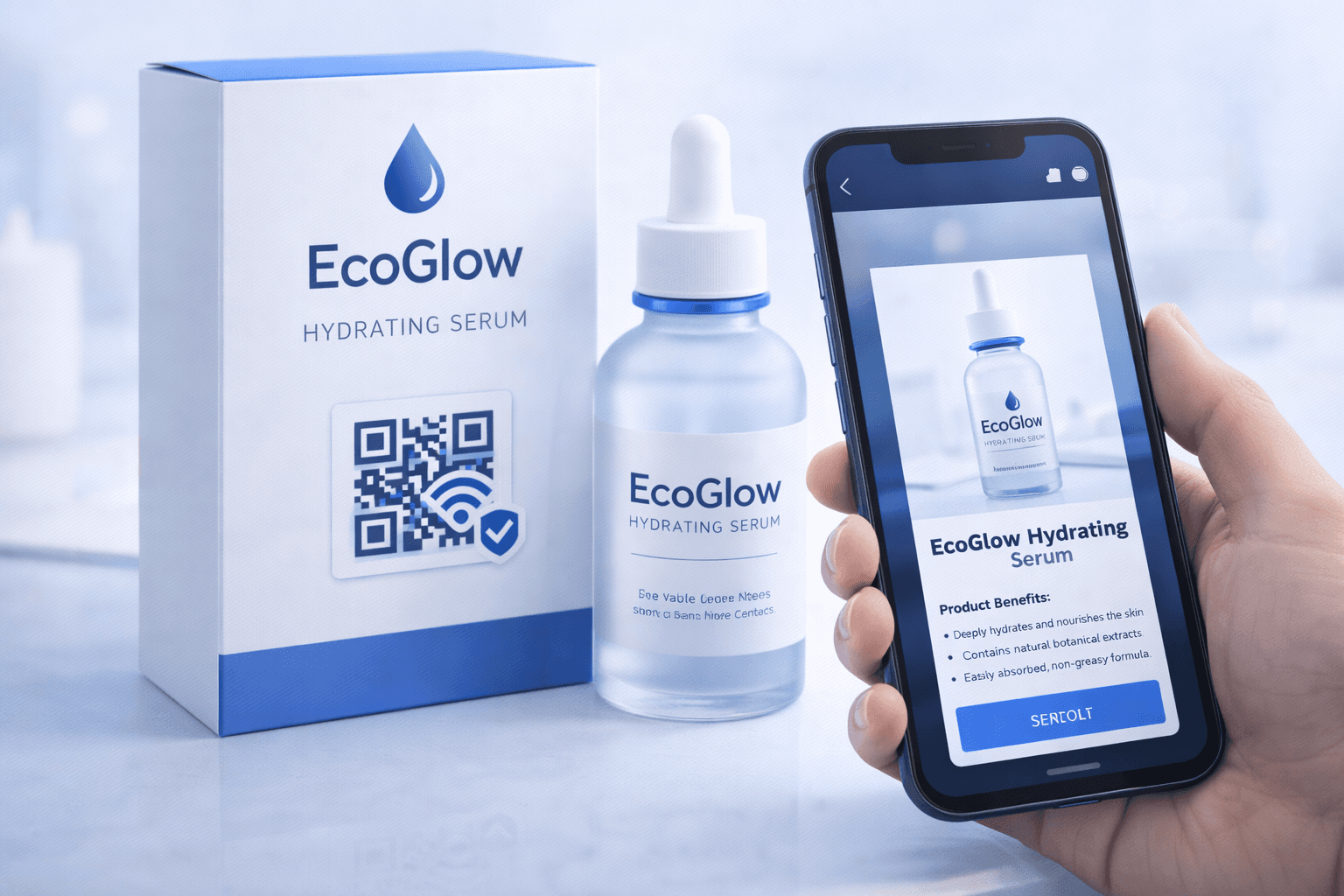
QR Codes on Product Packaging: Engaging Consumers Beyond the Shelf
Transform product packaging into an interactive experience. Learn strategies for using QR codes to provide information, build loyalty, and drive engagement.
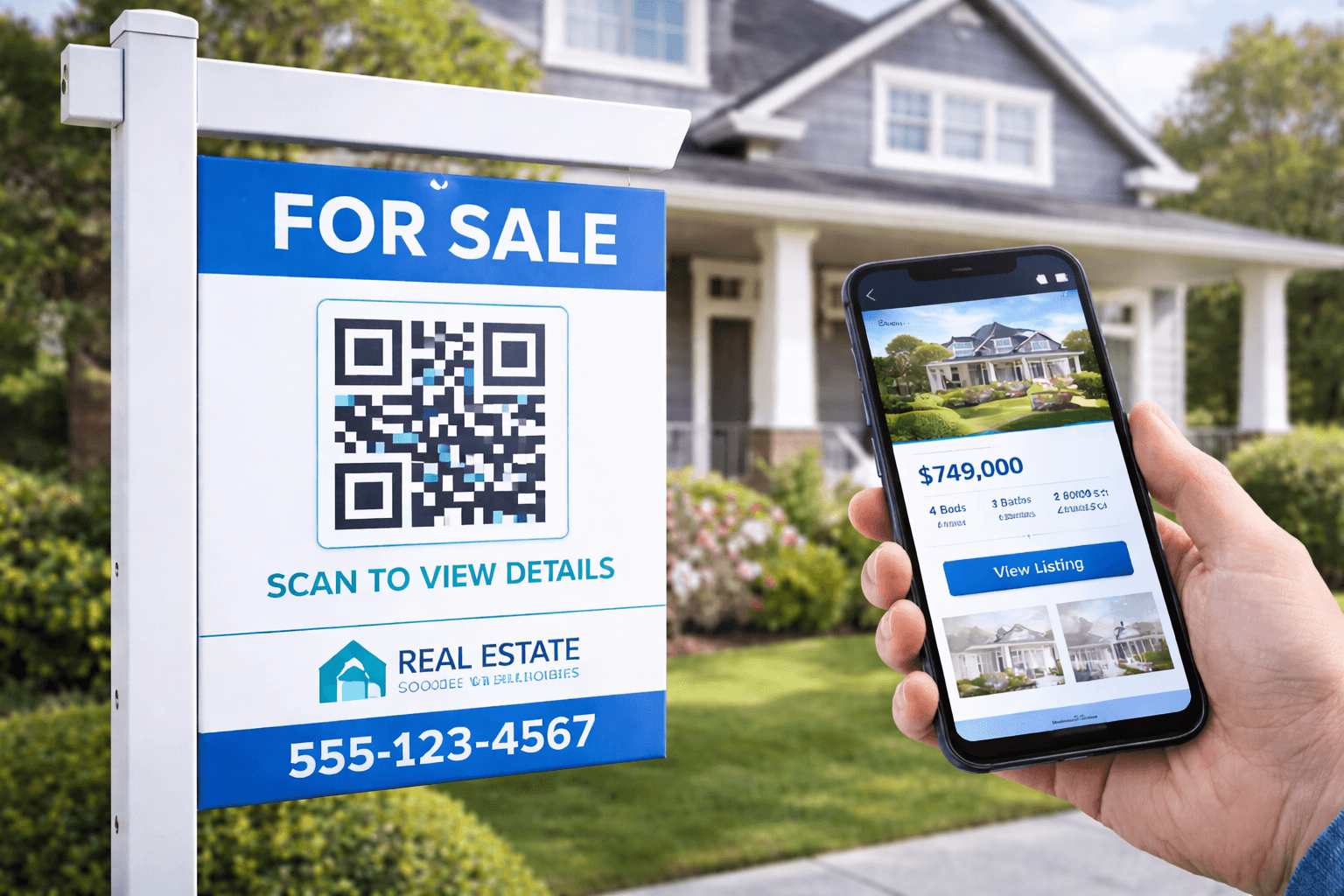
QR Codes for Real Estate: Modern Property Marketing
Transform your property marketing with QR codes. Cover yard signs, virtual tours, open houses, and lead generation strategies for real estate professionals.