QR Code Menus for Restaurants: The Complete Setup Guide
Step-by-step guide to implementing QR code menus in your restaurant. Covers menu design, placement, customer experience, and common mistakes to avoid.

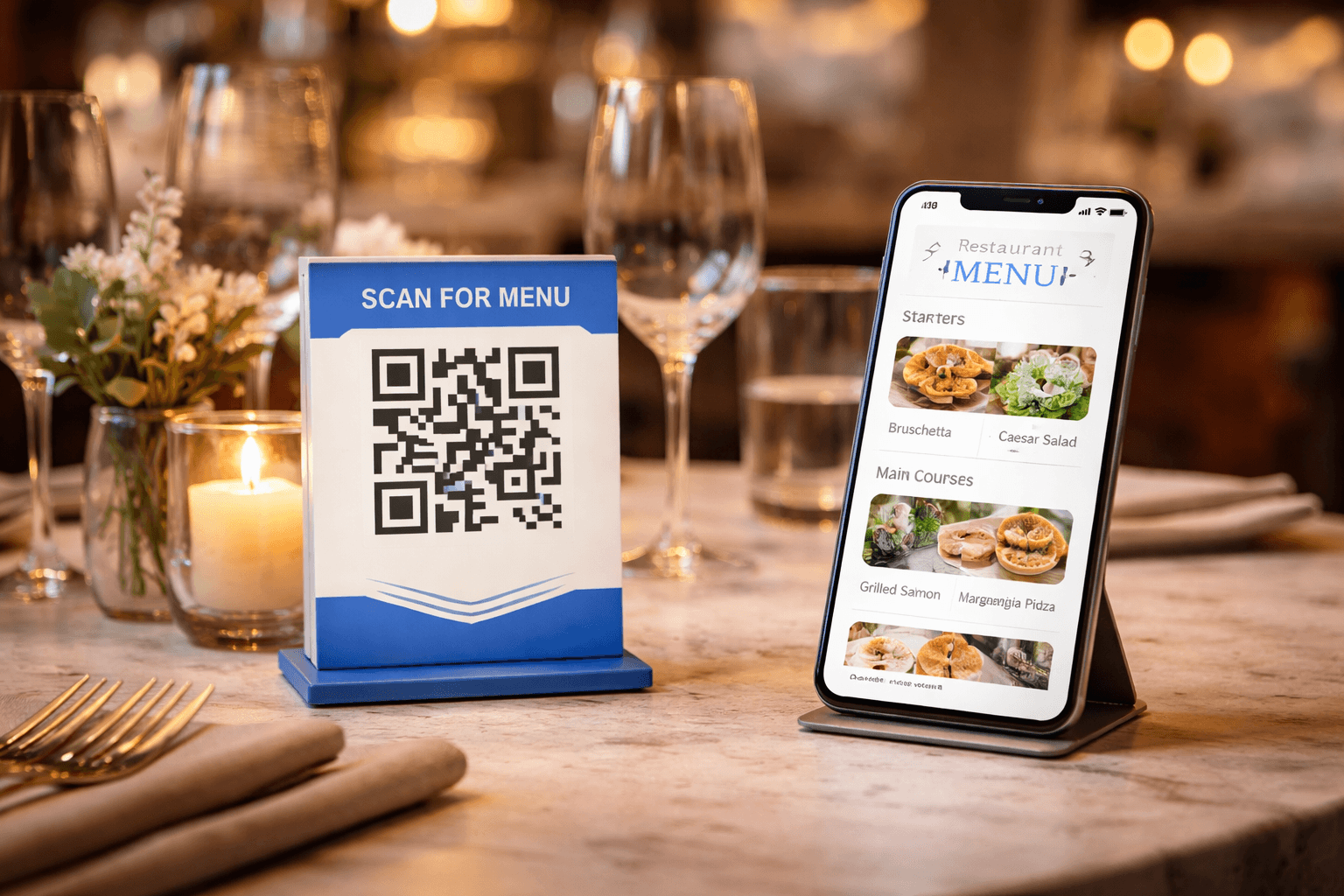
QR code menus have become a permanent fixture in the restaurant industry. What started as a pandemic necessity has evolved into a preferred option for many diners and restaurateurs alike. Done right, QR menus reduce costs, enable instant updates, and provide a better experience. Done wrong, they frustrate customers and hurt your business.
This guide covers everything you need to know about implementing QR code menus successfully—from technical setup to design best practices and customer experience optimization.
Why QR Code Menus Make Sense in 2025
The benefits extend far beyond hygiene:
Cost savings: - Eliminate printing costs for menu updates (typically $500-2000/year for busy restaurants) - Reduce staff time spent on menu distribution - No more damaged/stained menus to replace
Operational efficiency: - Update prices instantly during supplier cost changes - Add/remove items in real-time based on inventory - Run time-limited specials without printing - A/B test menu layouts and descriptions
Customer experience: - Access full menu from anywhere (parking lot, waiting area) - Search and filter menu items - View full allergen and nutritional information - See high-quality photos of dishes
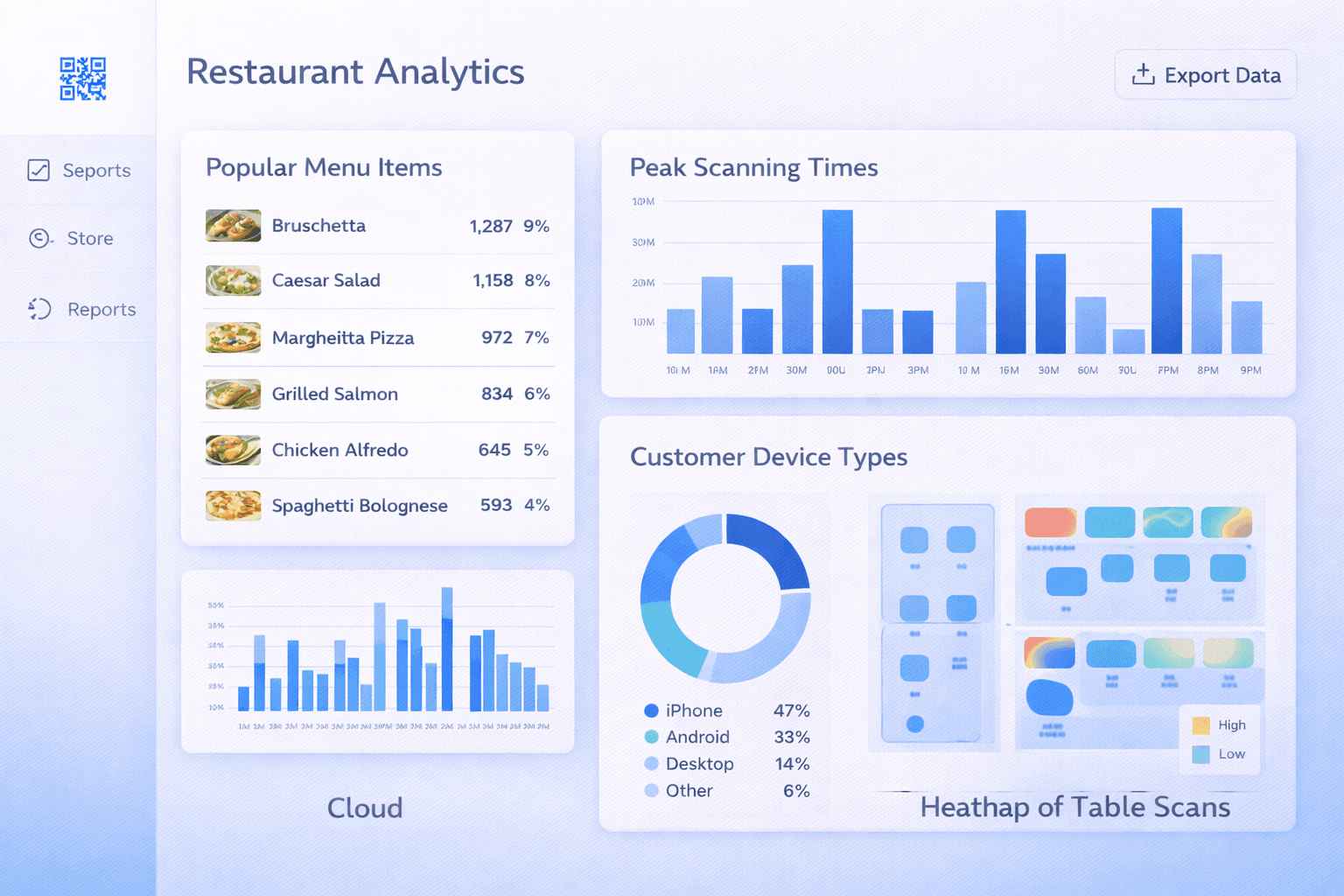
Data insights: - Track which menu sections get most views - Identify popular items before they're ordered - Understand peak menu viewing times

Choosing Your Digital Menu Format
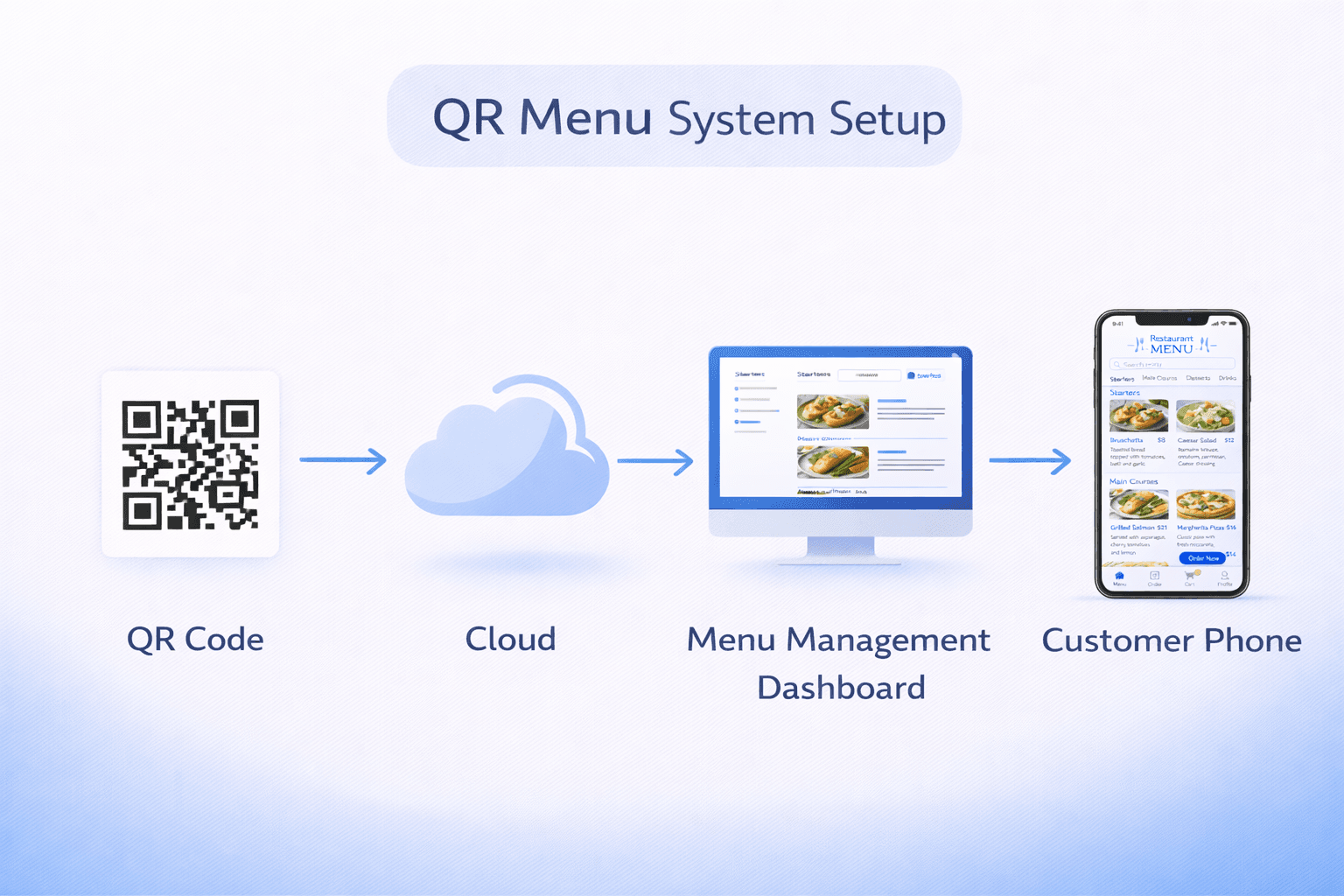
You have several options for what your QR code links to:
Option 1: PDF Menu - Pros: Simple, works offline once loaded - Cons: Not mobile-optimized, hard to update, poor user experience - Verdict: Avoid this approach
Option 2: Website/Landing Page - Pros: Mobile-optimized, easy to update, can include photos - Cons: Requires web development or platform - Verdict: Good starting point
Option 3: Dedicated Menu Platform - Pros: Purpose-built features, ordering integration, analytics - Cons: Monthly subscription cost - Verdict: Best for serious restaurants
Option 4: Full Ordering System - Pros: Customers order directly from phones, payment integration - Cons: Higher complexity, may reduce staff tips - Verdict: Great for quick-service, consider carefully for full-service
For most restaurants, Option 2 or 3 provides the best balance of functionality and simplicity.
Pro Tip
Whatever format you choose, ensure it loads in under 3 seconds on mobile. Slow-loading menus frustrate hungry customers.
Digital Menu Design Best Practices
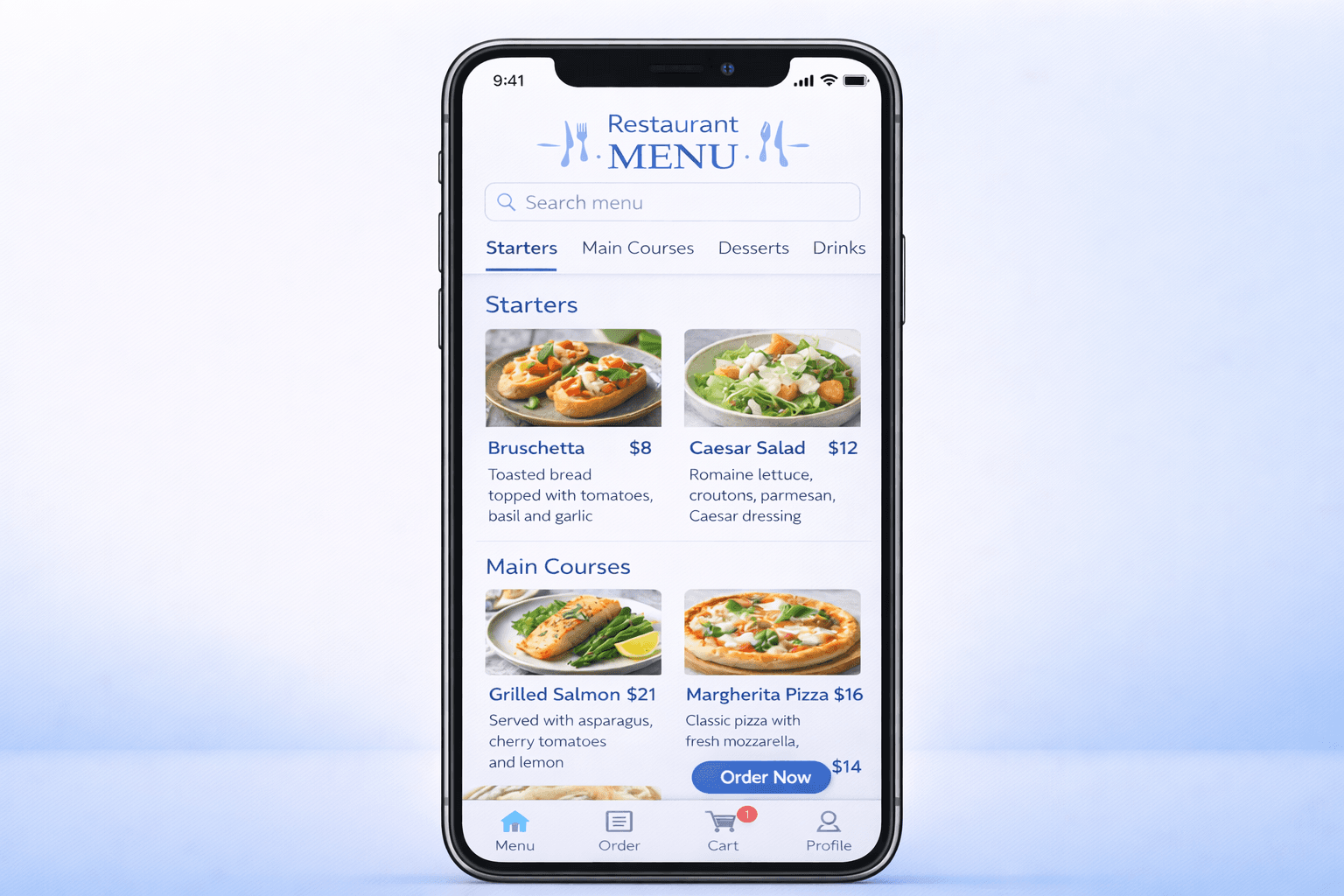
Your digital menu needs to be designed for mobile-first viewing:
Layout principles: - Single column layout (no horizontal scrolling) - Large, tappable category navigation - Clear section headers - Adequate spacing between items - Sticky header for easy navigation back to categories
Typography: - Minimum 16px font size for body text - High contrast (dark text on light background) - Readable fonts (avoid decorative scripts) - Bold for item names, regular for descriptions
Photos: - Include photos for signature/high-margin dishes - Consistent photo style and quality - Optimize images for fast loading (compress to <200KB each) - Don't photograph every item—it becomes overwhelming
Information architecture: - Most popular items at top of each category - Clear pricing (include tax if applicable) - Allergen indicators (icons work better than text) - Brief, appetizing descriptions (50-100 words max)
QR Code Placement Strategy
Where you place your QR codes significantly impacts scan rates and customer experience:
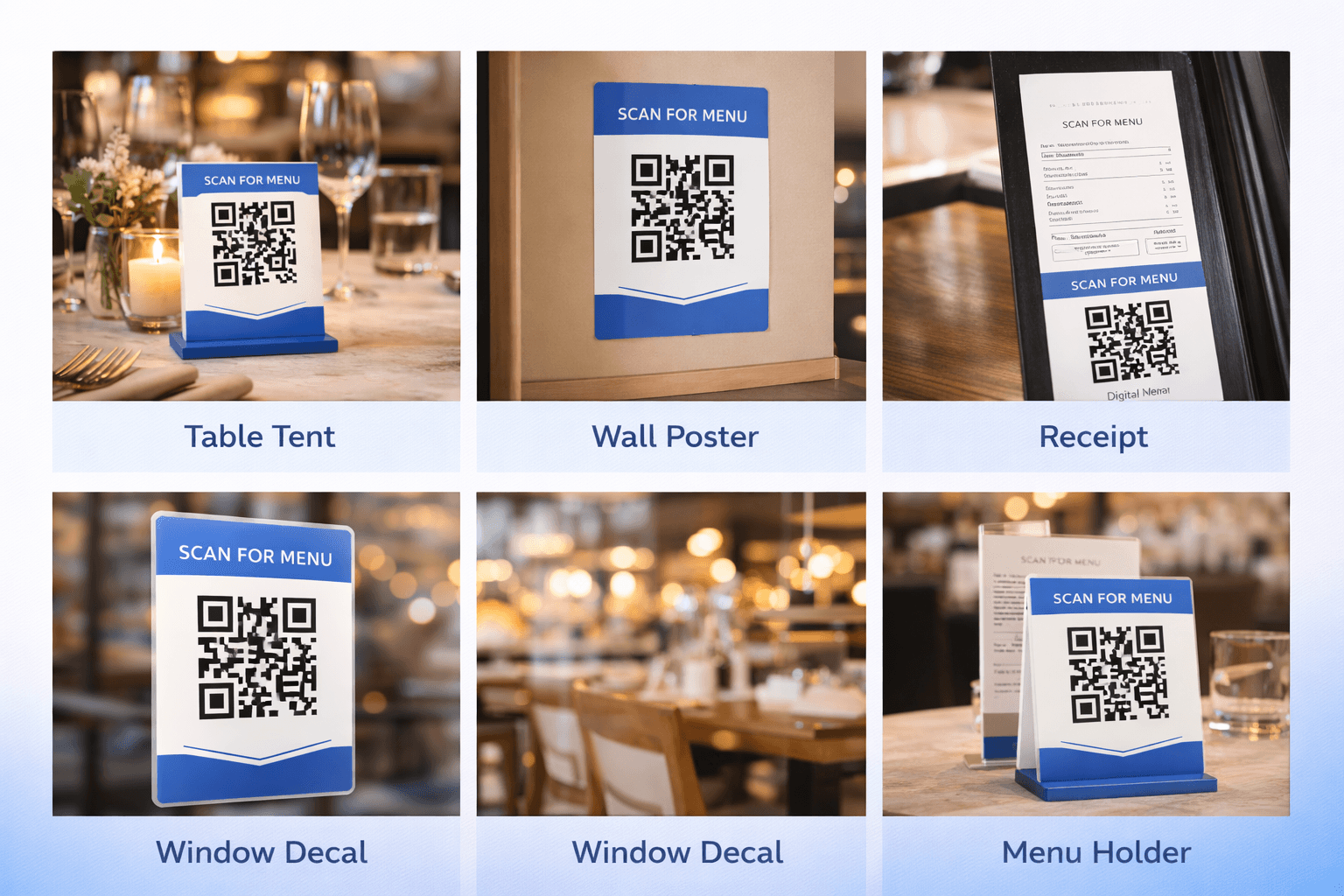
Table placement options:
Table tents (standing displays): - Pros: Highly visible, can include instructions - Cons: Take up table space, can be knocked over - Best for: Casual dining, cafes
Table stickers/decals: - Pros: Permanent, don't take space, professional look - Cons: Can wear out, harder to replace - Best for: Quick service, bars
Menu holders/stands: - Pros: Can hold physical menu backup, premium feel - Cons: Higher cost, take more space - Best for: Fine dining, upscale casual
Embedded in table surface: - Pros: Permanent, very clean look - Cons: Expensive, can't easily change - Best for: New restaurants during build-out
Beyond the table: - Entrance/waiting area: Let guests browse while waiting - Window decals: Attract passersby with menu access - Receipts: For reordering/future visits - Takeout packaging: Drive repeat orders
Important
Always place QR codes where they won't be obscured by plates, glasses, or centerpieces. Test at a fully-set table.
The Physical Menu Debate
Should you keep physical menus? The data suggests yes, at least as a backup.
Customer preferences: - 67% of diners prefer having both options available - 62% of QR scans come from users 18-34 - Older demographics show lower QR adoption - Some customers have phones with cracked screens or dead batteries
Recommended approach: 1. Lead with QR codes (default experience) 2. Train staff to offer physical menus to those who need them 3. Keep a small stock of physical menus (10-20% of capacity) 4. Consider large-print menus for accessibility
How to handle requests gracefully: "Our menu is available by scanning this QR code. Would you prefer I bring you a printed menu instead?"
This approach respects preferences without making anyone feel singled out.
Pro Tip
Track the ratio of QR scans to physical menu requests. If physical requests exceed 30%, improve your QR code visibility or customer guidance.
Staff Training Essentials
Your staff are ambassadors for the QR menu system. Proper training is essential:
What staff should know: - How to explain the QR code to confused guests - How to troubleshoot common scanning issues - When to proactively offer physical menus - How the digital menu is organized - What information is available online vs. what they need to explain
Common customer issues and responses:
"My phone won't scan it" "Let me help—make sure your camera is focused on the code from about 6 inches away. If your camera app doesn't work, you can try downloading a free QR scanner from the app store. Or I'd be happy to bring you a printed menu."
"I don't want to use my phone" "No problem at all—I'll bring you a printed menu right away."
"The website isn't loading" "Our WiFi network is [name] with password [password]. That usually helps with loading. I can also bring a printed menu while that loads."
- Role-play customer interactions during training
- Ensure all staff can personally scan and navigate the menu
- Create a quick-reference card for troubleshooting
- Empower staff to offer physical menus without manager approval
- Brief staff on menu changes so they can answer questions
Technical Setup Checklist
Ensure these technical elements are in place:
QR code requirements: - Use dynamic QR codes (allows updates without reprinting) - Size: Minimum 3cm x 3cm for table placement - High contrast colors (dark on light) - Include a brief call-to-action: "Scan for Menu" - Test with multiple phone types before printing
Digital menu requirements: - Mobile-responsive design (test on various screen sizes) - Fast loading (<3 seconds on 4G connection) - SSL certificate (https://) for security - No login/email required to view menu - Works on all major browsers
Infrastructure: - Reliable WiFi for customers (post network name/password) - Backup for WiFi outages (physical menus) - Regular menu content updates scheduled - Analytics tracking implemented
Common Mistakes to Avoid
Learn from others' errors:
Mistake 1: PDF menus PDFs aren't mobile-friendly. Users must pinch-zoom, scroll horizontally, and struggle to read small text. Invest in a proper mobile menu.
Mistake 2: Tiny QR codes Codes smaller than 2.5cm are hard to scan, especially in dim restaurant lighting. Go bigger.
Mistake 3: Poor code placement Placing codes where they're hidden by table settings, hard to reach, or poorly lit leads to frustration.
Mistake 4: No instructions Not everyone knows how to scan QR codes. Brief instructions ("Open camera, point at code") help.
Mistake 5: Static codes Using static QR codes means reprinting everything when your menu URL changes. Always use dynamic.
Mistake 6: Ignoring accessibility Some customers can't use QR codes due to vision impairment, motor difficulties, or lack of smartphone. Always have alternatives.
Mistake 7: Outdated content QR menus are only valuable if kept current. Stale prices or unavailable items damage trust.
Important
The worst customer experience is scanning a QR code that leads to a "404 Not Found" error. Test your codes regularly.
Measuring Success
Track these metrics to optimize your QR menu implementation:
Engagement metrics: - Total QR scans per day/week - Scans per table turn - Time spent viewing menu - Most viewed categories/items
Operational metrics: - Physical menu request rate - Time from seating to order - Customer complaints about QR system - Staff time saved on menu tasks
Business metrics: - Average order value (compare before/after) - High-margin item sales - Menu update frequency - Printing cost savings
Set up weekly reviews for the first month after implementation, then monthly thereafter.
Conclusion
QR code menus, when implemented thoughtfully, benefit everyone—customers get instant access to up-to-date information, staff spend less time on menu logistics, and owners save money while gaining valuable data.
The keys to success are: invest in a proper mobile-optimized menu (not a PDF), use dynamic QR codes, train staff thoroughly, always offer alternatives, and continuously measure and optimize.
Start simple, get feedback, and iterate. Your QR menu system should evolve with your customers' needs.
Ready to Create Your Own QR Codes?
Start creating dynamic QR codes for your business today. Track analytics, update content anytime, and never reprint again.
Related Articles
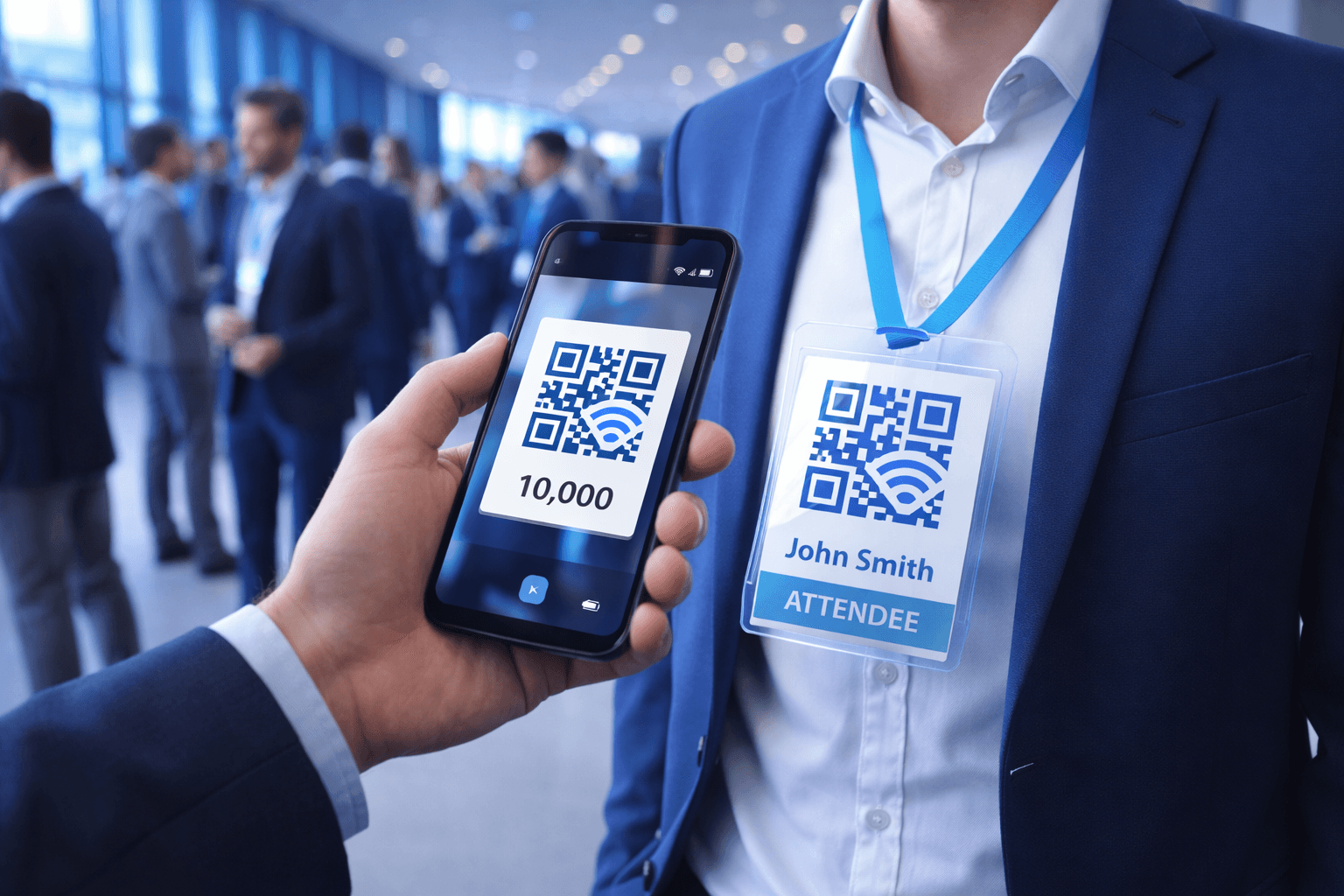
QR Codes for Events: Conferences, Trade Shows, and Beyond
Comprehensive guide to using QR codes at events. Cover check-in, networking, exhibitor engagement, and post-event follow-up.
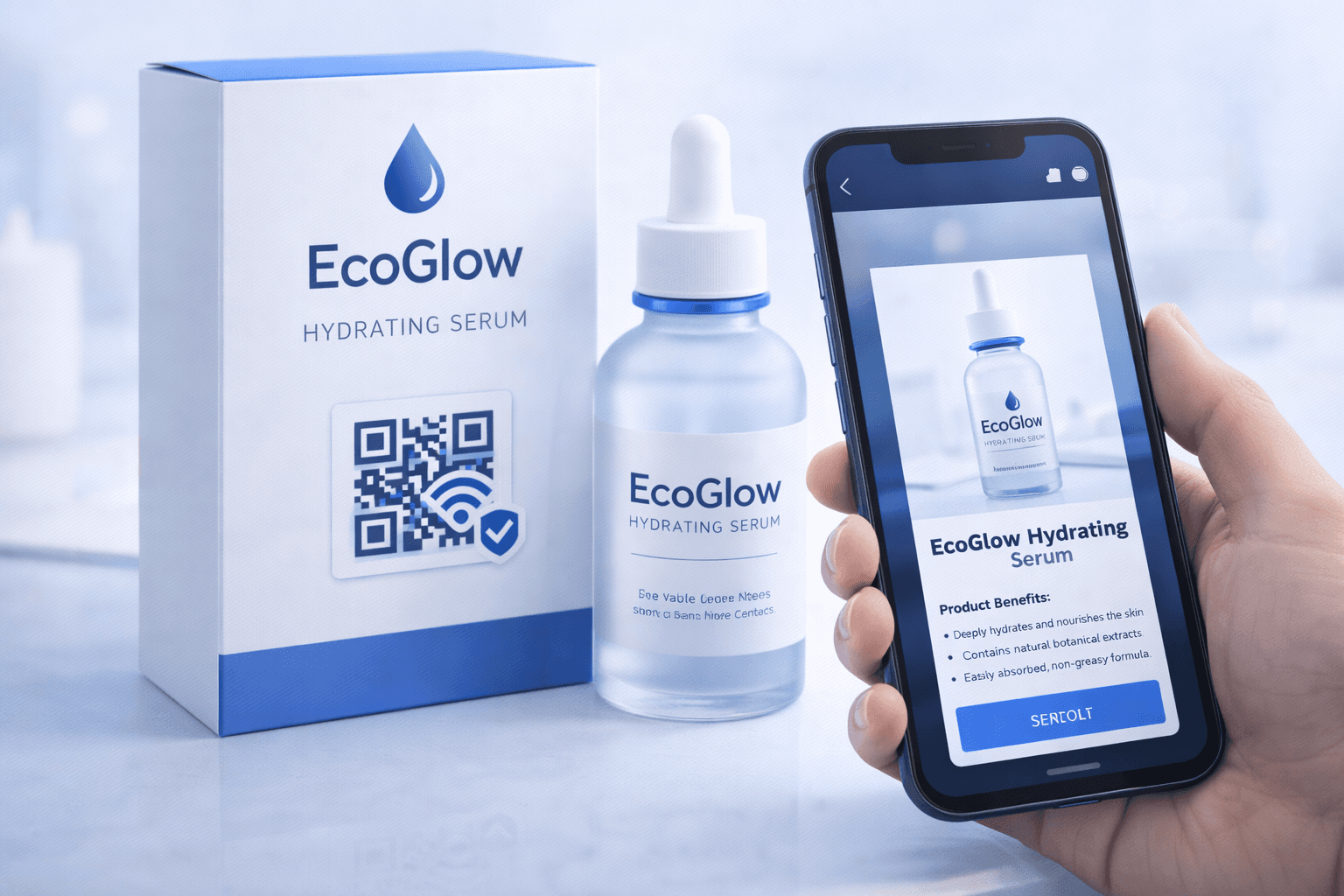
QR Codes on Product Packaging: Engaging Consumers Beyond the Shelf
Transform product packaging into an interactive experience. Learn strategies for using QR codes to provide information, build loyalty, and drive engagement.
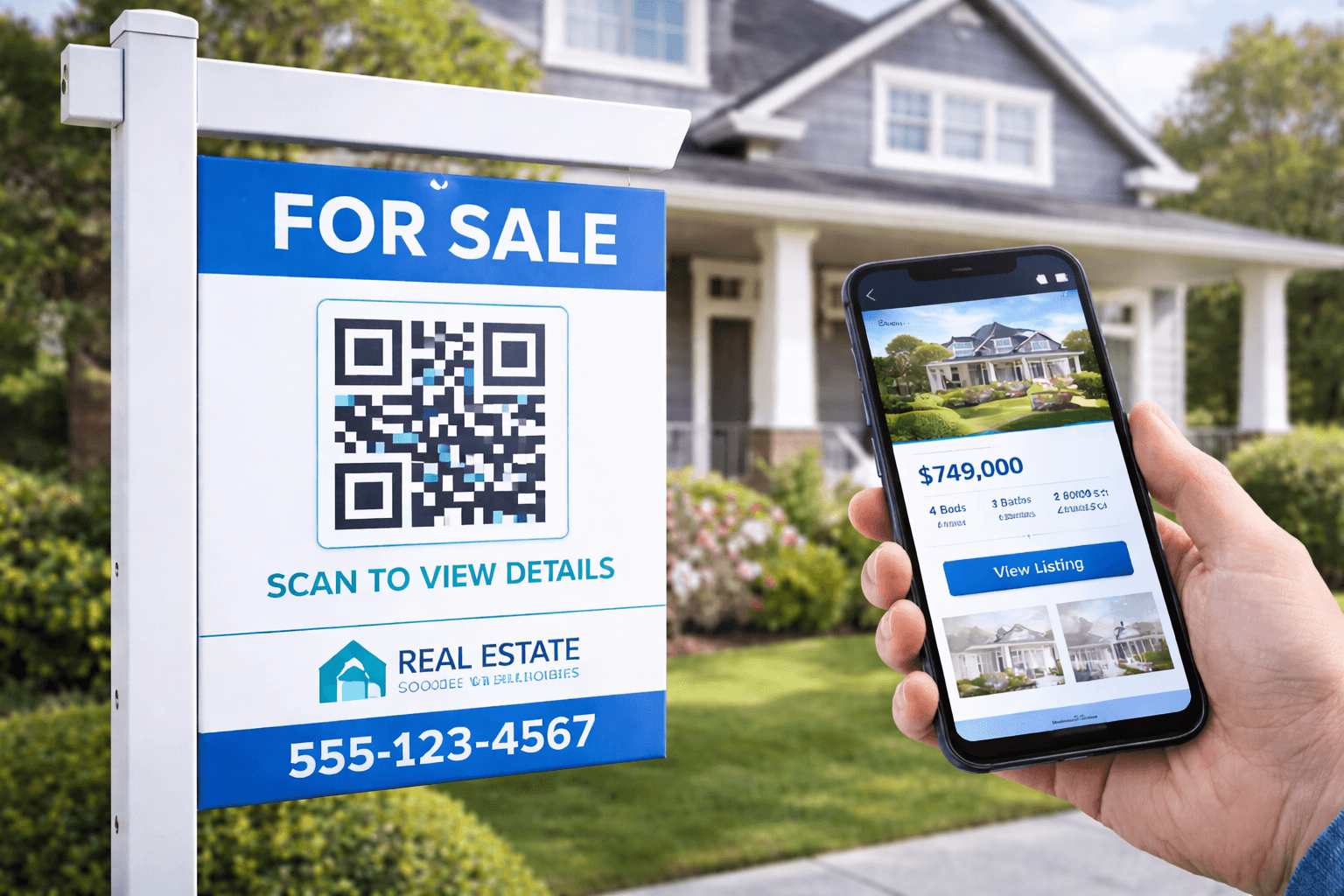
QR Codes for Real Estate: Modern Property Marketing
Transform your property marketing with QR codes. Cover yard signs, virtual tours, open houses, and lead generation strategies for real estate professionals.