vCard QR Codes: The Complete Guide to Digital Business Cards
Learn how to create vCard QR codes for instant contact sharing. Covers design, best practices, and how to replace traditional business cards.

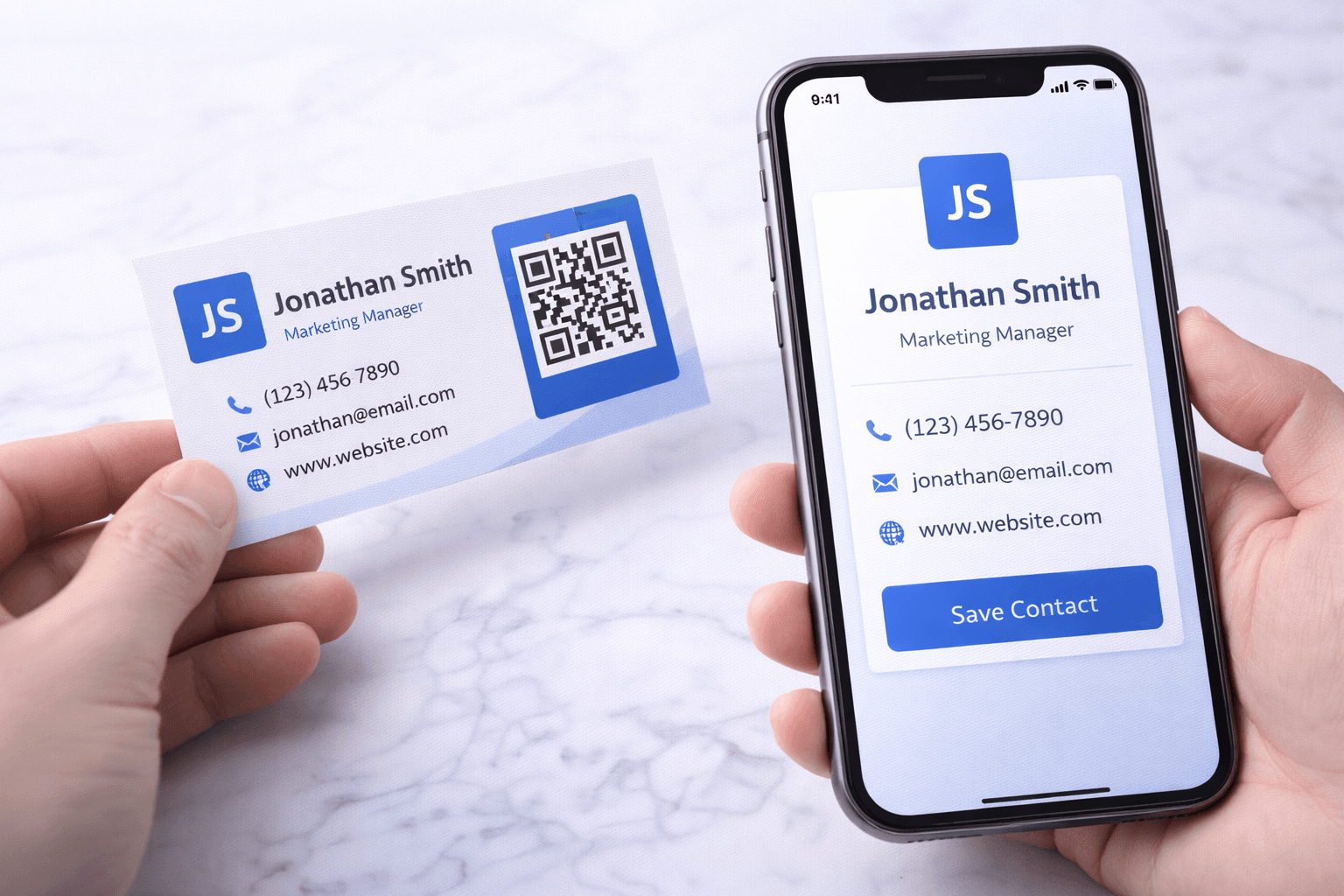
88% of traditional business cards are thrown away within a week of being received. That's not just wasteful—it's a missed connection that could have become a client, partner, or opportunity.
vCard QR codes solve this problem by instantly transferring your contact information to someone's phone with a single scan. No typing, no lost cards, no forgotten names. In this guide, we'll cover everything you need to create effective vCard QR codes that make networking effortless.
What is a vCard QR Code?
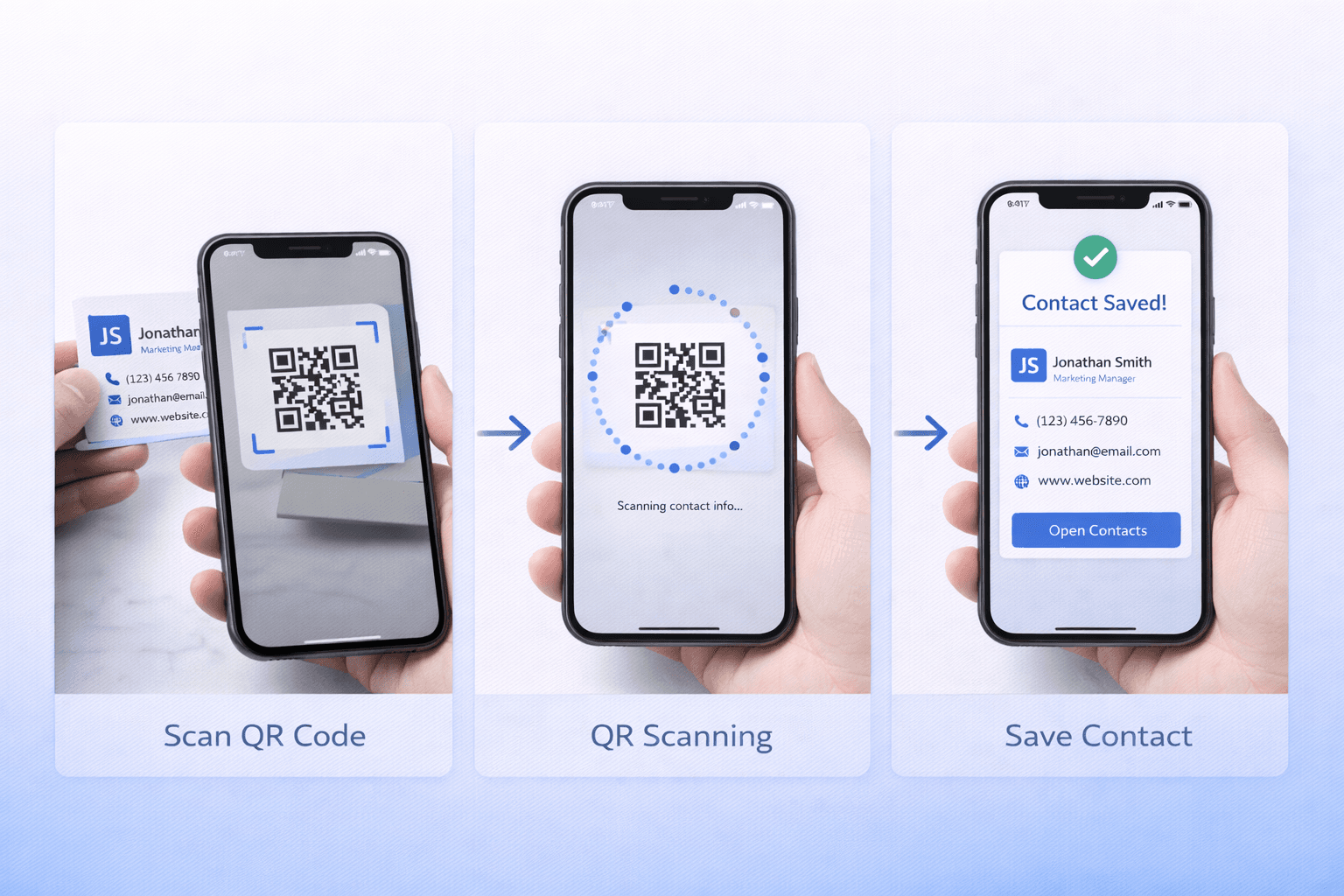
A vCard (Virtual Contact File) is a standardized file format for contact information. When you scan a vCard QR code, your phone receives this digital contact card and prompts you to save it directly to your contacts.
Information a vCard can include: - Full name and title - Company/organization - Phone numbers (mobile, work, home) - Email addresses - Physical address - Website URL - Social media profiles - Photo/headshot - Notes
How it works technically: The QR code encodes either the vCard data directly (static) or a link to a hosted vCard page (dynamic). When scanned, the phone's operating system recognizes the contact format and offers to save it.
Static vs Dynamic vCard QR Codes
This distinction is especially important for vCards:
Static vCard QR Code: - All contact data encoded in the code itself - Cannot be updated after creation - Works offline (no internet needed to decode) - Larger QR code pattern (more data = more modules) - Best for: Information that won't change
Dynamic vCard QR Code: - Code links to hosted contact page - Update information anytime without new QR code - Can include rich media (photos, videos, portfolios) - Compact QR code size - Tracks scan analytics - Best for: Most professional use cases
Why dynamic wins for professionals: Consider: You change jobs, get a new phone number, or add a new social media profile. With static codes on your printed cards, you'd need to reprint everything. With dynamic, update once in your dashboard and all existing codes reflect the change.
Pro Tip
Even if you think your information won't change, life is unpredictable. Dynamic vCards provide insurance against unexpected changes.
Creating Your vCard QR Code
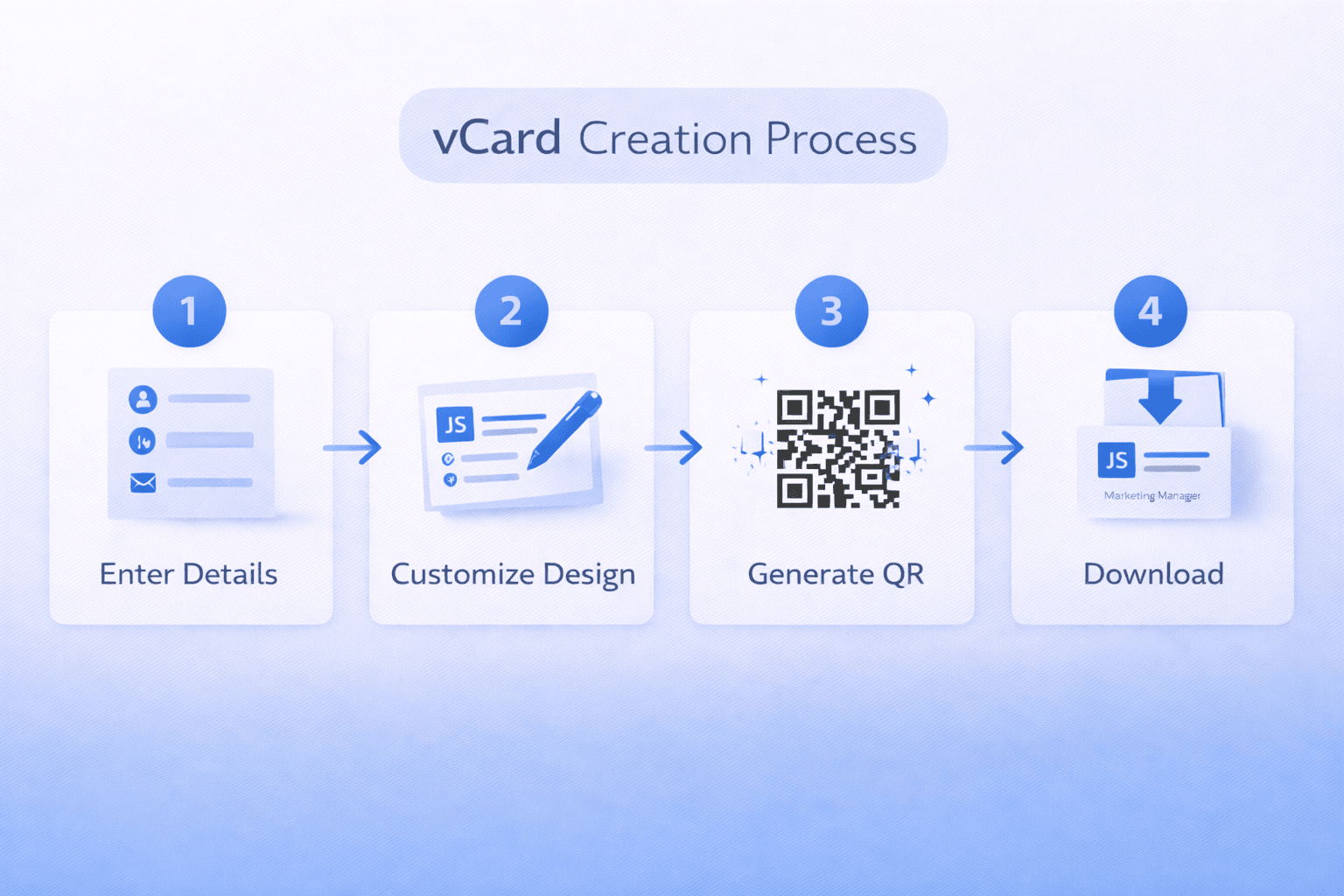
Follow these steps for an effective vCard:
Step 1: Gather your information Compile all contact details you want to share. Consider what's relevant for your networking context—a sales professional might include different information than a creative freelancer.
Step 2: Prioritize information More data means a denser QR code. Include: - Essential: Name, primary phone, primary email - Important: Title, company, website - Optional: Social profiles, secondary contacts, photo
Step 3: Choose your platform Select a QR code generator that offers vCard functionality. Look for: - Dynamic code option - Customization features - Analytics dashboard - Reliable hosting
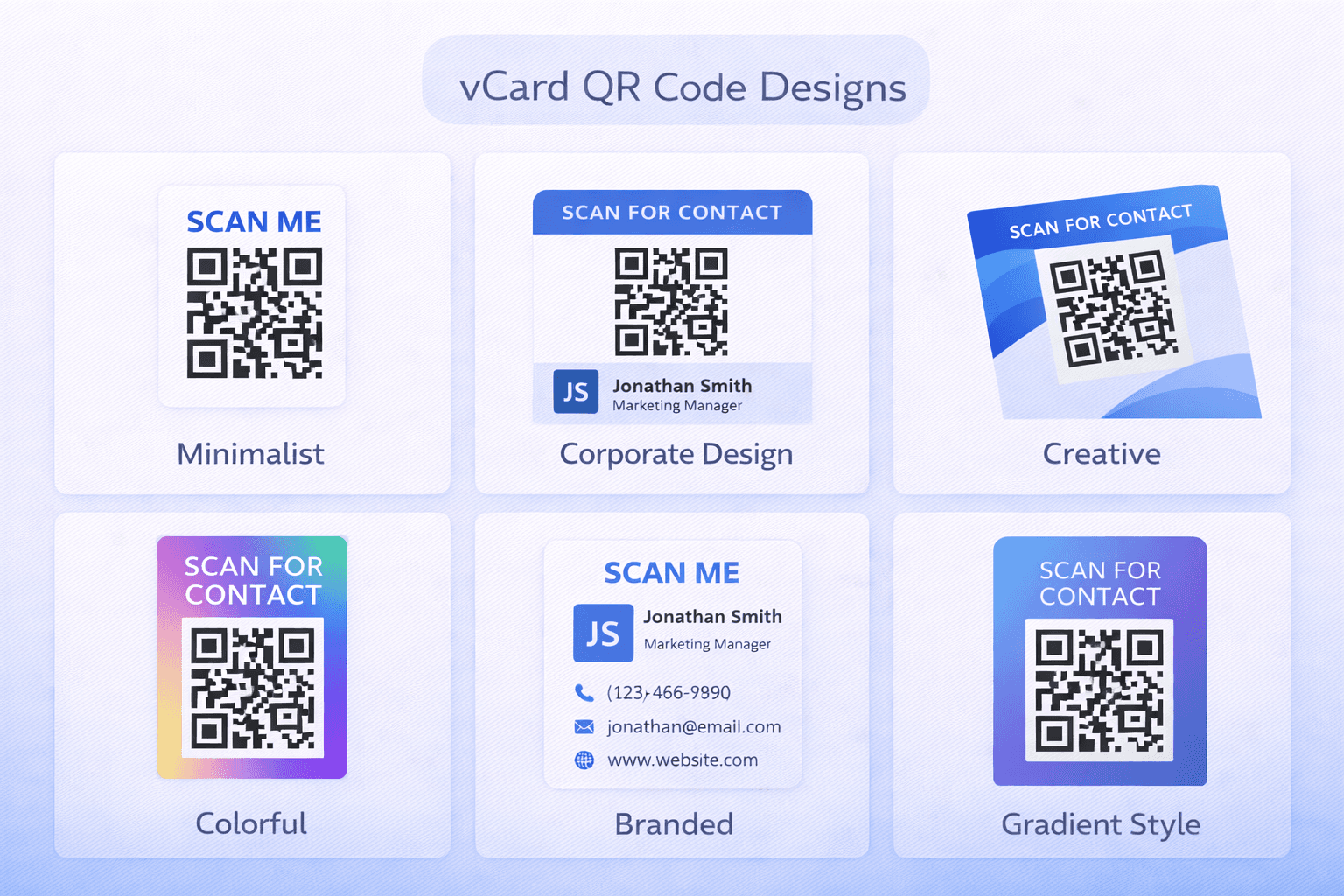
Step 4: Design your code Customize colors to match your brand while maintaining scannability. Add your logo if the platform supports it.
Step 5: Test thoroughly Scan with multiple devices. Verify all information saves correctly. Test the "Add to Contacts" flow on both iOS and Android.
Design Best Practices
Your vCard QR code represents your professional image:
QR code design: - Match colors to your personal/company brand - Ensure sufficient contrast (dark on light) - Add logo if using high error correction - Size appropriately for your use case
Landing page design (for dynamic vCards): - Clean, professional layout - High-quality headshot photo - Clear hierarchy of information - Mobile-optimized display - Fast loading time - Easy one-tap "Add to Contacts" button
What to avoid: - Cluttered designs that distract from scannability - Low contrast color combinations - Oversized logos that compromise the code - Comic Sans or unprofessional fonts on landing pages
Where to Use Your vCard QR Code
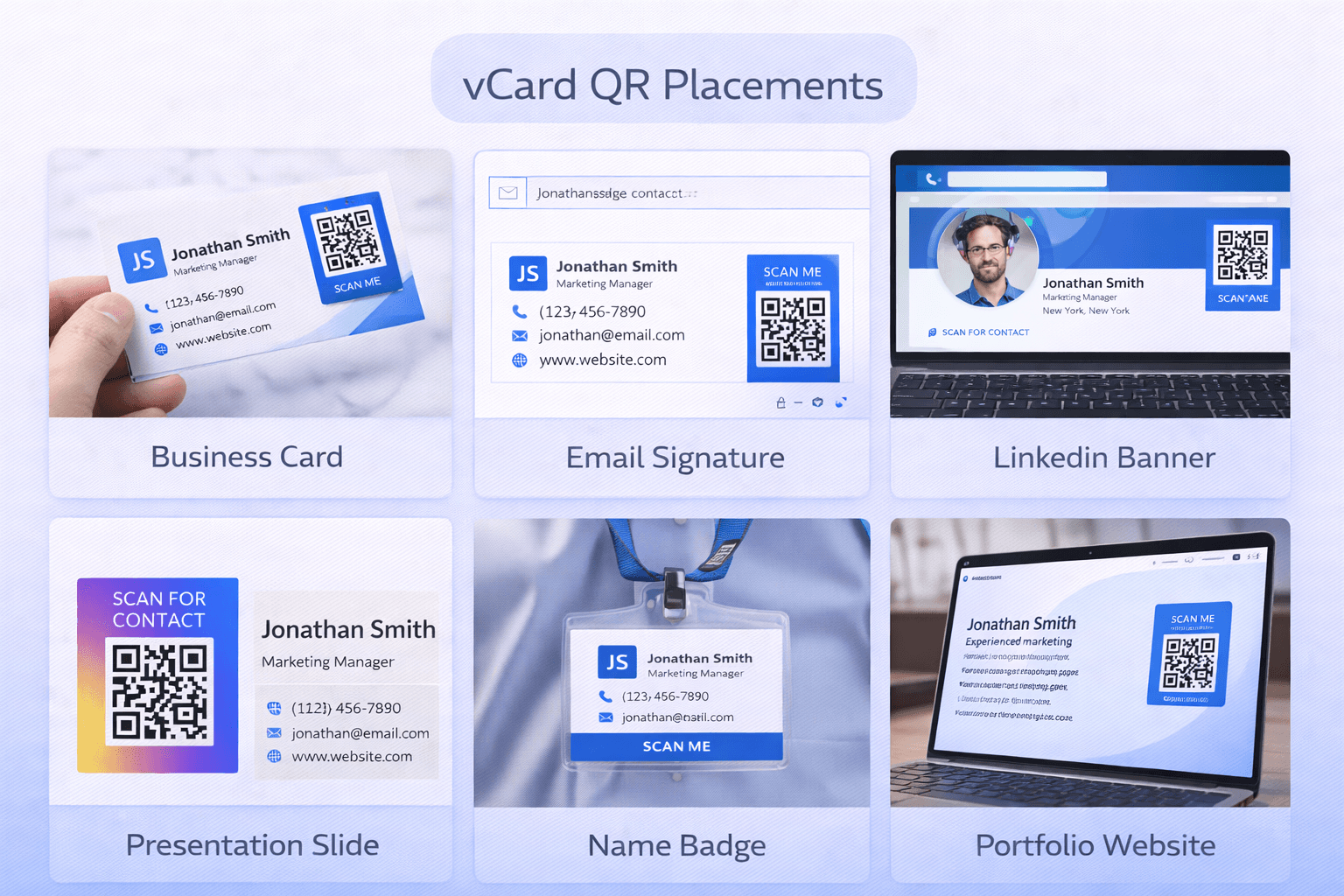
Maximize exposure by placing your vCard QR code strategically:
Physical placements: - Traditional business cards (back side is perfect) - Name badges and lanyards - Resume/CV header - Portfolio covers - Office door/desk nameplate - Conference booth materials
Digital placements: - Email signature - LinkedIn banner image - Zoom/Teams virtual background - Website contact page - Social media profiles - Digital presentations
Creative opportunities: - Custom merchandise (shirts, mugs, bags) - Vehicle decals - Trade show giveaways - QR code jewelry (yes, this exists)
Pro Tip
Add your vCard QR code to your Zoom virtual background. Every meeting becomes a networking opportunity without awkward card exchanges.
Networking Scenarios and Scripts
Make the most of your vCard QR code in real interactions:
Conference networking: "Great meeting you! Here, scan this and you'll have all my details—way easier than juggling business cards."
Sales meetings: "I'd love to stay in touch. Rather than a card that might get lost, let me share my contact directly to your phone."
Job interviews: "My contact details and portfolio are all in one place—feel free to scan this QR code from my resume."
Casual encounters: "We should connect! Here's the easiest way—just scan this and my info goes right to your contacts."
Following up: After someone scans your code, follow up within 24-48 hours. Reference something specific from your conversation to stand out.
- Practice your QR code introduction to make it natural
- Have your phone ready to scan others' codes too
- Follow up promptly after someone scans your code
- Keep your vCard information current
- Track your analytics to see which events generate most scans
Hybrid Approach: QR Codes on Traditional Cards
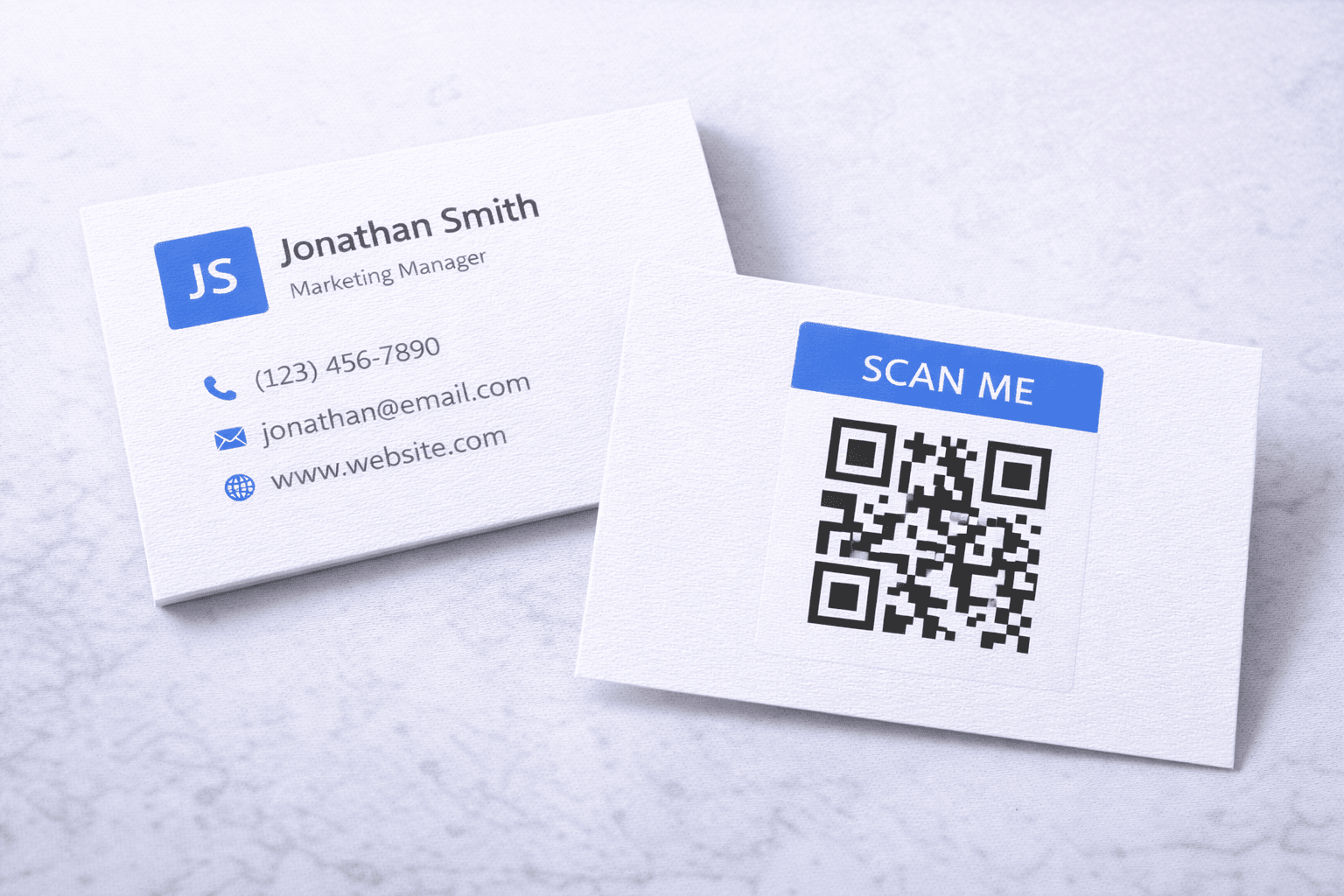
The most effective approach combines traditional and digital:
Benefits of a hybrid card: - Provides the tactile experience some people expect - Works for those uncomfortable with QR technology - QR code ensures accurate data transfer - Physical card serves as reminder/reference
Design recommendations: - Front: Traditional card design with key info - Back: QR code with "Scan to save my contact instantly" - Include brief scanning instructions for unfamiliar users - Make QR code at least 2cm x 2cm
Information strategy: Put essential info (name, phone, email) on the physical card. Let the QR code provide expanded information (social profiles, portfolio, company details).
Measuring Your Networking Success
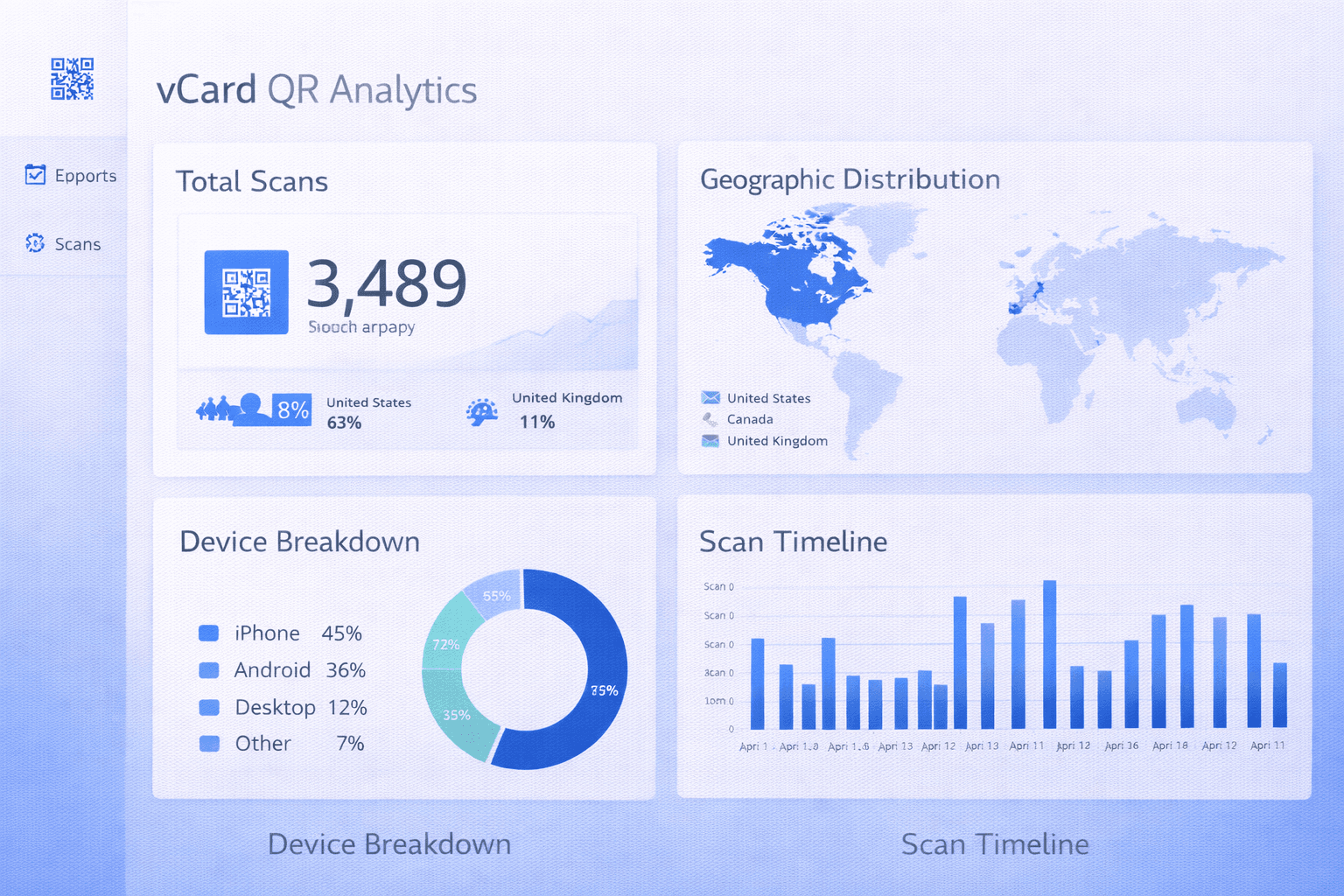
Dynamic vCard QR codes provide valuable analytics:
Metrics to track: - Total scans (overall networking activity) - Unique scanners vs. repeat scans - Geographic distribution of scans - Peak scanning times (correlate with events) - Device breakdown (iOS vs. Android)
How to use this data: - See which events generate the most connections - Identify geographic areas of interest - Optimize your networking schedule - Measure ROI of conference attendance - Track networking growth over time
Setting goals: Establish baseline metrics and set improvement targets. For example: "Increase monthly new connections by 20%" or "Generate 50+ scans at the industry conference."
Common Mistakes to Avoid
Learn from these frequent errors:
Mistake 1: Information overload Including every possible detail makes the QR code dense and harder to scan. Prioritize essential information.
Mistake 2: Using static codes on printed materials Job changes, phone numbers, and email addresses change. Static codes can't keep up.
Mistake 3: Poor placement on cards QR codes need adequate size and contrast. Don't shrink it to fit in a corner.
Mistake 4: No call-to-action A QR code without context looks mysterious. Add text like "Scan to save my contact."
Mistake 5: Forgetting to test Different phones handle vCards differently. Test on iOS and Android before mass printing.
Mistake 6: Abandoning the personal touch QR codes facilitate contact exchange but don't replace genuine connection. Use them as a tool, not a substitute for real interaction.
Important
Some older phones and QR scanner apps may not properly handle vCard formats. Always have a backup plan for sharing your contact information.
Conclusion
vCard QR codes transform networking from a game of card exchange and manual data entry into instant, accurate contact saving. The technology is mature, adoption is mainstream, and the benefits are clear.
Start with a dynamic vCard QR code that you can update as your career evolves. Place it strategically on physical cards, digital profiles, and anywhere potential connections might see it. Track your results and refine your approach.
The goal isn't to replace human connection—it's to remove the friction that prevents good connections from becoming lasting relationships.
Ready to Create Your Own QR Codes?
Start creating dynamic QR codes for your business today. Track analytics, update content anytime, and never reprint again.