QR Code Payments Explained: How They Work and Why They Matter
Understand how QR code payment systems work. Compare merchant-presented vs. consumer-presented codes, explore global adoption, and learn implementation basics.

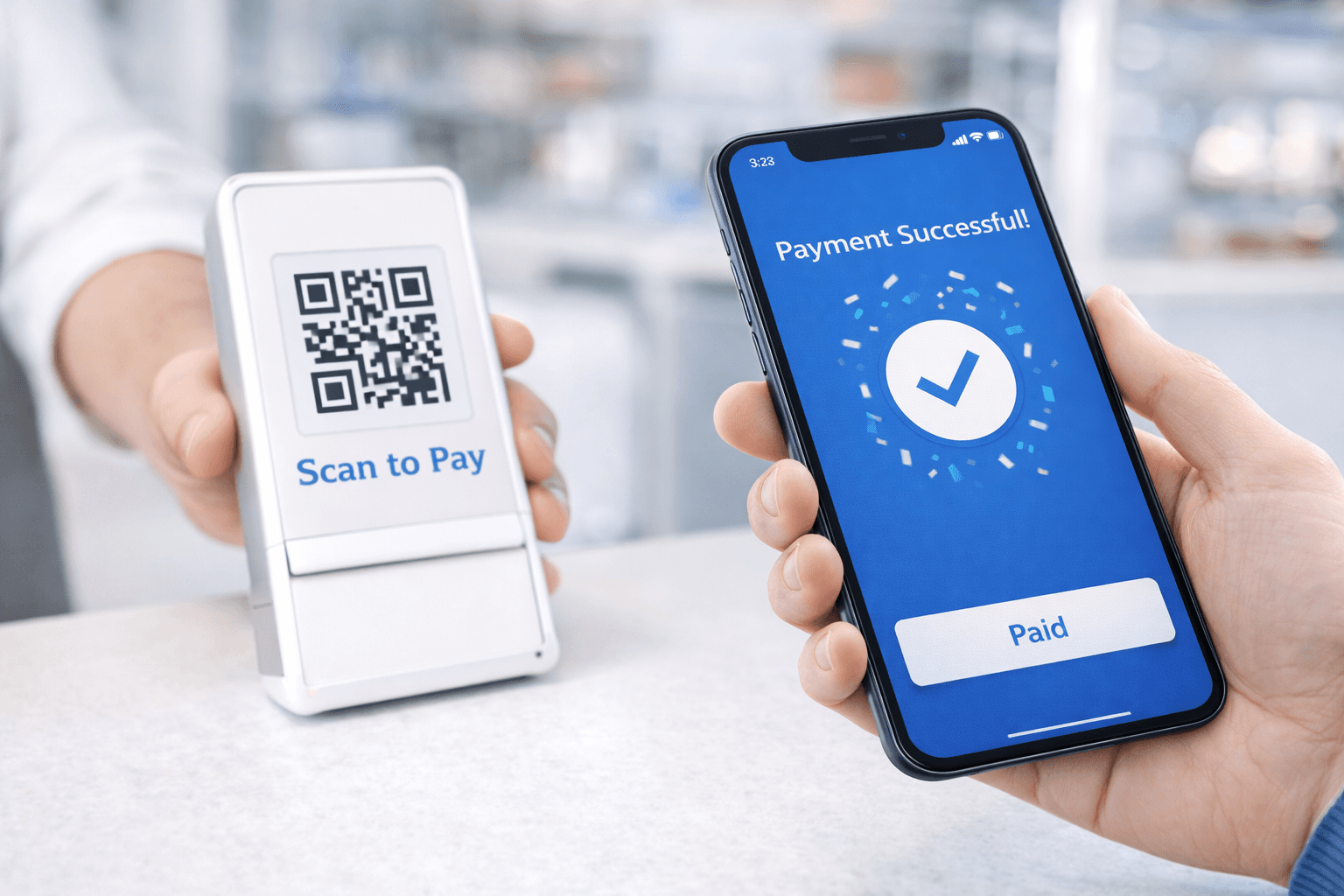
QR code payments have revolutionized commerce in Asia and are rapidly expanding globally. The market exceeded $4.5 trillion in transaction volume in 2024 and is projected to grow 48% through 2029. From street vendors to luxury retailers, QR codes enable instant payments with minimal infrastructure.
This guide explains how QR code payments work, compares different systems, and helps you understand this increasingly important payment method.
How QR Code Payments Work
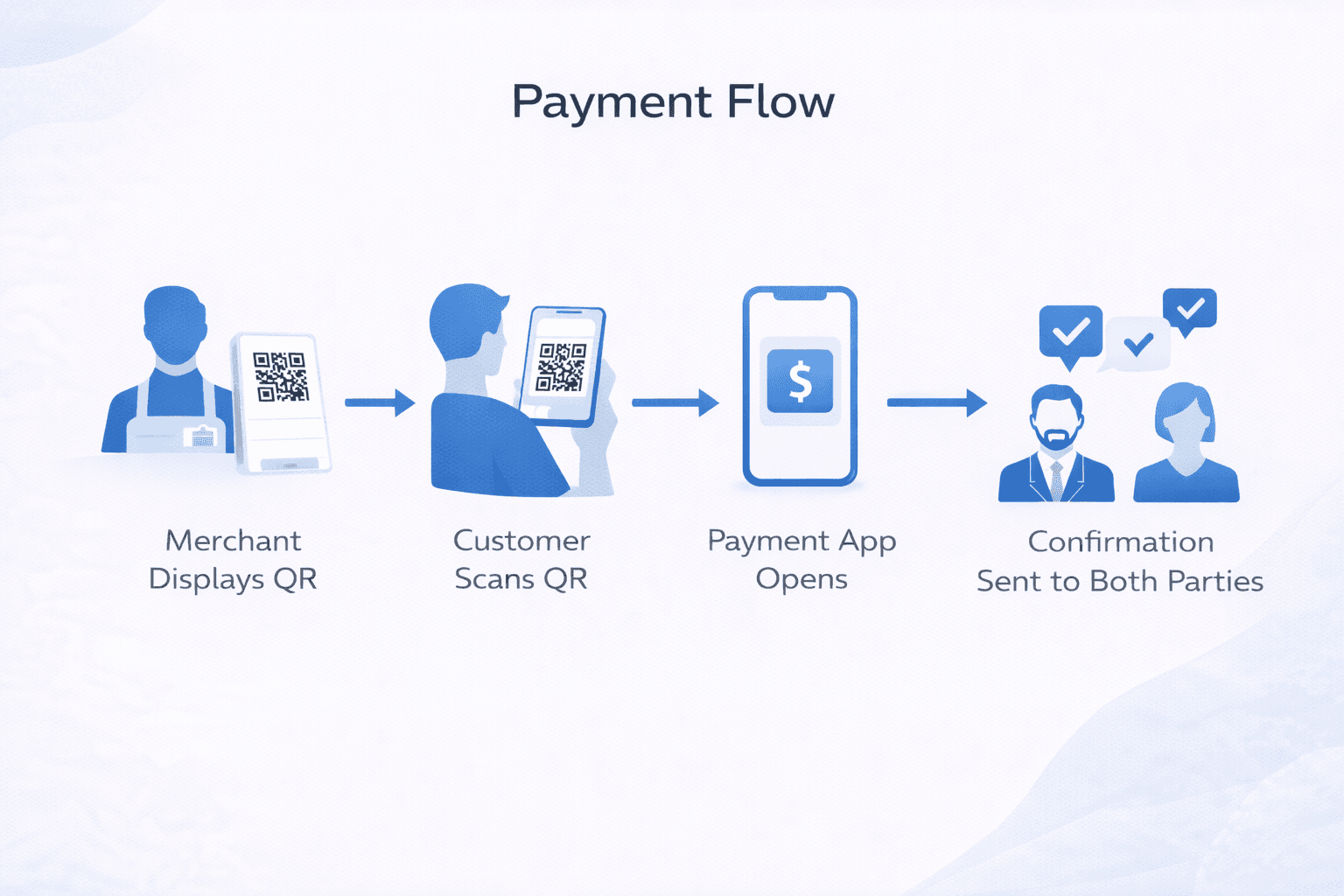
The basic flow is simple but the technology behind it is sophisticated:
The fundamental process: 1. A QR code contains payment information 2. A smartphone scans and decodes the information 3. A payment app processes the transaction 4. Funds transfer from buyer to seller
What's encoded in the QR code: - Merchant identifier - Payment amount (if static) or reference - Payment network/processor information - Transaction reference number
Two main approaches:
Merchant-Presented QR (MPM): Merchant displays code, customer scans to pay. Common at retail checkouts and restaurants.
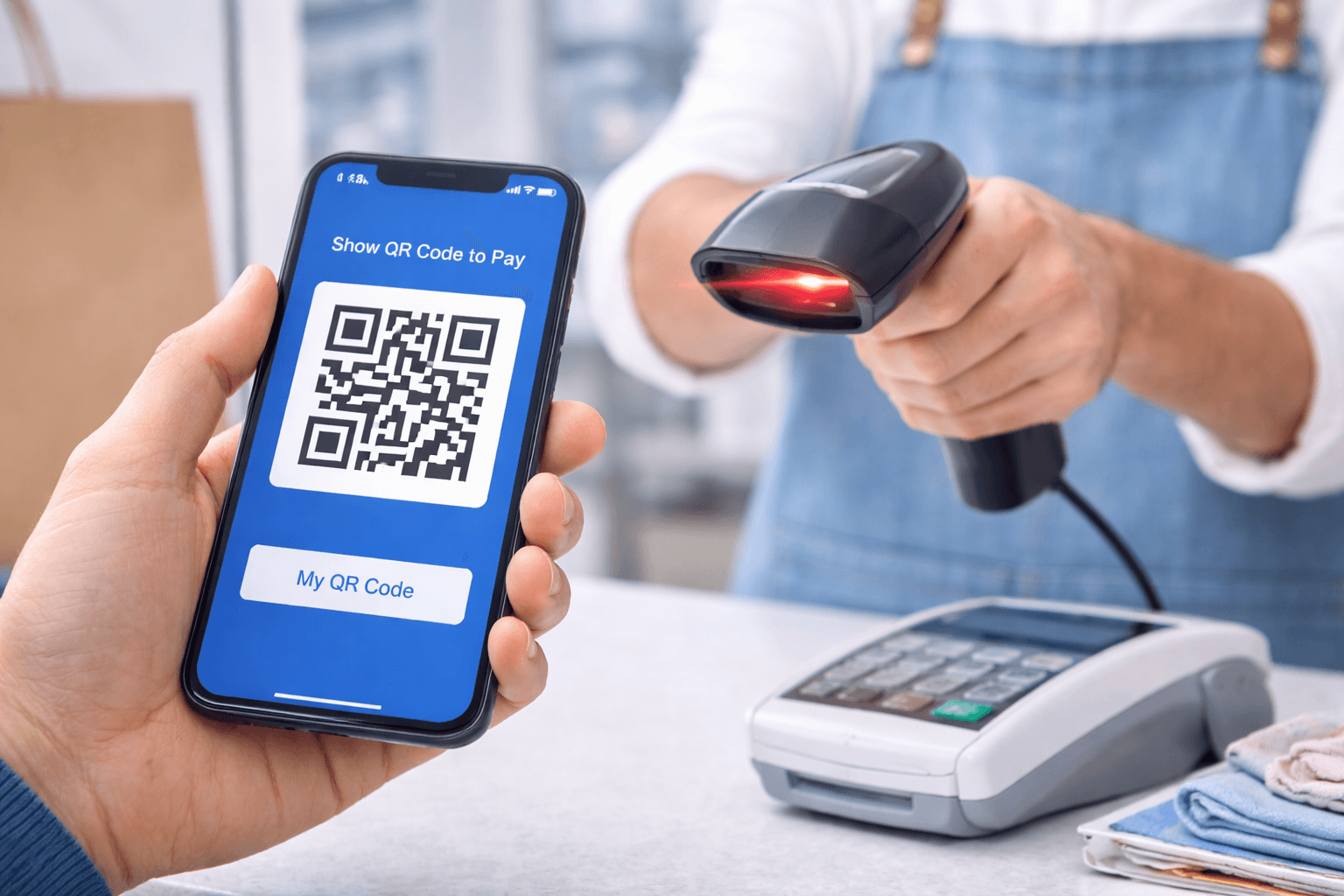
Consumer-Presented QR (CPM): Customer displays code from their app, merchant scans. Common at chain retailers with POS systems.
Merchant-Presented QR Codes
The most common form globally:
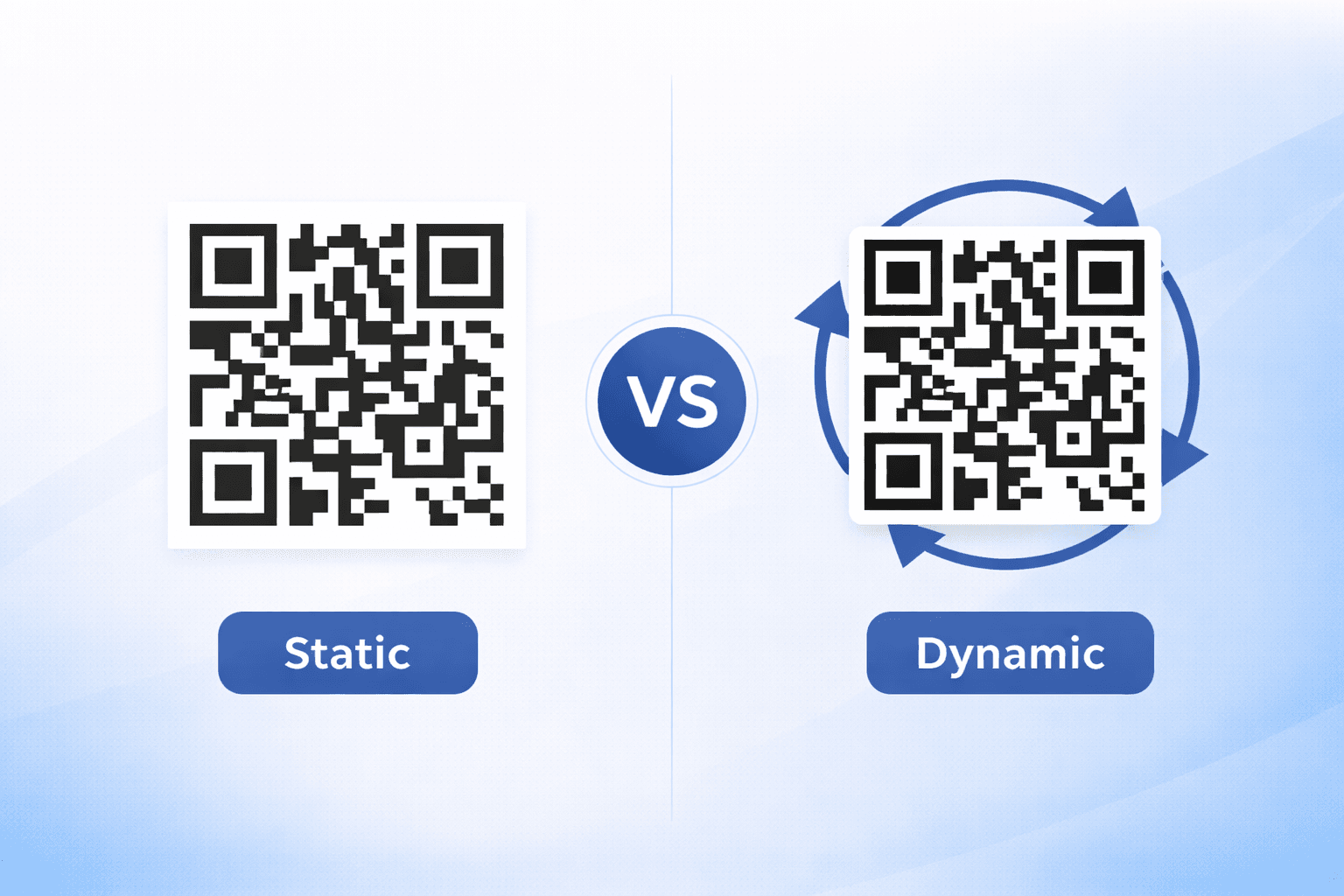
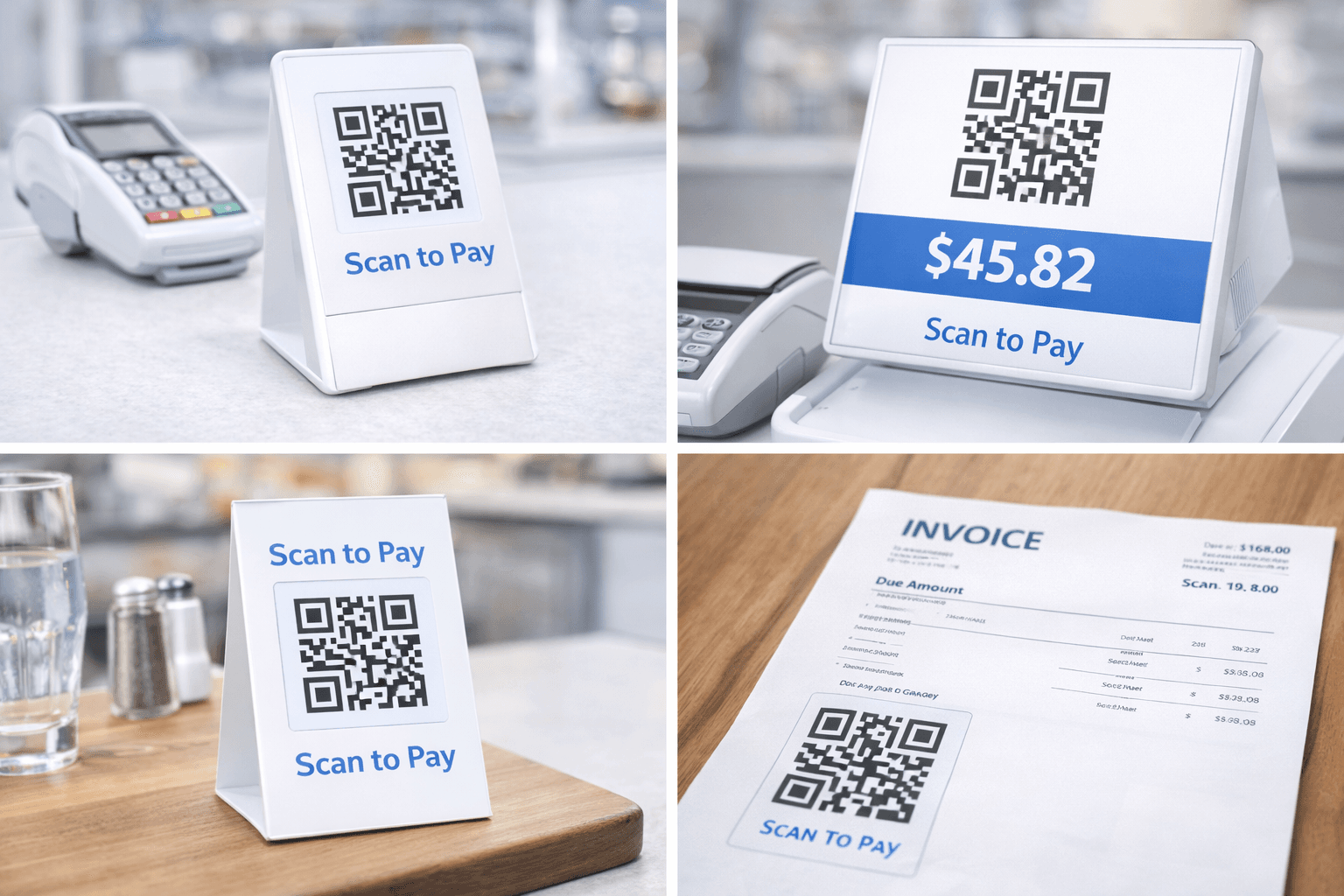
Static QR codes: - Printed, permanent code at checkout - Customer enters payment amount manually - Lowest cost implementation - Best for: Small businesses, market vendors
Dynamic QR codes: - Generated per transaction with exact amount - Customer confirms and authorizes - Reduces errors and fraud - Best for: Established businesses, higher values
Advantages: - Minimal infrastructure required (just printed code) - No expensive POS hardware needed - Works with multiple payment apps - Easy to set up and maintain
Limitations: - Customer must have compatible payment app - Manual amount entry with static codes - Less control over transaction flow - May require internet on customer device
Consumer-Presented QR Codes
Used by major retailers and payment networks:
How it works: 1. Customer opens payment app 2. App generates unique QR code 3. Merchant scans with POS or scanner 4. Transaction processes automatically
Tokenization: The QR code doesn't contain actual payment credentials. Instead, it contains a token that references the customer's account securely.
Advantages: - Customer credentials never exposed - Works with existing POS infrastructure - Faster checkout (no amount entry) - Enhanced fraud protection
Examples in practice: - Apple Pay / Google Pay in-app QR - Walmart Pay - Starbucks app - Many Asian super-apps (WeChat, Alipay)
Global Adoption Landscape
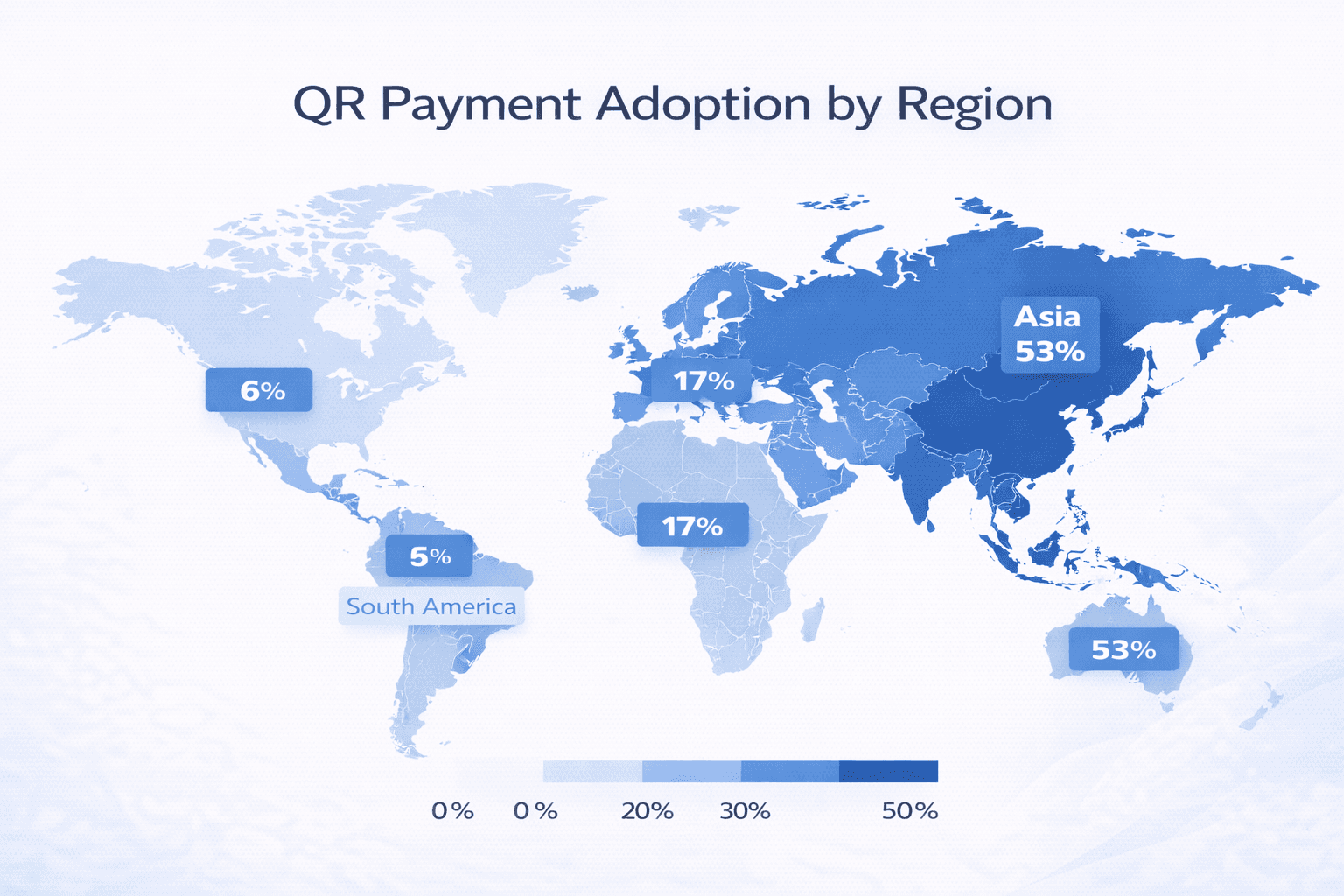
QR payments adoption varies dramatically by region:
Asia-Pacific (Leading adoption): - China: Ubiquitous via WeChat Pay and Alipay - India: Rapid growth through UPI and BharatQR - Southeast Asia: GrabPay, GCash, regional players - Japan: PayPay, Line Pay gaining ground
North America and Europe (Growing): - PayPal and Venmo QR codes - Square and Stripe integrations - Restaurant table ordering post-pandemic - P2P payments between individuals
Latin America (Emerging): - Brazil's Pix system - MercadoPago in multiple countries - Traditional banks adding QR features
Key adoption drivers: - Smartphone penetration - Banking/unbanked population ratio - Existing payment infrastructure - Regulatory support - Network effects (critical mass)
Security Considerations
QR payments include multiple security layers:
Built-in protections: - Tokenization (no real credentials in code) - Dynamic codes that expire quickly - Encryption of transmitted data - Device-level authentication (fingerprint, face)
User-side security: - App requires authentication to display code - Transaction limits configurable - Real-time notifications - Easy dispute/freeze capability
Merchant-side security: - Instant transaction verification - No card skimming risk - Digital audit trail - Chargeback protection (varies)
Risks to watch: - QR code overlay scams (fraudulent stickers) - Phishing via fake payment pages - Session hijacking on compromised devices - Social engineering (fake "payment failed" messages)
Mitigation strategies: - Verify QR codes aren't overlaid/tampered - Only use official payment apps - Enable transaction notifications - Review transactions regularly
Important
Be cautious of QR codes for payments in public spaces. Criminals have been known to place fake codes over legitimate ones, especially on parking meters and vending machines.
Business Implementation Options
Multiple paths to accepting QR payments:
Option 1: Payment processor integration Work with your existing payment processor (Stripe, Square, etc.) to enable QR code payments. Usually the simplest path.
Option 2: Digital wallet direct Accept specific wallets like PayPal, Venmo, or regional options directly. May require multiple integrations.
Option 3: Bank-provided solutions Many business bank accounts now include QR payment acceptance. Check with your bank.
Option 4: Aggregator platforms Services that accept multiple QR payment types through one integration.
Implementation considerations: - Transaction fees (compare to card processing) - Settlement timing - Integration complexity - Customer payment app availability - International payment support
- Assess customer payment preferences
- Compare processor fees and features
- Evaluate integration requirements
- Plan for training and rollout
- Set up reporting and reconciliation
- Test thoroughly before launch
Future of QR Payments
The landscape continues to evolve:
Emerging trends:
Cross-border interoperability: Singapore and Thailand already have cross-border QR payment agreements. Expect more regional and global connections.
Super-app expansion: Apps that combine payments with messaging, shopping, and services are growing beyond Asia.
Central Bank Digital Currencies: CBDCs may use QR codes as a primary interface, potentially transforming the landscape.
Offline capability: Systems that work without real-time internet connectivity are emerging.
Biometric integration: Face/fingerprint confirmation at POS for QR-initiated payments.
What this means for businesses: QR payment acceptance is transitioning from competitive advantage to baseline expectation. Early adopters benefit from customer convenience and reduced processing costs.

Getting Started Checklist
For businesses considering QR payments:
Assessment phase: - [ ] Survey customers on payment preferences - [ ] Analyze current payment mix and costs - [ ] Identify target QR payment platforms - [ ] Evaluate competitor adoption
Planning phase: - [ ] Select payment processor/platform - [ ] Design customer experience flow - [ ] Plan staff training - [ ] Prepare marketing/customer education - [ ] Set up accounting integration
Implementation phase: - [ ] Configure payment accounts - [ ] Generate/deploy QR codes - [ ] Train staff on process and troubleshooting - [ ] Test transactions end-to-end - [ ] Soft launch with employee transactions
Post-launch: - [ ] Monitor transaction success rates - [ ] Gather customer feedback - [ ] Optimize based on learnings - [ ] Consider expanding platforms accepted
Conclusion
QR code payments represent a fundamental shift in how transactions occur—simpler for customers, cheaper for merchants, and rapidly becoming expected rather than novel. Whether you're a business owner, developer, or simply a curious consumer, understanding QR payments is increasingly essential.
The technology is mature, secure, and proven at scale in Asia. The rest of the world is catching up quickly. For businesses, the question is no longer "if" but "when and how" to implement QR payment acceptance.
Ready to Create Your Own QR Codes?
Start creating dynamic QR codes for your business today. Track analytics, update content anytime, and never reprint again.