QR Codes for Small Businesses: A Practical Getting Started Guide
Practical guide for small businesses to implement QR codes effectively. Cover low-cost strategies, essential use cases, and quick-start tips.

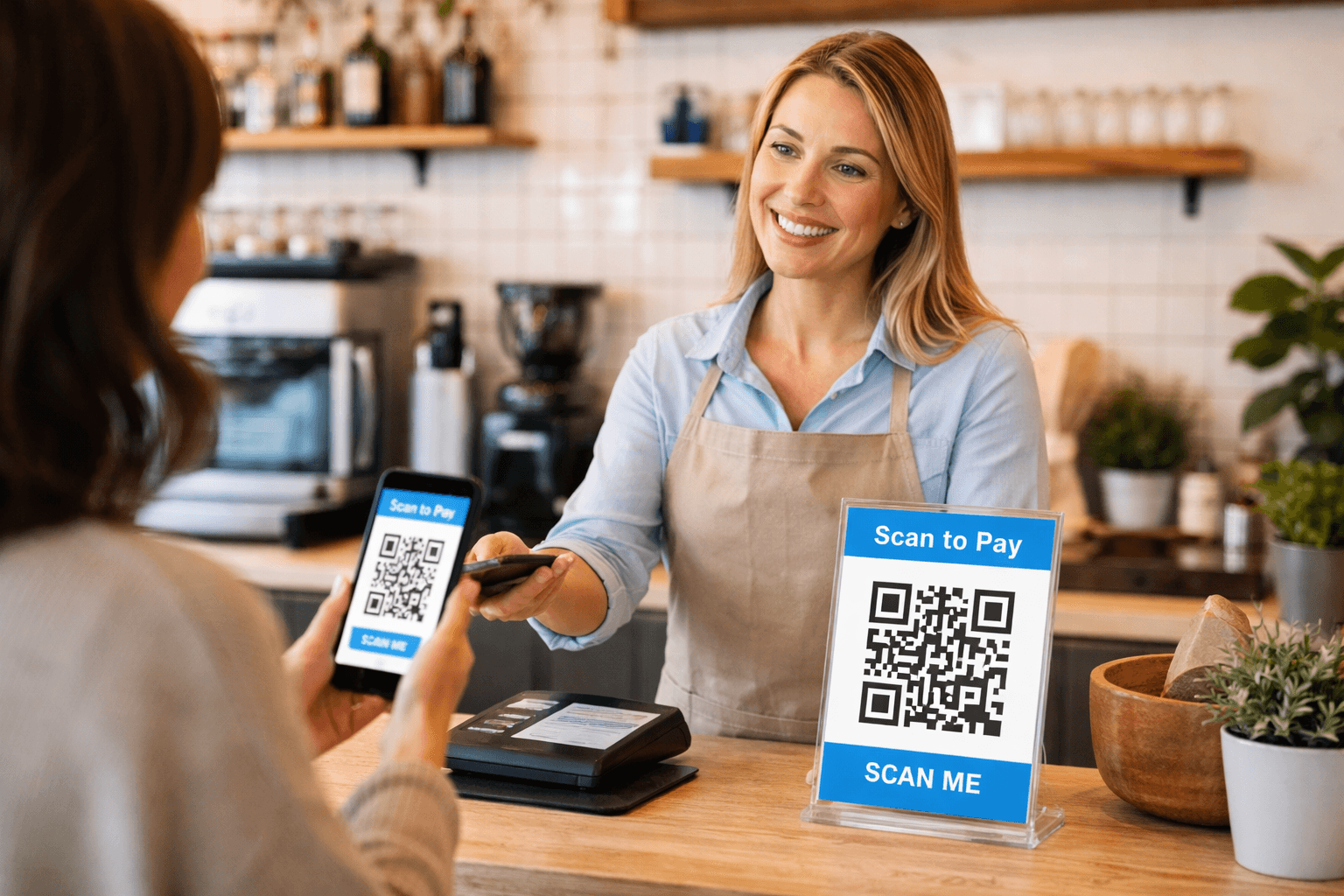
QR codes level the playing field for small businesses. The same technology used by major brands is accessible to local shops, restaurants, and service providers—often for free or minimal cost.
This practical guide focuses on high-impact, low-effort QR code applications for small businesses. No technical expertise required.
Why Small Businesses Should Care
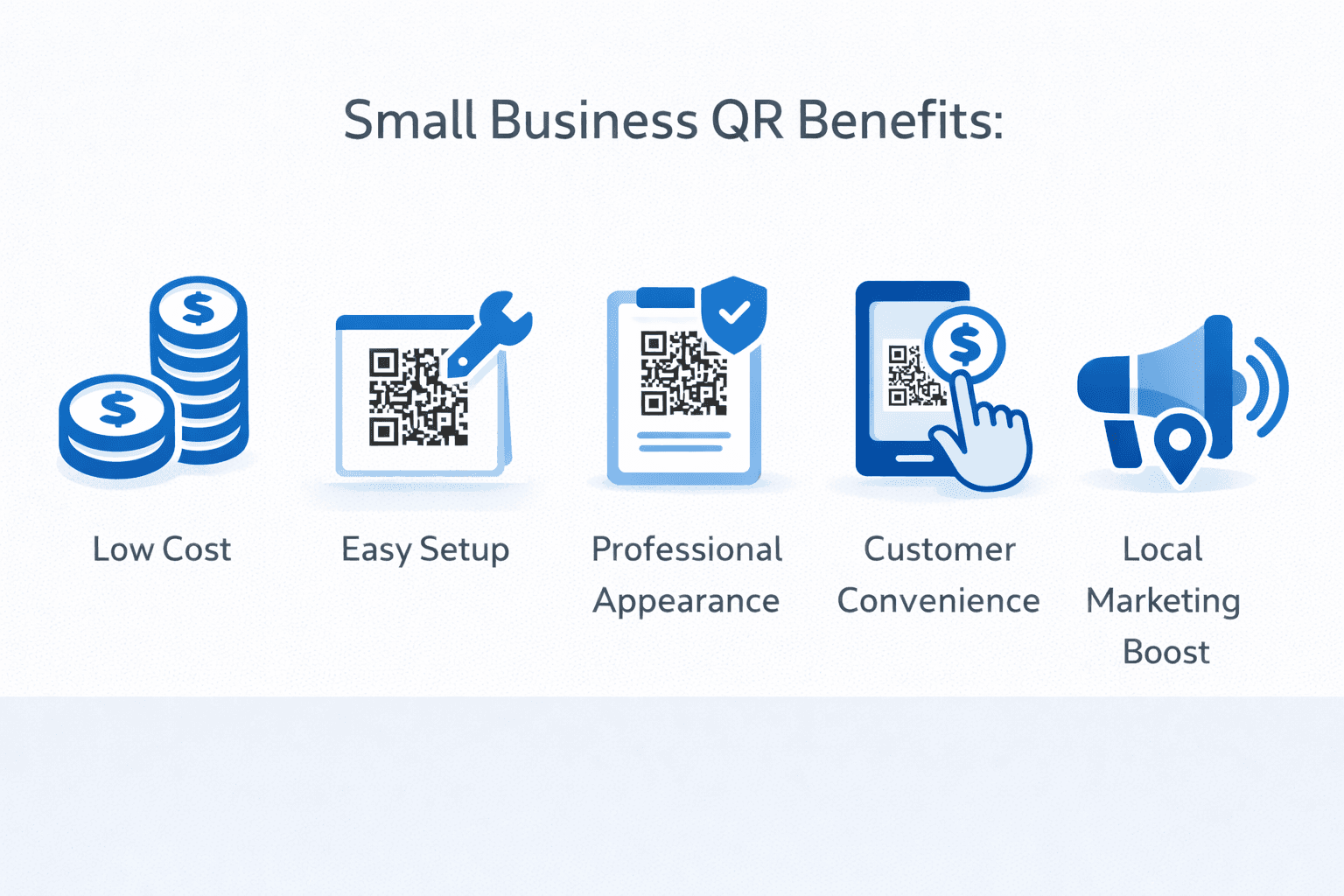
QR codes offer unique advantages for small businesses:
Cost-effective marketing: - Free or low-cost to generate - Reduce printing costs (menus, materials) - Update content without reprinting - Bridge to online presence affordably
Customer convenience: - Instant access to business information - Easy contactless interactions - Self-service options reduce staff burden - Modern, professional impression
Competitive advantage: - Match large business capabilities - Stand out from less tech-savvy competitors - Capture customer data for follow-up - Track marketing effectiveness
Pandemic-era normalization: Customers are now comfortable with QR codes. What was unfamiliar in 2019 is expected in 2024.
Quick-Win Applications
Start with these high-impact, easy-to-implement uses:
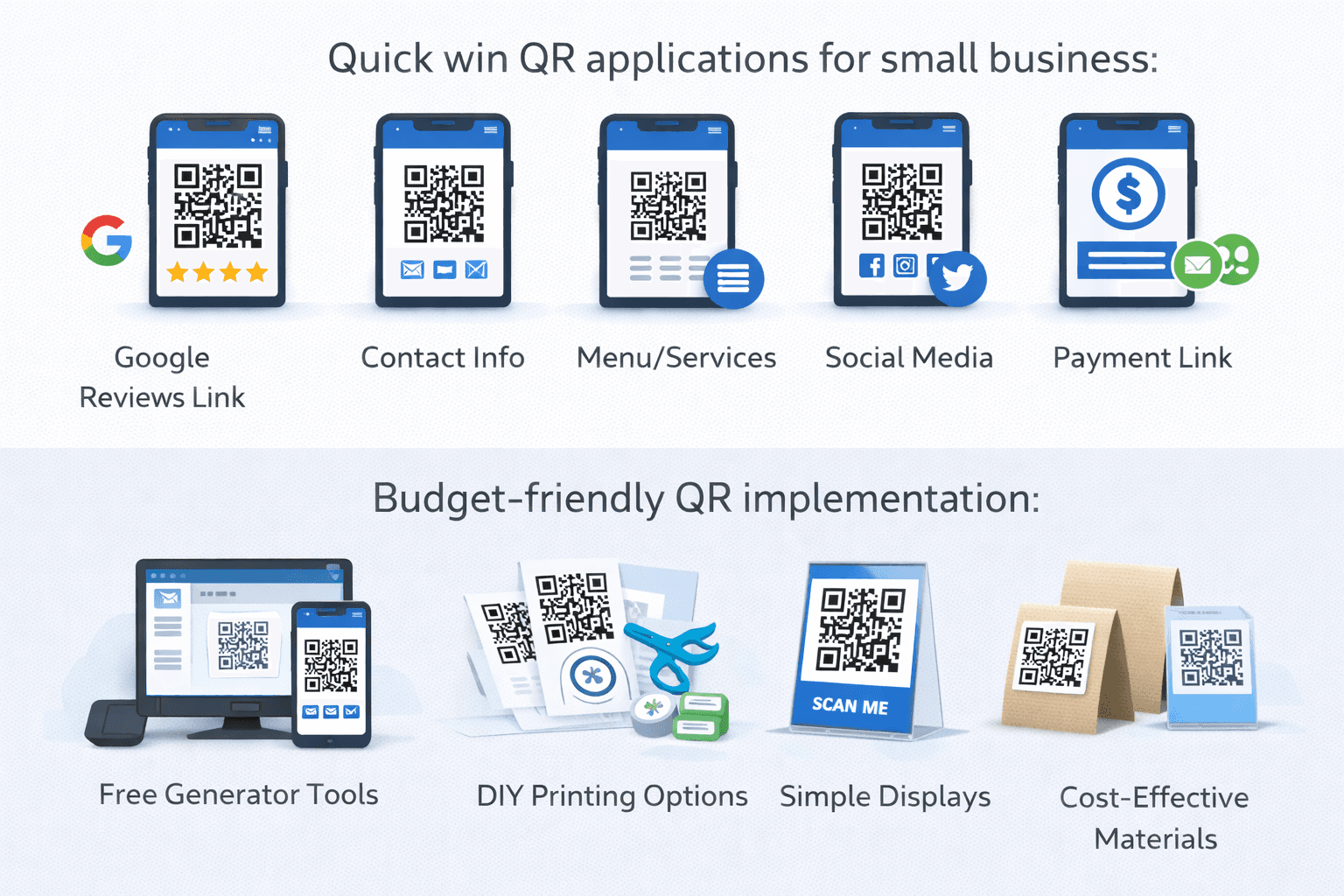
1. Digital menu (restaurants/cafes) Replace printed menus with QR codes linking to online menu. - Cost: Free (use your website or free menu platforms) - Effort: Low (upload menu to platform, generate code) - Benefit: Update prices/items instantly, save printing
2. Google Review collection QR code linking directly to your Google review page. - Cost: Free - Effort: Minimal (get direct review link from Google) - Benefit: More reviews = better local search ranking
3. Contact information (vCard) Share your business contact info instantly. - Cost: Free - Effort: Low (generate vCard QR code) - Benefit: Customers save your info accurately
4. WiFi access Let customers connect to your WiFi easily. - Cost: Free - Effort: Minimal - Benefit: Happy customers, potential for data capture
5. Social media follows Link to your Instagram, Facebook, or TikTok. - Cost: Free - Effort: Minimal - Benefit: Build your audience organically
Pro Tip
Start with one application, master it, then expand. Better to do one thing well than five things poorly.
Getting Started: Step by Step
Follow these steps to implement your first QR code:
Step 1: Define your goal What do you want customers to do after scanning? - Visit your website - See your menu - Leave a review - Save your contact info - Connect to WiFi - Follow on social media
Step 2: Prepare your destination Ensure where you're sending people is ready: - Mobile-friendly website or page - Up-to-date information - Clear next steps for visitors
Step 3: Generate your QR code Use a reputable QR code generator: - Enter your destination URL or data - Choose dynamic if you might need to update - Customize appearance if desired
Step 4: Test thoroughly - Scan with your phone - Have others scan with different phones - Verify destination loads correctly
Step 5: Deploy Print and place your QR code: - Counter display - Window decal - Table tent - Business cards - Receipts
- Choose one specific goal for your first QR code
- Ensure your destination (website, menu, etc.) is mobile-ready
- Generate your QR code with a reputable service
- Test on multiple devices before printing
- Print and place where customers will easily see
- Monitor results and optimize
Budget-Friendly Implementation
Maximize impact while minimizing spend:
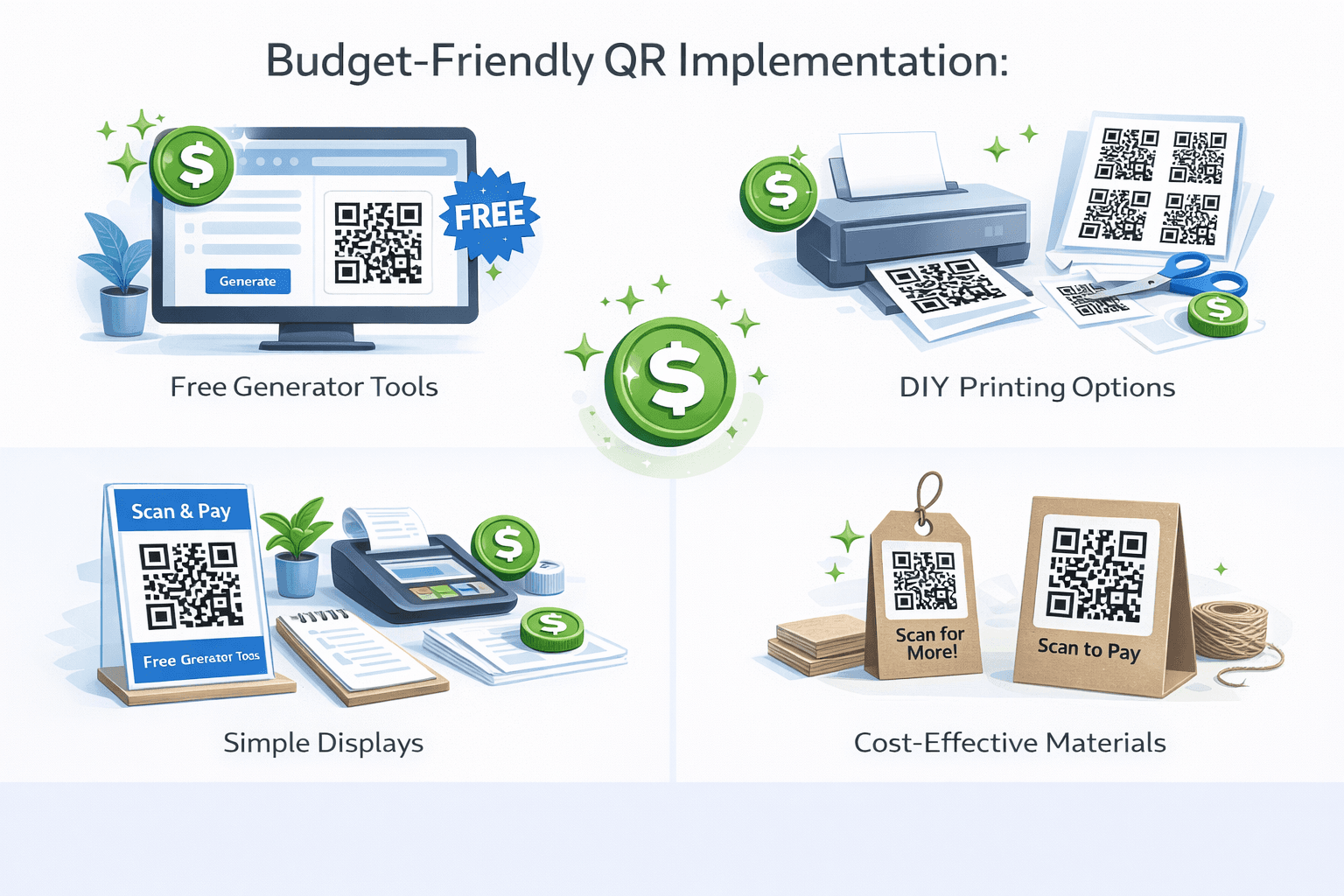
Free options: - Many QR generators offer free basic codes - Google Business Profile provides free QR code for reviews - Most social platforms offer QR code sharing - WiFi QR codes can be generated on your phone
Low-cost investments worth making: - Dynamic QR code service ($5-15/month): Enables editing and analytics - Quality printing: DIY is fine for testing, professional for permanent display - Table tents/displays: $1-5 each, more professional than taped paper
DIY vs. professional: - DIY: Testing, temporary displays, low-traffic locations - Professional: Permanent signage, high-visibility placements, brand consistency
Cost-saving tips: - Start with free static codes to test concept - Upgrade to dynamic only where update capability matters - Use templates and free design tools - Print in batches when you know what works
Placement Strategies
Where you place QR codes matters:
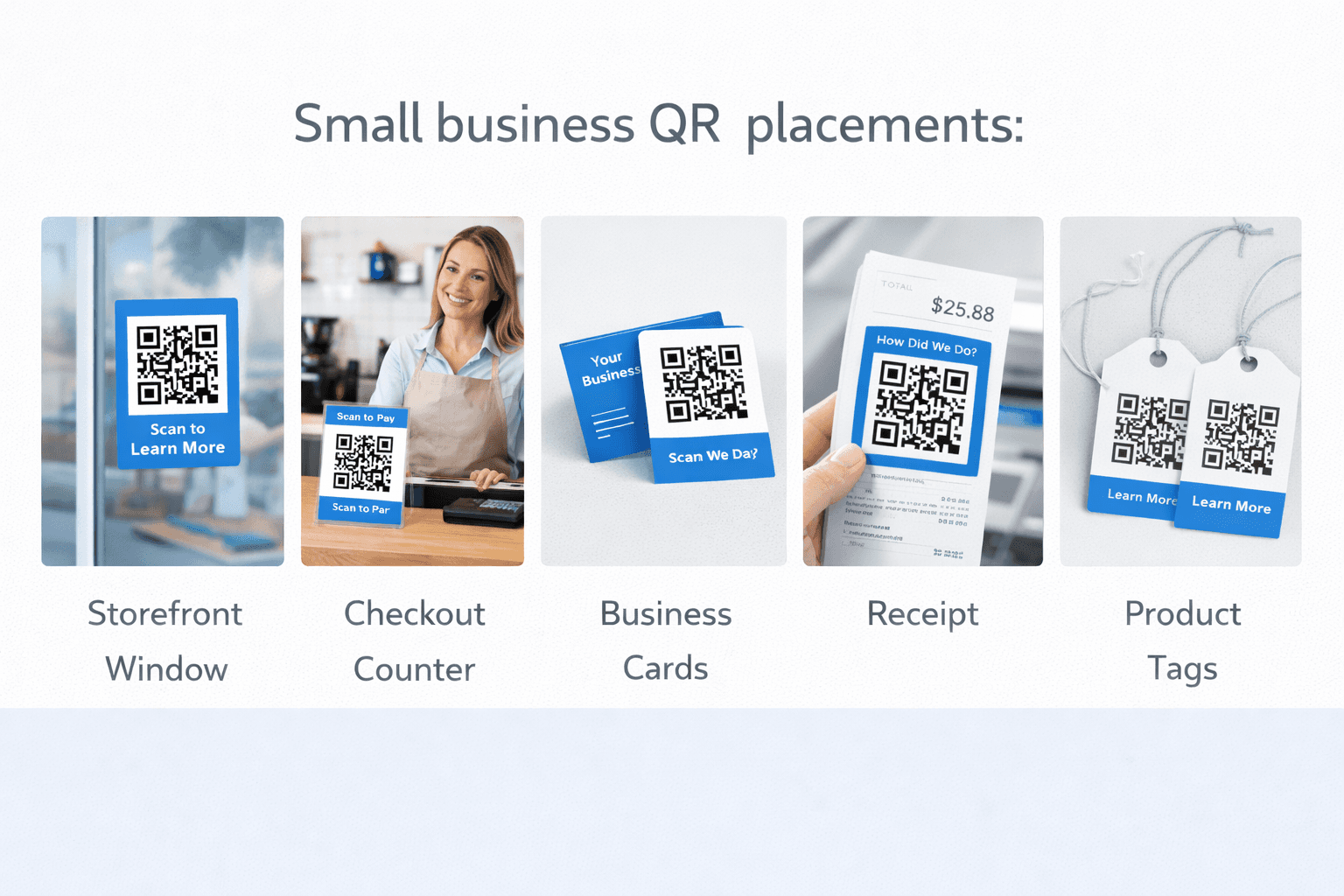
High-visibility locations: - Front door/entrance - Checkout counter/register - Tables (for restaurants/cafes) - Product displays - Waiting areas
On materials you already use: - Business cards - Receipts - Packaging/bags - Invoices - Email signatures
Placement best practices: - Eye level when possible - Good lighting - Not obscured by other items - With clear call-to-action text
What to place at each location:
*Front door:* Menu, business hours, reviews link *Checkout:* Review request, loyalty signup, social follow *Tables:* Menu, WiFi, feedback *Business cards:* vCard, website, portfolio *Receipts:* Review request, next visit offer
Common Small Business Scenarios
QR code solutions for typical situations:
Restaurant/Cafe: - Menu at each table - Review request at checkout - WiFi in waiting area - Daily specials on chalkboard
Retail shop: - Product info on shelf tags - Reviews at checkout - Loyalty program signup - Social media follow
Service business (salon, repair, etc.): - Booking link in window - Review request on receipt - Contact info on business cards - Portfolio on promotional materials
Professional services (accountant, lawyer, etc.): - Scheduling link in email signature - Testimonials QR in office - Document portal access - vCard at networking events
Food truck/mobile business: - Menu at service window - Payment options display - Location schedule link - Social media follow
- Match QR code function to customer journey moment
- Reduce friction in common customer requests
- Capture contact information when possible
- Ask for reviews when satisfaction is highest
- Make scheduling and payment as easy as possible
Measuring Success
Track what matters for small businesses:
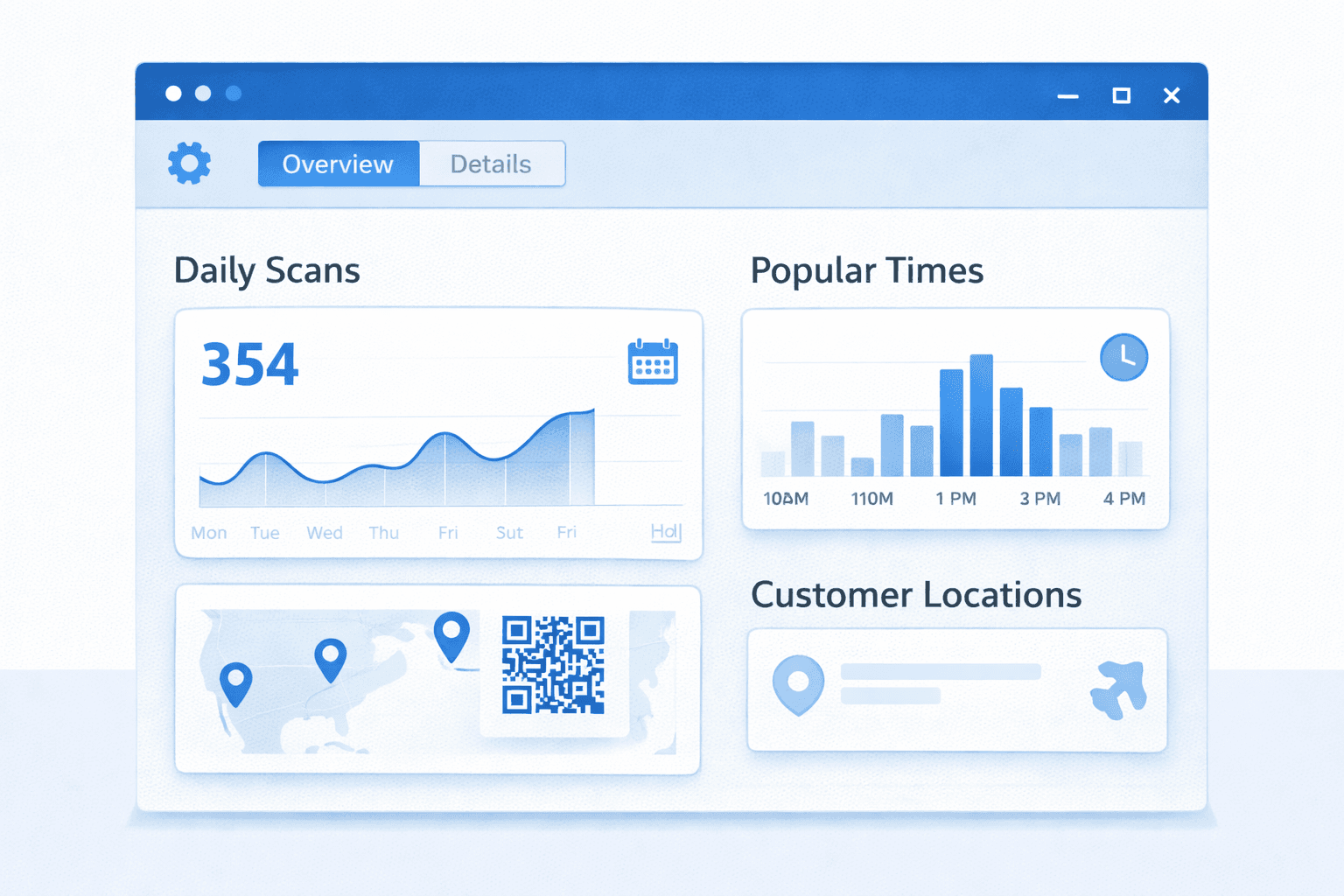
Key metrics: - Scan count: Basic engagement measure - Goal completions: Did they do what you wanted? - Review count: For review QR codes - Social follows: For social media QR codes - Revenue attribution: For promotional codes
Simple tracking methods: - Dynamic QR code analytics (built into most services) - Google Analytics for website traffic - Before/after comparison (reviews pre/post QR implementation) - Customer feedback ("How did you find our menu?")
What to do with data: - Double down on what works - Fix or remove what doesn't - Test variations to improve - Report wins to build momentum
Realistic expectations: Not everyone will scan. 5-15% engagement rate is common. Focus on making each scan valuable rather than maximizing scan count.
Getting Help
Resources for small business QR code success:
Free resources: - QR code platform tutorials and guides - YouTube how-to videos - Small business marketing forums - This blog and others like it
When to get professional help: - Complex integrations (POS, CRM, etc.) - Custom branding/design - Large-scale printing - Multi-location deployments
Questions to ask any service provider: - What happens if you go out of business? - Can I export my data? - What's the actual cost including all features I need? - Can you show me results from similar businesses?
Local resources: - SCORE mentors (free business mentoring) - Small Business Development Centers - Local marketing agencies - Business networking groups
Pro Tip
Start simple and DIY. Only seek professional help when you've outgrown what you can do yourself or need specific expertise.
Conclusion
QR codes offer small businesses an affordable way to modernize customer interactions, gather reviews, share information, and compete with larger competitors. The technology is mature, customers are comfortable, and getting started has never been easier.
Start with one high-impact application—a digital menu, review request, or contact sharing. Master that, measure results, and expand based on what works for your specific business.
The most successful small business QR implementations aren't the most sophisticated—they're the ones that solve real customer problems with minimal friction. Keep it simple, make it valuable, and grow from there.
Ready to Create Your Own QR Codes?
Start creating dynamic QR codes for your business today. Track analytics, update content anytime, and never reprint again.