QR Code Security: How to Protect Yourself from Quishing and Scams
Learn to identify malicious QR codes and protect yourself from quishing attacks. Essential security tips for businesses and consumers.

QR codes are convenient, but that convenience can be exploited. "Quishing" (QR phishing) attacks have surged over 500% in recent years, and even tech-savvy users can fall victim. Unlike a suspicious email link you can hover over, QR codes are opaque—you don't know where they lead until you've scanned.
This guide will teach you to identify malicious QR codes, understand how attacks work, and protect yourself and your organization from QR-based threats.
Understanding the Threat Landscape
Why have QR code attacks become so prevalent?
The perfect attack vector: - QR codes are trusted by default (we scan without thinking) - No way to preview destination before scanning - Easy to create and distribute malicious codes - Can be placed over legitimate codes - Often bypass email security filters
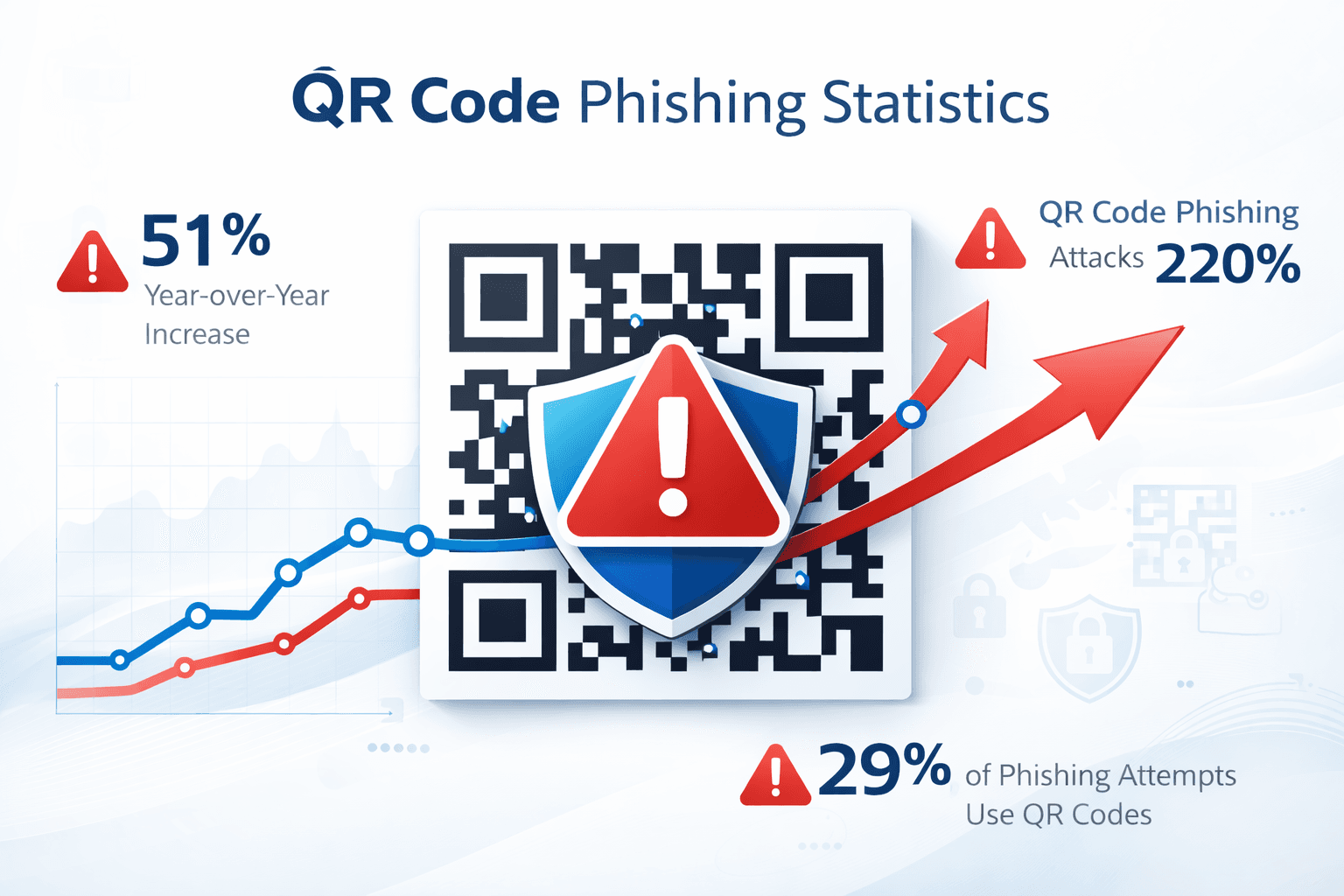
Attack statistics: - 500%+ increase in quishing attacks since 2022 - C-level executives are 40x more likely to be targeted - Over half a million phishing emails now include QR codes in PDFs - Public QR codes in parking lots, restaurants, and transit are common targets
Who is at risk: Everyone who scans QR codes is potentially at risk. Businesses face additional threats through customer-facing QR codes that could be tampered with.
How QR Code Attacks Work
Understanding attack methods helps you recognize and avoid them:
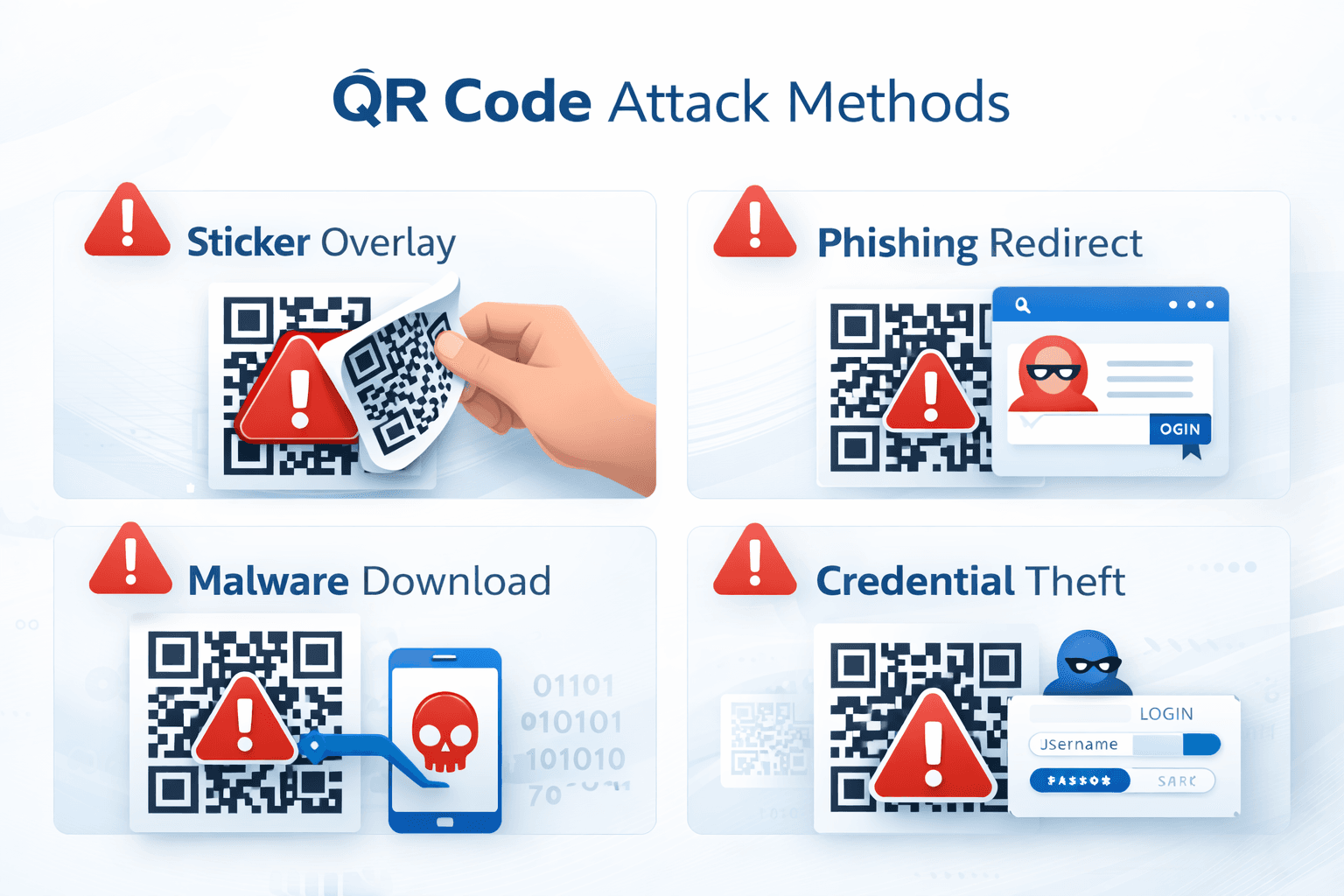
Attack Type 1: Overlay attacks Criminals print malicious QR codes on stickers and place them over legitimate codes. Common targets: - Parking meters and payment kiosks - Restaurant menus - Event posters and advertisements - Public transit stations
Attack Type 2: Email phishing with QR codes Attackers embed QR codes in emails or attached PDFs, bypassing link scanners. Common pretexts: - "Scan to verify your account" - "Update your payment information" - "Access your secure document" - "Complete MFA verification"
Attack Type 3: Fake promotional codes Counterfeit flyers and ads with QR codes promising deals that lead to credential-harvesting sites or malware.
Attack Type 4: Man-in-the-middle attacks Creating QR codes that pass through a malicious server before reaching the legitimate destination, capturing data in transit.
Important
A QR code sticker placed over another code is a major red flag. Always check if QR codes appear tampered with or recently placed.
What Malicious QR Codes Can Do
Once scanned, a malicious QR code can initiate various threats:
Credential theft: Direct to fake login pages that capture usernames, passwords, and MFA codes.
Malware installation: Trigger downloads of malicious apps, particularly on Android devices with sideloading enabled.
Financial fraud: Redirect payment processing to attacker-controlled accounts.
Data harvesting: Lead to forms that collect personal information for identity theft.
Device compromise: Exploit browser vulnerabilities to gain access to device data.
Corporate network infiltration: Capture VPN credentials or install backdoors on corporate devices.
- Steal login credentials for banking, email, and social media
- Install spyware or ransomware on your device
- Redirect payments to fraudulent accounts
- Harvest personal data for identity theft
- Access corporate networks through compromised devices
- Enroll your phone number in premium SMS services
How to Identify Suspicious QR Codes
Train yourself to recognize red flags:
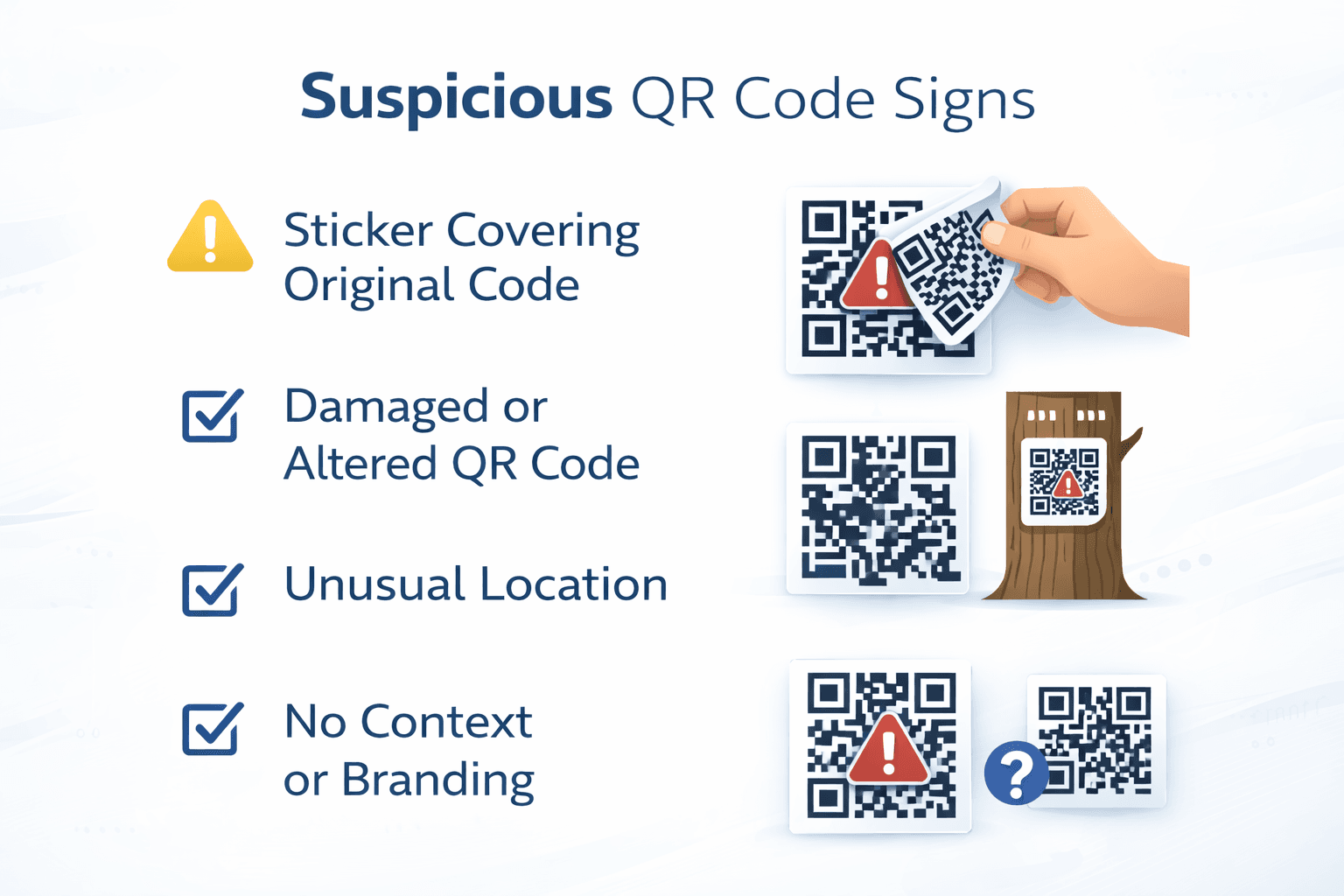
Physical signs of tampering: - Sticker placed over another QR code - Code appears newer than surrounding material - Edges are peeling or don't align properly - Different print quality than surrounding content - No associated branding or context
Context red flags: - Unexpected QR code in email or message - Pressure to scan immediately ("Limited time!") - Too-good-to-be-true offers - Request for sensitive information after scanning - No clear explanation of what scanning will do
After scanning, check the URL: - Look for misspellings (g00gle.com vs google.com) - Check for excessive subdomains (secure.login.banking.malicious.com) - Verify HTTPS encryption (lock icon) - Be suspicious of URL shorteners - Check if domain matches expected destination
Safe Scanning Practices
Follow these guidelines for secure QR code use:
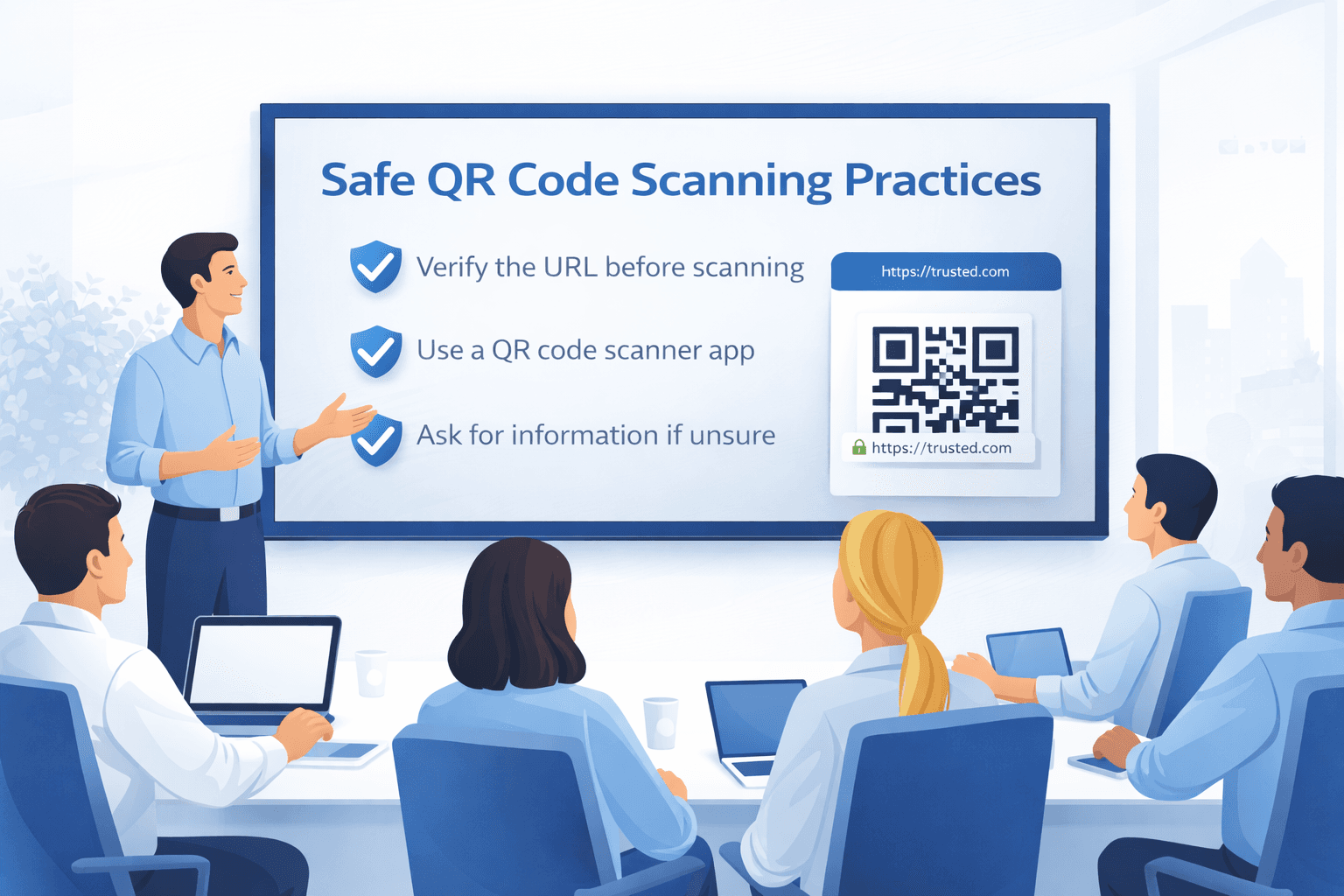
Before scanning: 1. Examine the code for signs of tampering 2. Consider the source—is it trusted? 3. Question unexpected QR codes, especially in emails 4. Ask staff if unsure about a code's legitimacy
During scanning: 1. Use your device's native camera app (not third-party scanners) 2. Preview the URL before opening 3. Don't proceed if anything seems suspicious 4. Avoid scanning codes that request permissions
After scanning: 1. Check the URL in your browser bar 2. Never enter credentials on pages reached via QR 3. Don't download files prompted by QR codes 4. Close the page if anything seems off
Additional precautions: - Keep your phone's OS and browser updated - Use a security app that can scan QR codes - Enable two-factor authentication on important accounts - Report suspicious QR codes to property owners
Pro Tip
Most modern smartphone cameras show a URL preview before opening. Always read this preview carefully before tapping to proceed.
Protecting Your Business
If you deploy QR codes for your business, protect your customers:
Prevention strategies:
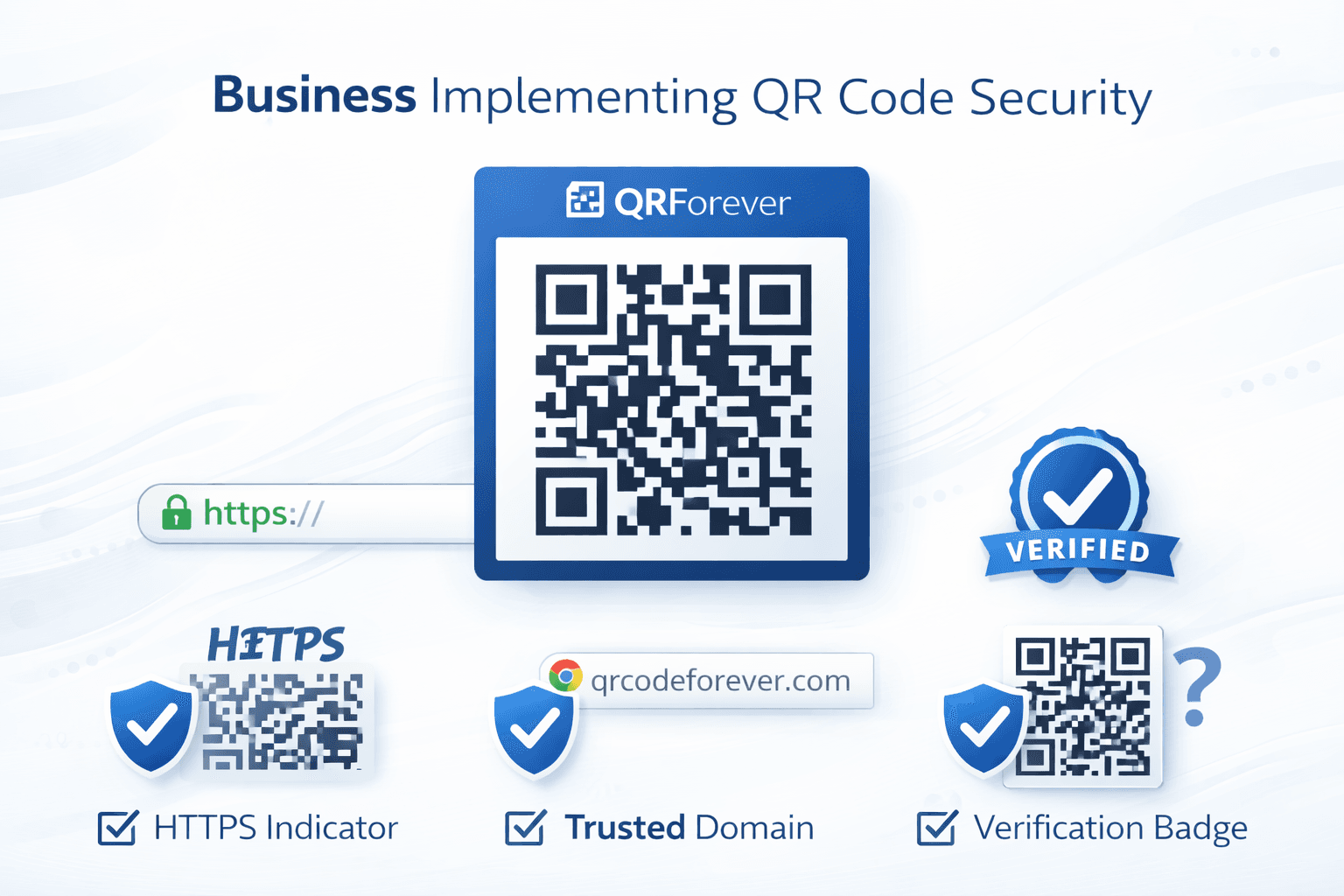
Physical security: - Regularly inspect your QR codes for tampering - Use permanent materials rather than stickers when possible - Place codes in visible, monitored locations - Consider tamper-evident printing techniques
Digital security: - Use dynamic QR codes (can be deactivated if compromised) - Implement URL monitoring for your QR destinations - Use branded short domains that customers recognize - Log and monitor scan patterns for anomalies
Customer communication: - Tell customers what to expect when scanning - Display your official domain prominently - Provide alternative access methods (typed URLs) - Train staff to recognize and report tampered codes
Incident response: - Have a plan for discovered tampering - Know how to quickly deactivate compromised codes - Prepare customer communication templates - Document incidents for analysis
Email and Document QR Code Safety
QR codes in emails and documents deserve extra scrutiny:
Why email QR codes are dangerous: - Bypass traditional email link scanning - Create urgency that overrides caution - Appear official when embedded in branded documents - Target mobile devices which have weaker security tools
Red flags in email QR codes: - "Scan immediately" or "urgent action required" - Claims your account will be suspended - Promises of unexpected refunds or prizes - Password reset or MFA verification requests - HR or IT communications you weren't expecting
Safe practices: - Never scan QR codes in unexpected emails - Verify with sender through separate communication - Use computer browser to navigate directly to services - Report suspicious emails to IT security - Forward questionable emails to security team
Important
Legitimate organizations rarely ask you to scan QR codes in emails. When in doubt, navigate directly to the website by typing the URL.
What to Do If You've Scanned a Malicious Code
Act quickly if you suspect you've been compromised:
Immediate steps: 1. Disconnect from WiFi and mobile data 2. Don't enter any information if still on the page 3. Close all browser tabs and apps 4. Run a security scan on your device
If you entered credentials: 1. Change passwords immediately from a different device 2. Enable MFA if not already active 3. Check for unauthorized account activity 4. Contact your bank if financial info was exposed 5. Monitor credit reports for identity theft
For business devices: 1. Notify IT security immediately 2. Isolate the device from corporate network 3. Provide all details about the incident 4. Follow company incident response procedures 5. Document everything for investigation
Reporting: - Report to FTC at reportfraud.ftc.gov - File report with local law enforcement if financially impacted - Alert the business whose QR code was spoofed - Share information to help others avoid similar attacks
- Immediately disconnect from internet
- Don't enter any further information
- Change passwords from a different device
- Enable two-factor authentication
- Run security scan on device
- Monitor accounts for unauthorized activity
- Report to IT security (if work device)
- File reports with appropriate authorities
Building a Security-Aware Culture
Security is a shared responsibility:
For organizations: - Include QR code safety in security awareness training - Conduct simulated quishing exercises - Create clear policies for QR code use - Encourage reporting of suspicious codes - Reward security-conscious behavior
For individuals: - Stay informed about new attack methods - Share knowledge with friends and family - Model cautious behavior for others - Report suspicious codes when encountered - Maintain healthy skepticism of unexpected QR codes
Training topics to cover: - How to identify tampered QR codes - Safe scanning procedures - What to do when unsure - Incident reporting procedures - Real-world attack examples
Conclusion
QR code attacks are increasing because they work—they exploit our trust and bypass traditional security measures. But with awareness and caution, you can use QR codes safely.
The key principles are: examine before scanning, verify URLs before proceeding, never enter credentials on QR-linked pages, and report anything suspicious. For businesses, protecting your customer-facing QR codes is essential to maintaining trust.
Stay vigilant, stay informed, and remember: a moment of caution is worth avoiding the significant consequences of a successful attack.
Ready to Create Your Own QR Codes?
Start creating dynamic QR codes for your business today. Track analytics, update content anytime, and never reprint again.