QR Code Analytics: Understanding and Using Scan Data
Master QR code analytics to measure campaign success. Learn which metrics matter, how to interpret data, and how to optimize based on insights.

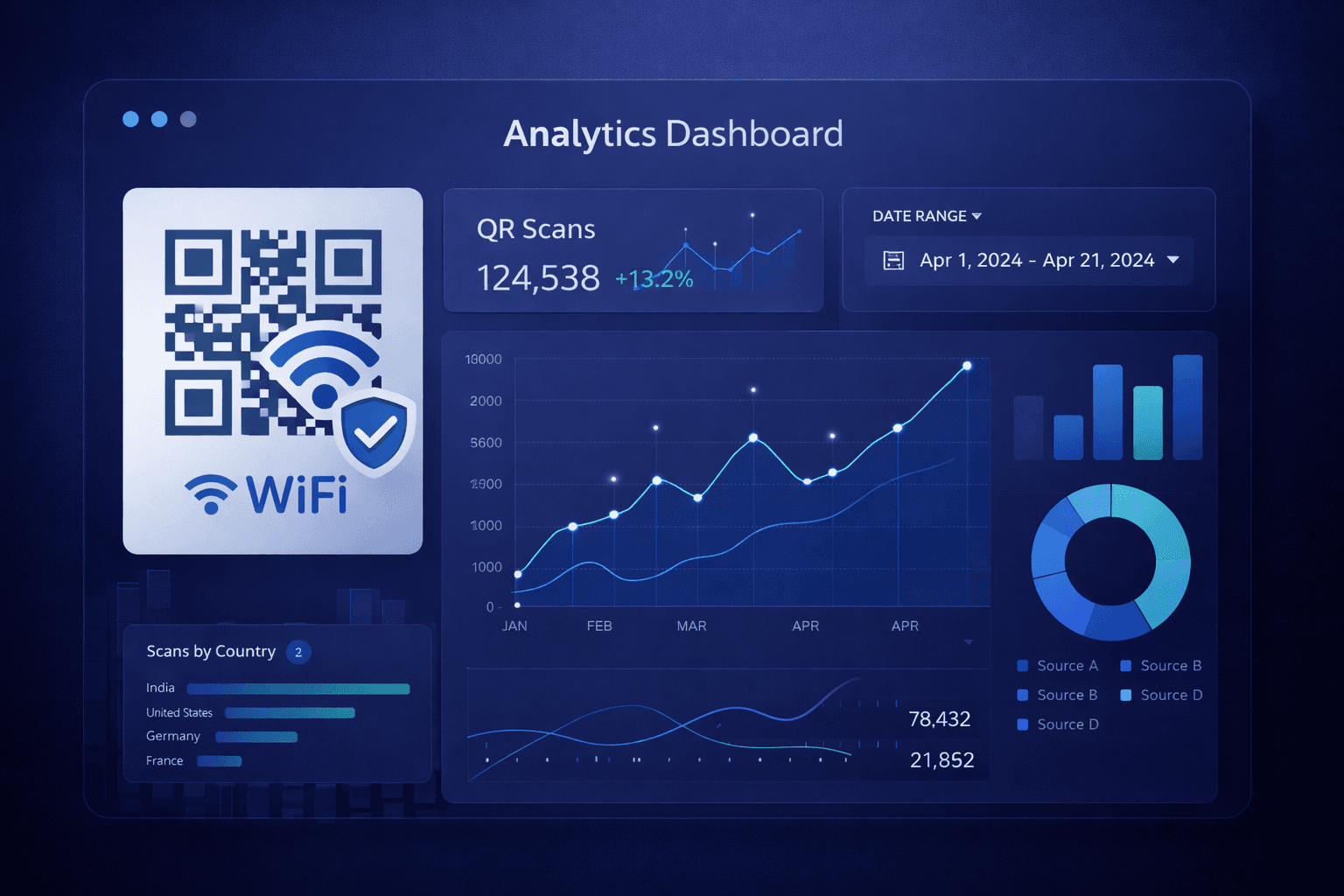
Creating a QR code is just the beginning. The real value comes from understanding how people interact with your codes. Analytics transform QR codes from simple links into powerful marketing intelligence tools.
Companies that actively track QR code analytics see 73% better campaign performance and 2.3x higher conversion rates. This guide will show you what to track, how to interpret the data, and how to use insights to improve your results.
Why QR Code Analytics Matter
Analytics bridge the gap between physical and digital marketing:
Traditional print problem: You place an ad in a magazine. How many people actually engaged with it? Traditional print offers no feedback—you're flying blind.
QR code solution: Every scan is a data point. You know exactly how many people engaged, when they engaged, and where they were. This transforms physical marketing from guesswork to data-driven strategy.
Business value: - Measure ROI on print materials and physical campaigns - Compare performance across locations, times, and designs - Understand your audience demographics and behavior - Justify marketing spend with concrete data - Optimize future campaigns based on evidence
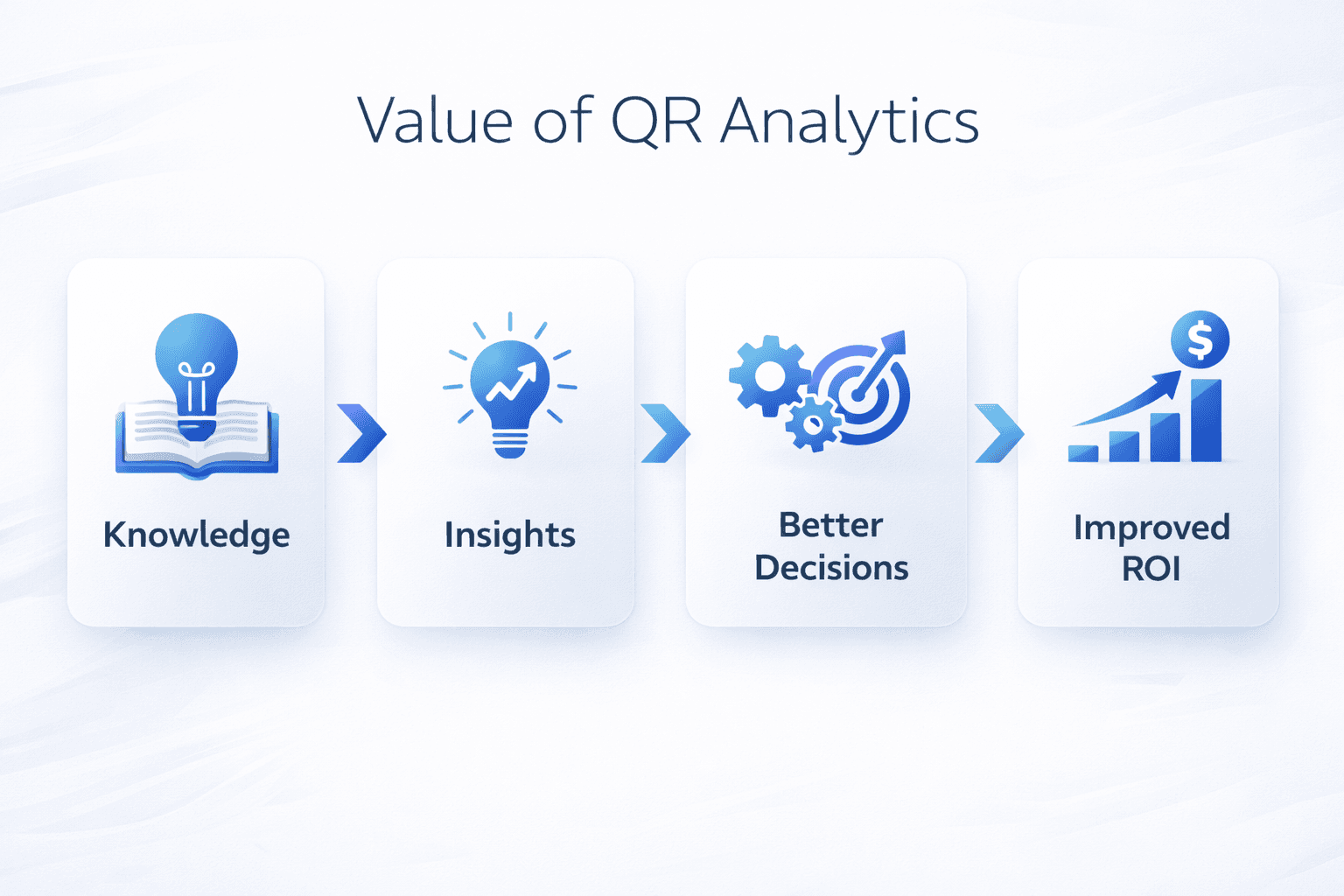
Key Metrics to Track
Focus on these essential metrics:
Engagement metrics:
Total scans: Raw count of how many times your code was scanned. Indicates overall engagement level.
Unique scanners: Number of distinct devices that scanned (removes repeat scans by same person). Shows actual reach.
Scan rate: Total scans divided by impressions (if known). Measures code effectiveness.
Repeat scan rate: Percentage of users who scan multiple times. Can indicate high value content or confusion (depending on context).
Behavioral metrics:
Scan location: Geographic data showing where scans occur. City/country-level data is standard; some platforms offer more precision.
Scan time: When scans happen—hour of day, day of week. Reveals audience patterns.
Device type: iOS vs Android breakdown. Helps optimize landing page experience.
Browser/OS: Technical information about scanning devices.
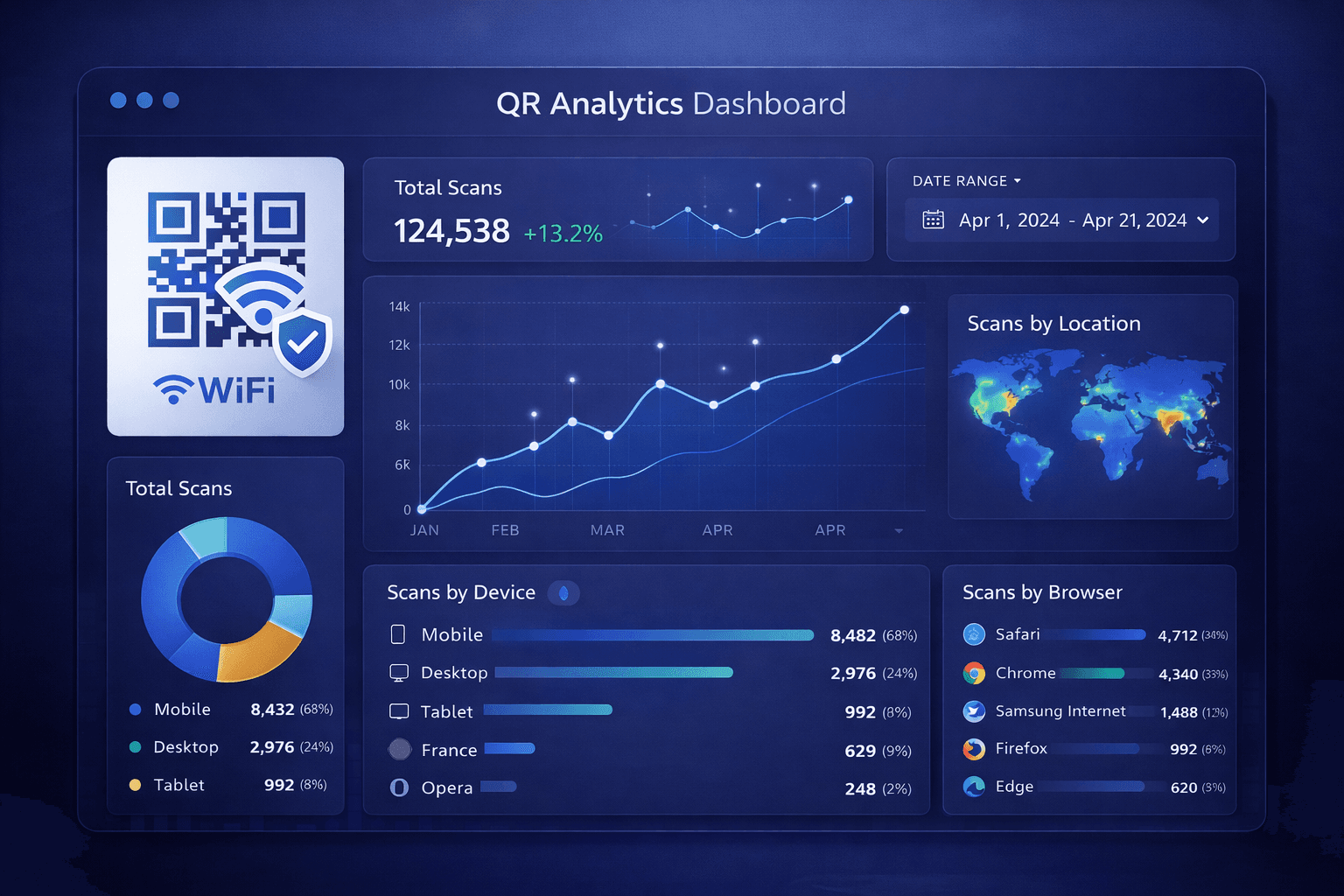
Setting Up Tracking
Proper setup is essential for accurate data:
Use dynamic QR codes: Static codes cannot be tracked. Only dynamic QR codes (which use a redirect) can capture analytics data.
Add UTM parameters: Enhance your tracking by adding UTM parameters to destination URLs:
``` https://yoursite.com/landing-page? utm_source=qr_code& utm_medium=print& utm_campaign=summer_sale& utm_content=store_window ```
This allows Google Analytics to attribute traffic from specific QR codes.
Create unique codes for each placement: Don't reuse the same code across locations. Create separate codes for: - Each physical location - Each publication or media channel - Each design variant - Each campaign phase
This granularity enables meaningful comparison.
Connect to analytics platforms: Most QR platforms offer native analytics. For deeper insights: - Link to Google Analytics via UTM parameters - Use conversion tracking for actions taken after landing - Connect to CRM for customer journey tracking
Pro Tip
Create a naming convention for your QR codes that includes location, campaign, and date. "NYC_StoreFront_SummerSale_June2024" is much more useful than "QR Code 47."
Interpreting Your Data
Numbers alone aren't insights. Here's how to extract meaning:
Benchmark against expectations: Before launching, set targets. "We expect 100 scans/week from the in-store display." Then compare actual results.
Look for patterns: - Time patterns: When are people scanning? Align staffing/support hours accordingly. - Location patterns: Which stores/regions perform best? Investigate why. - Device patterns: 80% iOS might inform landing page priorities.
Compare performance: A/B test different: - QR code placements (same location, different positions) - Call-to-action text near the code - Code designs (branded vs simple) - Destination landing pages
Context matters: Low scan counts aren't necessarily bad. A QR code on a billboard in a small town will have different metrics than one on Times Square. Always consider context.
Watch for anomalies: - Sudden spike? Someone might be sharing your code online. - Scans from unexpected locations? Investigate potential fraud. - Drop in scans? Check if code is still accessible/visible.
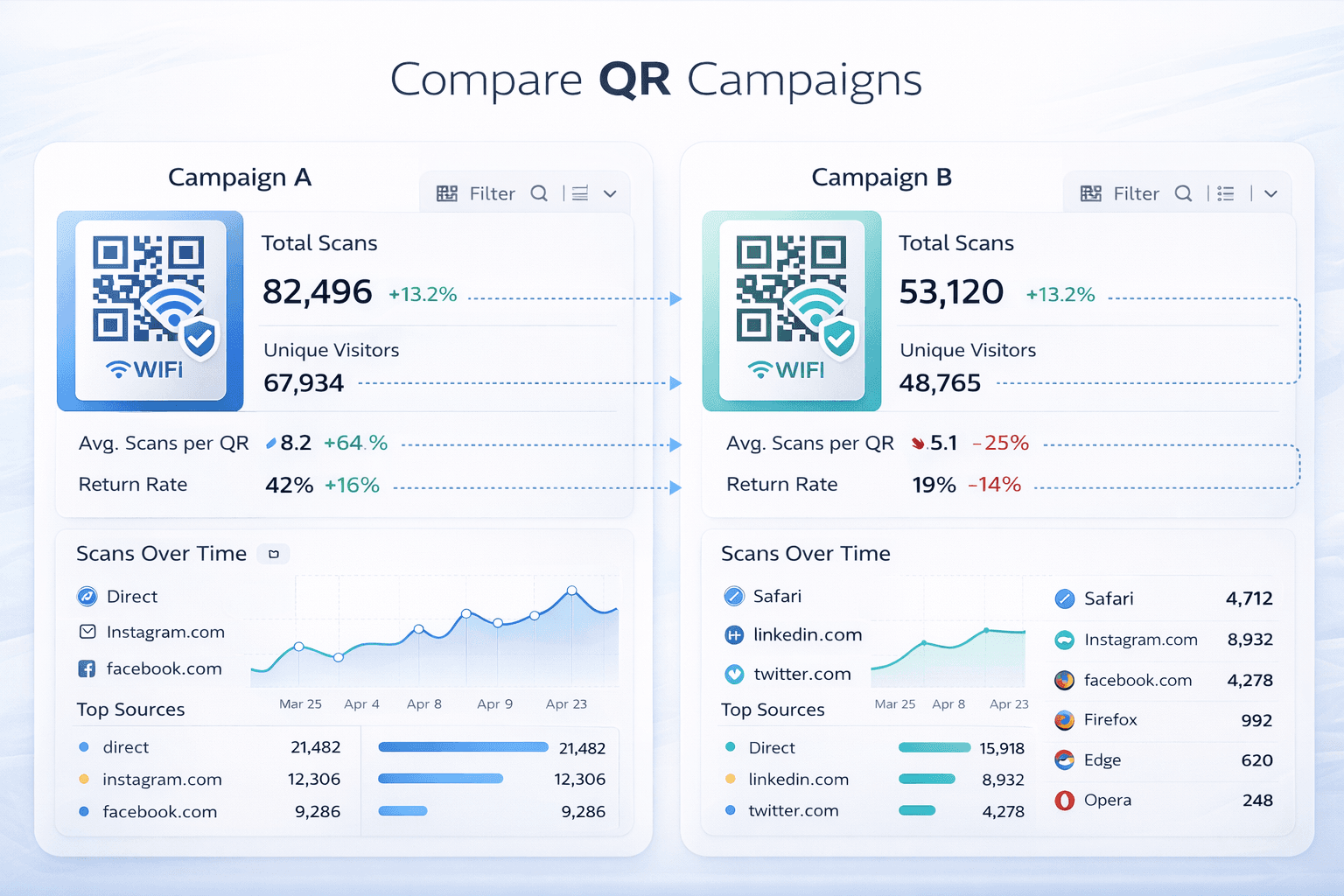
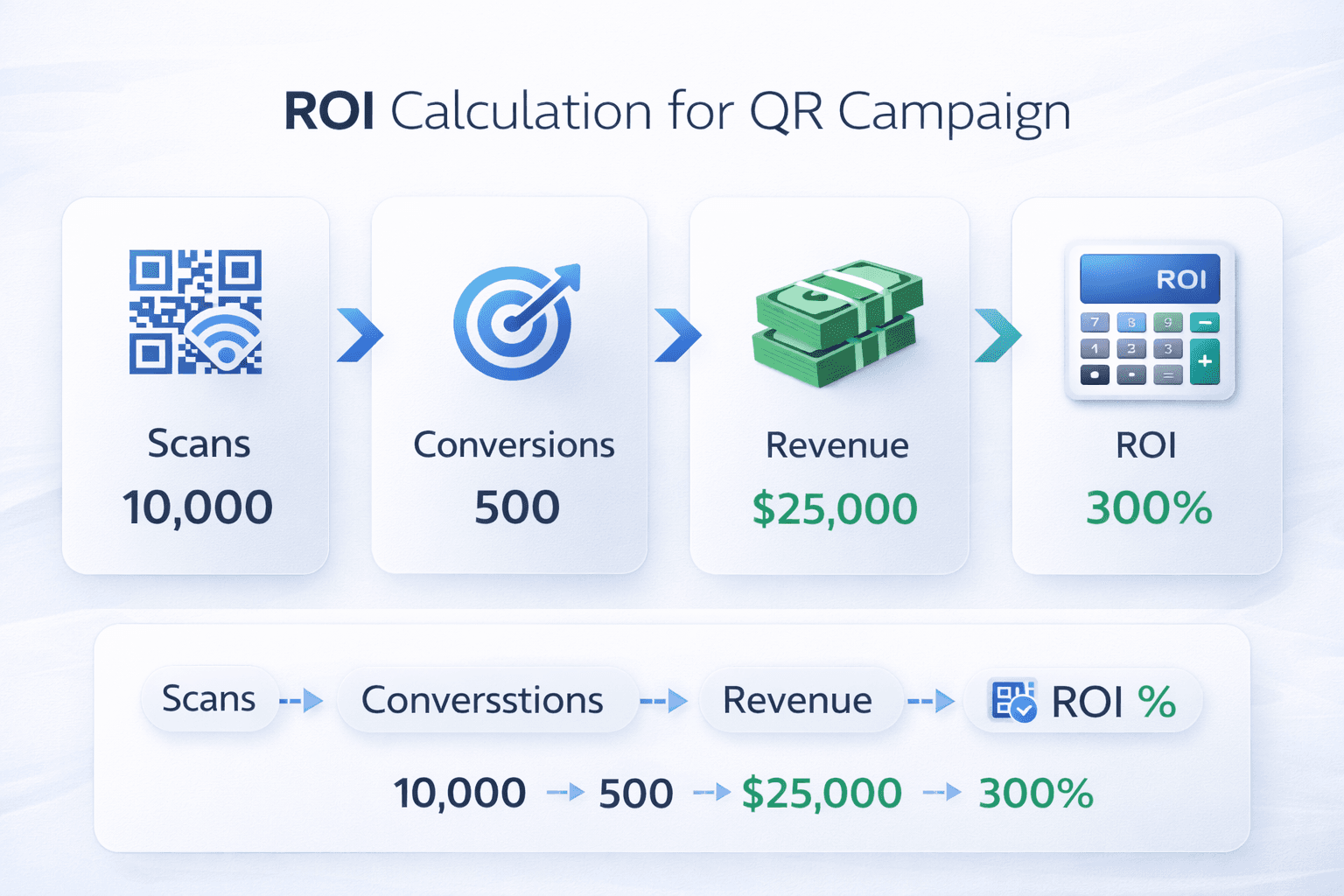
Calculating ROI
Demonstrate the business value of your QR codes:
Basic ROI formula: ``` ROI = (Revenue Generated - Campaign Cost) / Campaign Cost × 100 ```
Tracking revenue: Use unique promo codes or landing pages to attribute sales to specific QR codes.
Example calculation:
Campaign cost: $2,000 (printing + QR platform) Scans: 5,000 Landing page conversions: 750 (15% conversion rate) Purchases: 150 (20% of converters) Average order value: $50 Revenue: 150 × $50 = $7,500
ROI = ($7,500 - $2,000) / $2,000 × 100 = 275% ROI
Value beyond direct sales: - Email signups collected - App downloads driven - Customer data gathered - Brand awareness (harder to quantify but real)
Cost per scan: Campaign cost divided by total scans. Useful for comparing efficiency across campaigns.
Optimization Strategies
Use data to continuously improve:
Placement optimization: If one location significantly outperforms others, investigate why. Is it: - Higher foot traffic? - Better visibility? - More relevant audience? - Better lighting for scanning?
Replicate success factors at underperforming locations.
Timing optimization: If data shows scans peak on weekday lunches, consider: - Time-based content changes - Staffing alignment - Promotional timing
Content optimization: Track what happens after the scan: - Bounce rate on landing page - Time on page - Conversion actions
High scan count with high bounce rate = problem with landing page, not QR code.
Design optimization: Test different: - Code sizes - Color schemes - Logo placements - Call-to-action text
Measure impact on scan rates.
- Review analytics weekly during active campaigns
- Identify top and bottom performers
- Investigate the reasons for performance differences
- Develop hypotheses for improvement
- Implement changes in controlled tests
- Measure impact and iterate
Common Analytics Mistakes
Avoid these pitfalls:
Mistake 1: Tracking vanity metrics High scan counts feel good but don't always equal business success. Focus on metrics that connect to business outcomes.
Mistake 2: No baseline comparison Without benchmarks, you can't know if performance is good or bad. Set targets before launching.
Mistake 3: Reusing codes across placements "All our posters use the same code" makes granular analysis impossible. Unique codes per placement enable meaningful comparison.
Mistake 4: Ignoring post-scan behavior Scan analytics are just the beginning. Connect to web analytics to understand the full user journey.
Mistake 5: Analysis paralysis Don't let perfect data prevent action. Make decisions based on directional insights, then refine.
Mistake 6: Not acting on insights Data is worthless if you don't do anything with it. Every analytics review should generate action items.
Important
A common trap: optimizing for scans while ignoring conversions. It's possible to increase scans while decreasing business results if you attract the wrong audience.
Reporting and Communication
Share insights effectively with stakeholders:
For executives: - Focus on ROI and business impact - Compare to other marketing channel performance - Highlight success stories and learnings - Recommend future investment levels
For marketing teams: - Detail campaign performance by segment - Share optimization opportunities - Provide competitive benchmarking if available - Suggest testing opportunities
For operations: - Location-specific performance data - Timing patterns that affect staffing - Any technical issues detected - Maintenance requirements
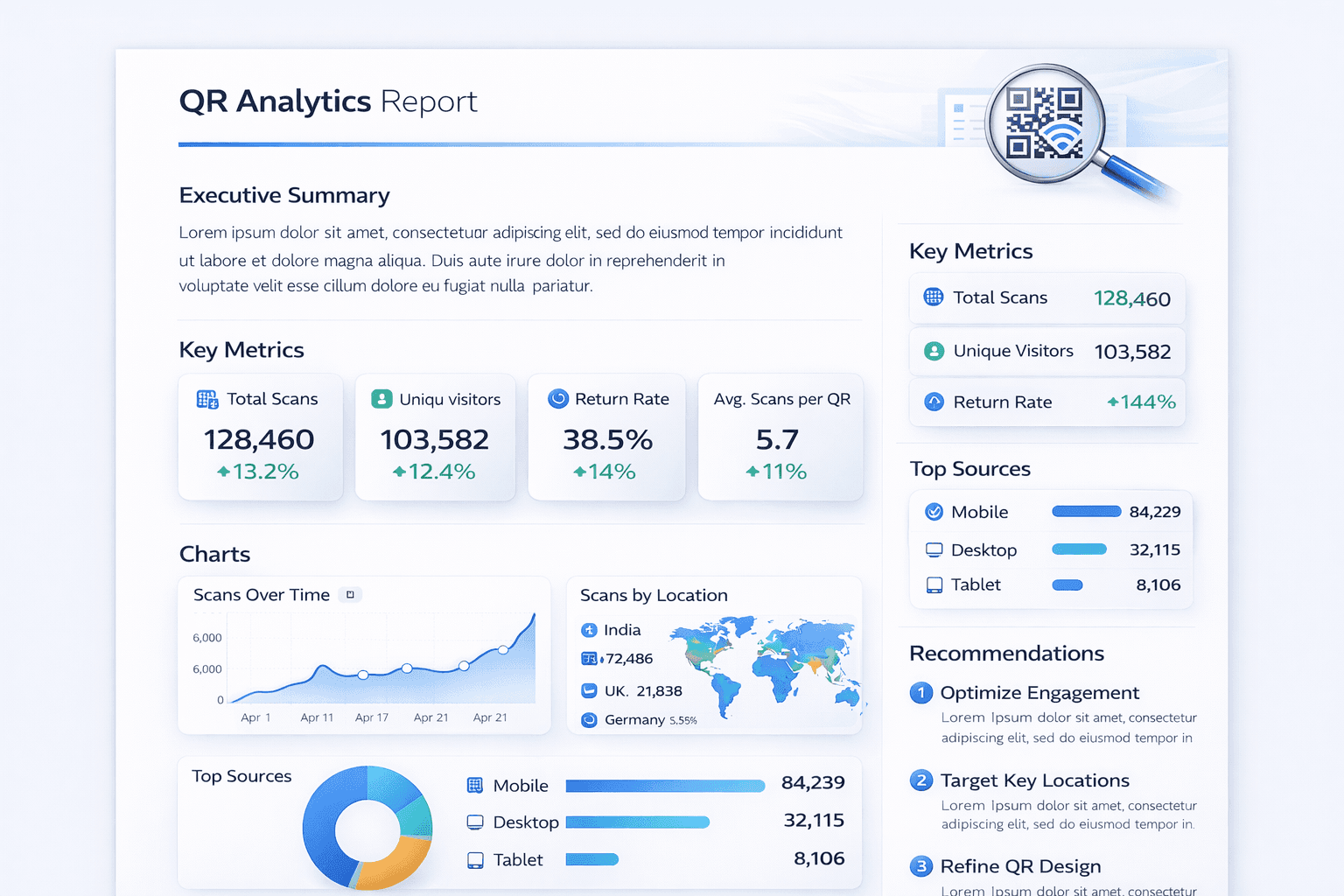
Report format suggestions: - Weekly: Quick metrics summary, notable changes - Monthly: Deeper analysis, trend identification - Quarterly: ROI calculation, strategic recommendations - Campaign-end: Full post-mortem with learnings
Conclusion
QR code analytics transform physical marketing from unmeasurable to highly accountable. Every scan is feedback, every pattern is an opportunity, and every insight is a chance to improve.
Start with the basics: unique codes per placement, UTM parameters, and regular review. As you grow more sophisticated, connect to broader analytics systems, calculate true ROI, and build a data-driven optimization cycle.
The goal isn't perfect data—it's better decisions. Use analytics to learn what works, stop what doesn't, and continuously improve your QR code strategy.
Ready to Create Your Own QR Codes?
Start creating dynamic QR codes for your business today. Track analytics, update content anytime, and never reprint again.